

If your payment succeeded but Spiritual Jade has not appeared in Bleach: Soul Resonance, the transaction is likely stalled in storefront processing, sent to your in-game mailbox, or stuck on an invalid UID. Raw currency and promotional bundles do not credit to the same screen; promotional packs deliver directly to your mailbox (Bleach: Soul Resonance Official Rewards). Use this checklist to locate the missing balance and gather the required transaction records before filing a ticket.
Where Did the Currency Go? Balance vs. In-Game Mailbox
Direct currency recharges and item bundles credit to different locations in the game client.
- Direct currency updates: Raw jade purchases credit to your balance after an authentication refresh. General digital platform procedures note that currency balances update after an app relaunch (PlayStation Support). Shut down Bleach: Soul Resonance completely, relaunch the client, and re-examine the Spiritual Jade counter.
- Bundle and reward mail delivery: Special promotional packs, bonus items, and bound account rewards do not bypass the mail system. Official event systems dispatch pack rewards directly to your in-game mailbox once account binding is authenticated (Bleach: Soul Resonance Official Rewards). Check your mail tab and claim the items manually.
- Profile and server mismatches: Digital store guidelines caution that your logged-in profile must match the account used for payment (PlayStation Support). If you run alternate accounts or switch regions, check your server selection on the title screen.
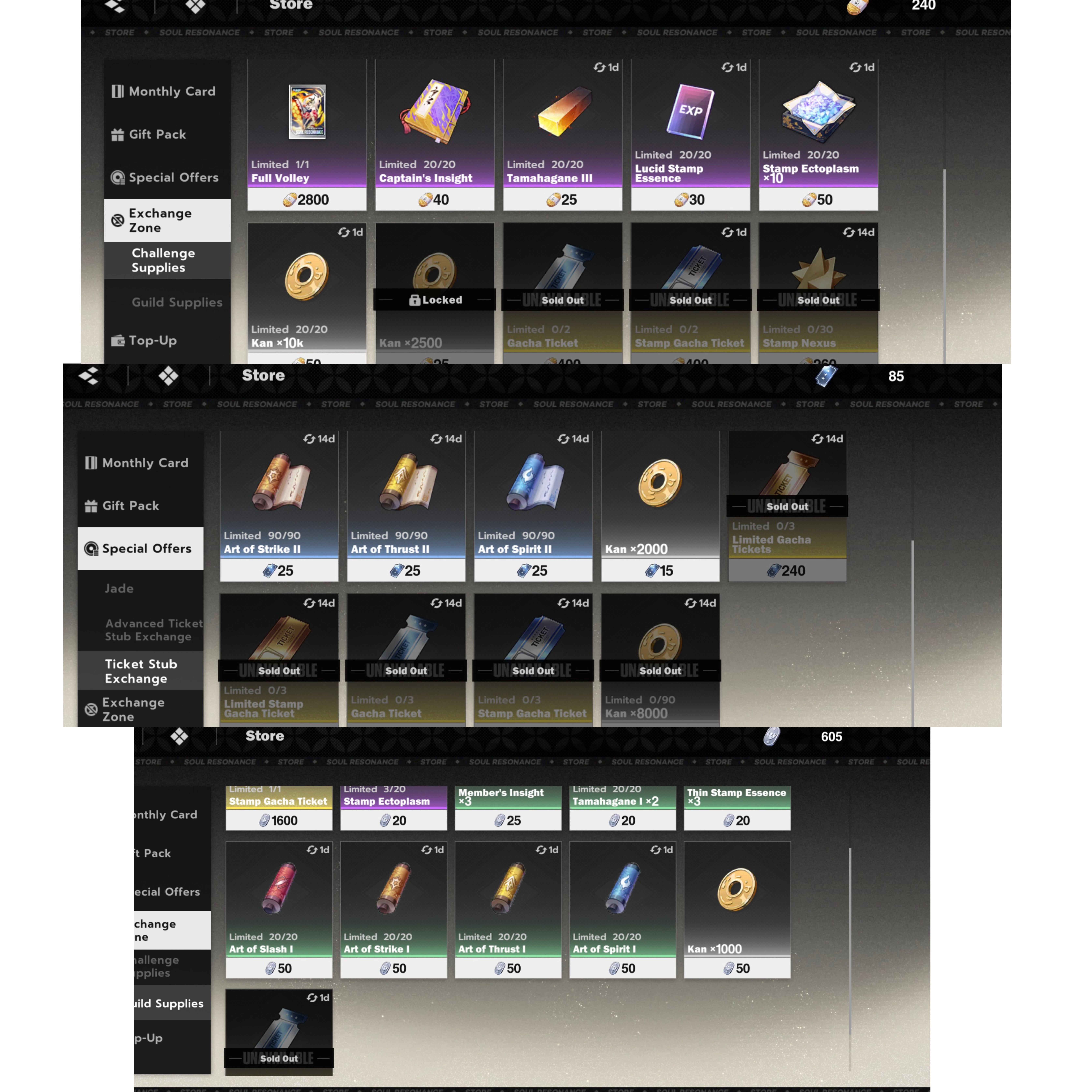
External Storefront Delays and Escrow Policies
Third-party platforms handle fulfillment differently depending on their processing pipeline. If you purchased through an external Bleach: Soul Resonance top up, review the order status on that merchant's portal.
Direct UID Delivery Platforms
Storefronts such as Enjoygm process orders using your player UID alone, without requiring account credentials. Check the order history on their platform if the currency is missing. Enjoygm operates 24/7 chat and email support to resolve UID verification issues, missing bonuses, and unprocessed orders. An incorrect UID prevents the order from linking to your game profile.
Escrow Marketplaces
Marketplaces like G2G process transactions through seller escrow. Under GamerProtect, G2G holds payment in escrow until you confirm delivery, backed by 24/7 support past a 72-hour window. If a seller marks an order complete but your Spiritual Jade has not arrived, do not confirm receipt; submit an immediate dispute via their resolution desk.
Diagnostic Checklist for Missing Top-Ups
Complete these checks in order before requesting a refund or filing a dispute:
- Check your bank or payment provider: Confirm the charge status is settled, not pending or declined.
- Relaunch the game client: Clear the app from background memory to force a clean server handshake.
- Inspect the in-game mailbox: Open your mail tab and claim any pending system messages.
- Verify your UID and server: Match the UID and server region on your receipt against your profile screen.
- Check merchant order status: On third-party sites, confirm whether the order status is processing, failed, or completed.
| Issue Observed | Most Probable Cause | Corrective Action |
|---|---|---|
| Card charged, no mail, no jades | Payment gateway settlement delay or app session lag | Force restart the game; verify profile matches purchasing account (PlayStation Support). |
| Order marked completed, balance unchanged | Items routed to mailbox or UID typo | Check in-game mail (Bleach: Soul Resonance Official Rewards); verify UID on merchant dashboard. |
| Third-party order stuck on pending | Unprocessed queue or verification backlog | Contact merchant 24/7 support for UID verification or refund (Enjoygm). |
| Seller claims delivered, nothing arrived | Marketplace delivery error or wrong recipient | Withhold release confirmation; engage marketplace escrow support (G2G). |
Escalating to Customer Service: Required Evidence
If the currency does not appear after troubleshooting, contact the game's official support desk or the merchant's support queue.
Provide these details in your support request:
- Player UID: Found in your profile screen.
- Server Name / Region: Listed on the login screen.
- Order / Transaction ID: From your Google Play, App Store, or merchant receipt.
- Payment Method: Card provider, digital wallet, or store credit.
- Purchase Timestamp and Timezone: Recorded payment time.
- Item or Jade Tier Purchased: Specific bundle or jade pack name.
- Payment Proof: Uncropped screenshot of the receipt showing merchant name, date, and transaction number.
Avoid issuing a bank chargeback while support investigates. Mobile publishers frequently ban or lock accounts flagged for payment disputes. Give support time to locate the transaction ID or process an unfulfilled order refund.
Frequently Asked Questions
What should I do if an external Bleach: Soul Resonance top-up does not arrive?
Verify that your UID was entered correctly at checkout, check if the merchant dashboard displays a pending status, and contact customer service for UID verification or a refund on unfulfilled orders (Enjoygm).
Where do claimed packs and reward items arrive in Bleach: Soul Resonance?
Pack rewards and bound account items route to your in-game mailbox after delivery (Bleach: Soul Resonance Official Rewards). You must open the mailbox and manually claim them to update your inventory balance.
How does escrow protect buyers if a top-up seller fails to deliver?
Escrow services like GamerProtect on G2G withhold payment until the buyer confirms the goods arrived (G2G). If the seller does not fulfill the order, contact 24/7 support to dispute the transaction before payment releases.






Comments