


Claiming free gift packs and recurring rewards in Honkai Impact 3rd requires completing Story Stage 1-7 to unlock the redemption menu, checking both the direct inventory balance and the in-game mailbox, and collecting time-sensitive version handouts. Across a standard 56-day (8-week) patch cycle, Captains can secure 2,240 Crystals from daily duties, roughly 700 Crystals from daily sign-ins, 600 Crystals from server maintenance compensation, and 350 Crystals from version livestream exchange codes without spending real money.
Unlocking the Code Exchange: The Chapter 1 Prerequisite
New accounts cannot enter promo codes immediately upon launching the game. HoYoverse gates the redemption interface behind story progression in the early campaign.
Captains must complete Stage 1-7 ("A Familiar Style") within Chapter 1: Dusk, Girls, Battleship. Once you clear Stage 1-7, the game frequently tries to route you straight into Stage 1-8. As documented by Screen Rant's code redemption guide, players should close and restart the game client after finishing Stage 1-7. This force-resets your interface back to the main bridge, unlocking the Captain Player ID profile menu where code exchange functions live.
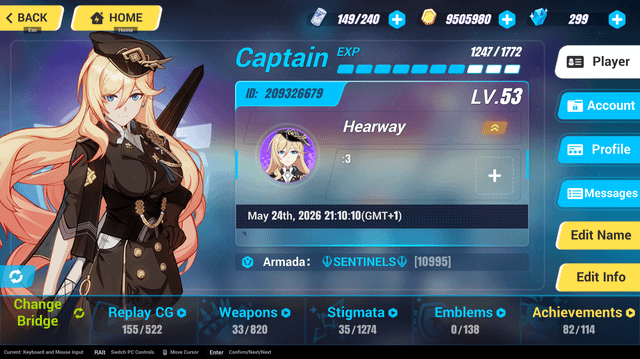
Attempting to enter codes before this milestone results in inaccessible menus. The account profile screen will either lack the relevant redemption field or remain restricted until the tutorial prompts clear.

30 B-Chips
 30 B-ChipsUSD 0.38Buy Now
65 Crystals
65 CrystalsUSD 0.74Buy Now65 B-Chips
65 B-ChipsUSD 0.74Buy Now330 B-Chips
330 B-ChipsUSD 3.80Buy Now330 Crystals
330 CrystalsUSD 3.78Buy NowMonthly Card
Monthly CardUSD 3.80Buy Now660 Crystals
660 CrystalsUSD 7.60Buy Now990 B-Chips
990 B-ChipsUSD 11.20Buy Now1320 B-Chips
1320 B-ChipsUSD 14.98Buy Now1320 Crystals
1320 CrystalsUSD 14.98Buy Now1980 B-Chips
1980 B-ChipsUSD 22.65Buy Now3300 B-Chips
3300 B-ChipsUSD 37.79Buy Now3300 Crystals
3300 CrystalsUSD 37.98Buy Now6600 B-Chips
6600 B-ChipsUSD 74.22Buy Now6600 Crystals
6600 CrystalsUSD 74.22Buy Now
How to Redeem Gift Codes in Honkai Impact 3rd
Once Stage 1-7 is cleared, redeeming codes takes only a few taps on mobile or clicks on the PC client.
- Launch Honkai Impact 3rd and load onto the Hyperion bridge.
- Tap your Captain Player ID located in the top-left corner of the screen.
- Select the Account tab from the right-hand navigation list.
- Locate the Exchange Rewards text box.
- Paste your gift code exactly as written, respecting capital letters.
- Tap Exchange to confirm.
Gift codes are strictly case-sensitive. Entering lowercase letters when the source material uses capitals triggers an invalid code error. Each code is also limited to a single activation per account across linked devices; claiming a code on mobile prevents using it again on the PC client.
Beyond the in-game interface, codes can also be submitted through the official web portal according to The Escapist's redemption coverage. While earlier game builds documented by Screen Rant only covered in-client exchanges, web redemption offers an alternative when you do not have the client installed.
| Reward Source | Visual | Baseline Patch Yield | Verification and Source |
|---|---|---|---|
| Daily Duty Missions | 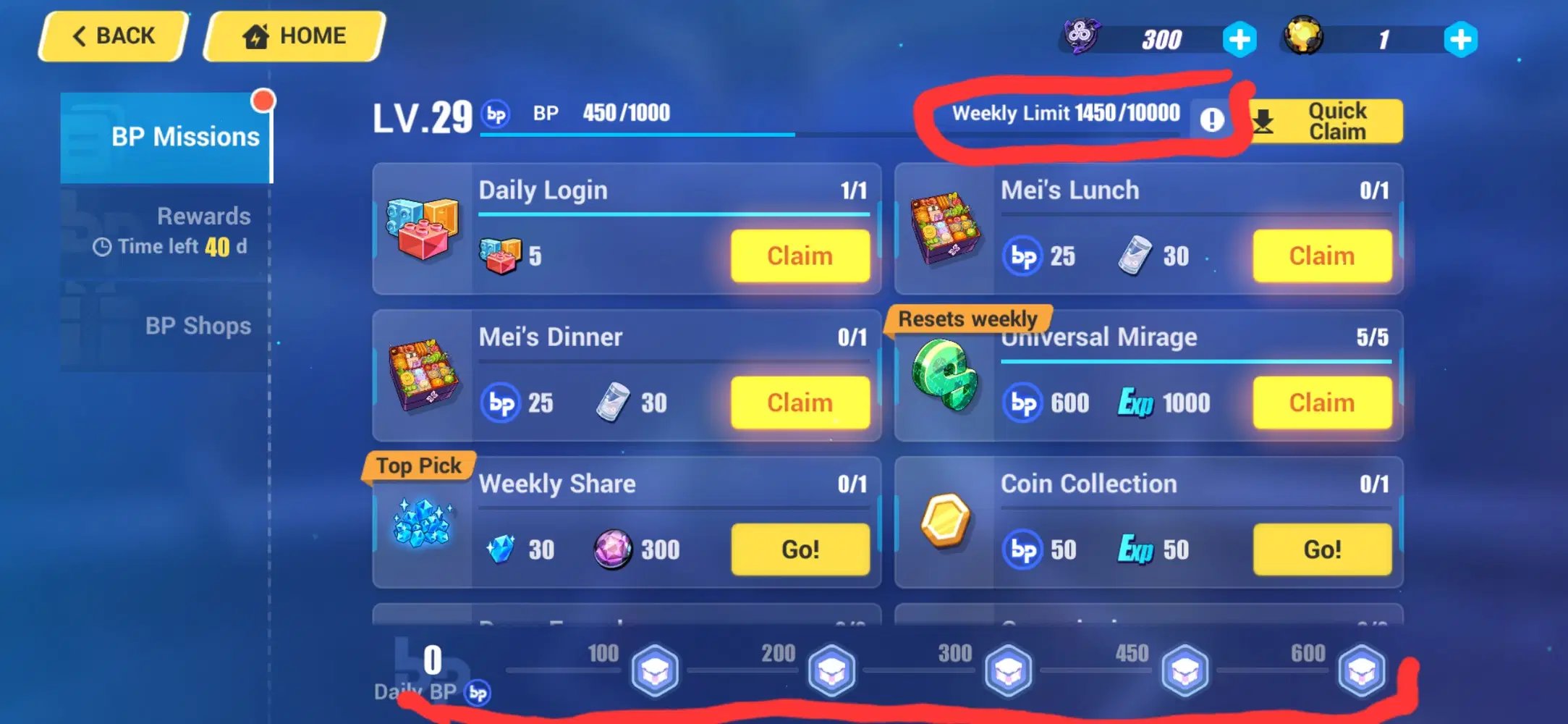 | 2,240 Crystals (56 days × 40/day) | Level 81+ tracking via Honkai Helpers F2P Guide |
| In-Game Daily Sign-In | 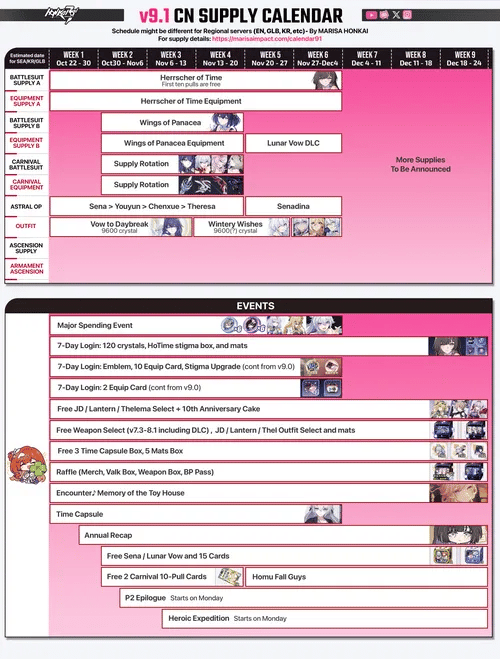 | ~700 Crystals (~14 claims × 50) | 8-week cycle calculations via Honkai Helpers F2P Guide |
| Server Maintenance Gift |  | 600 Crystals | Patch release payout via Honkai Helpers F2P Guide |
| Version Livestream Codes | 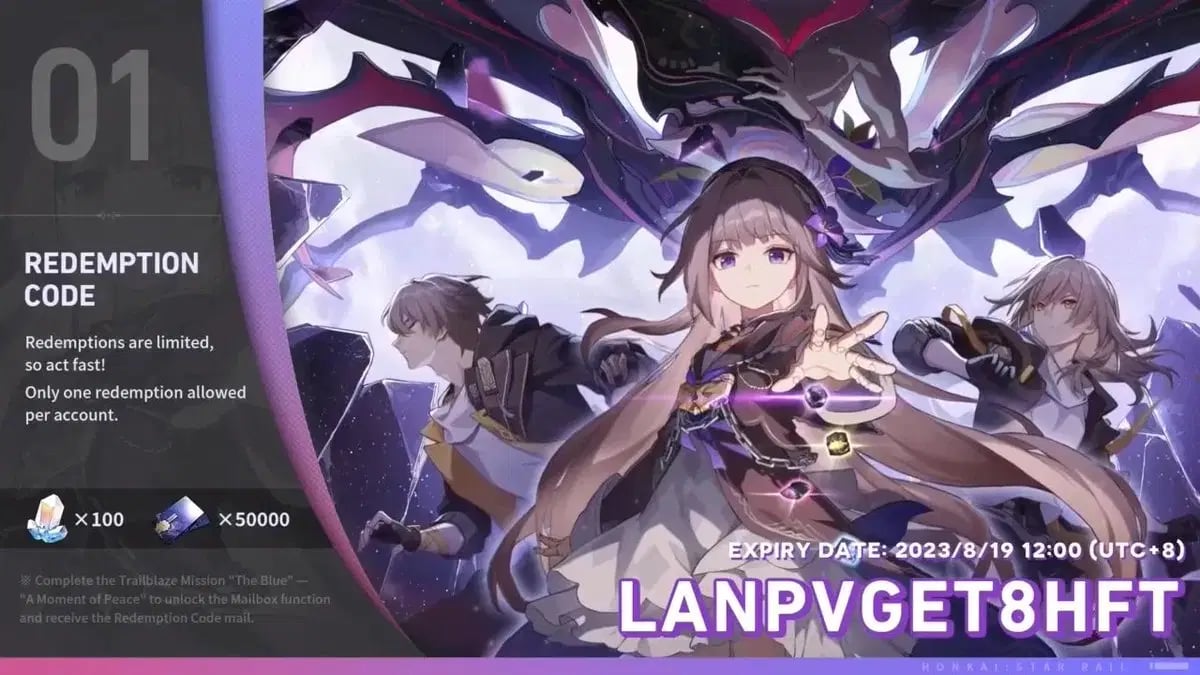 | 350 Crystals | Broadcast drops via Honkai Helpers F2P Guide |
| Version Player Survey | 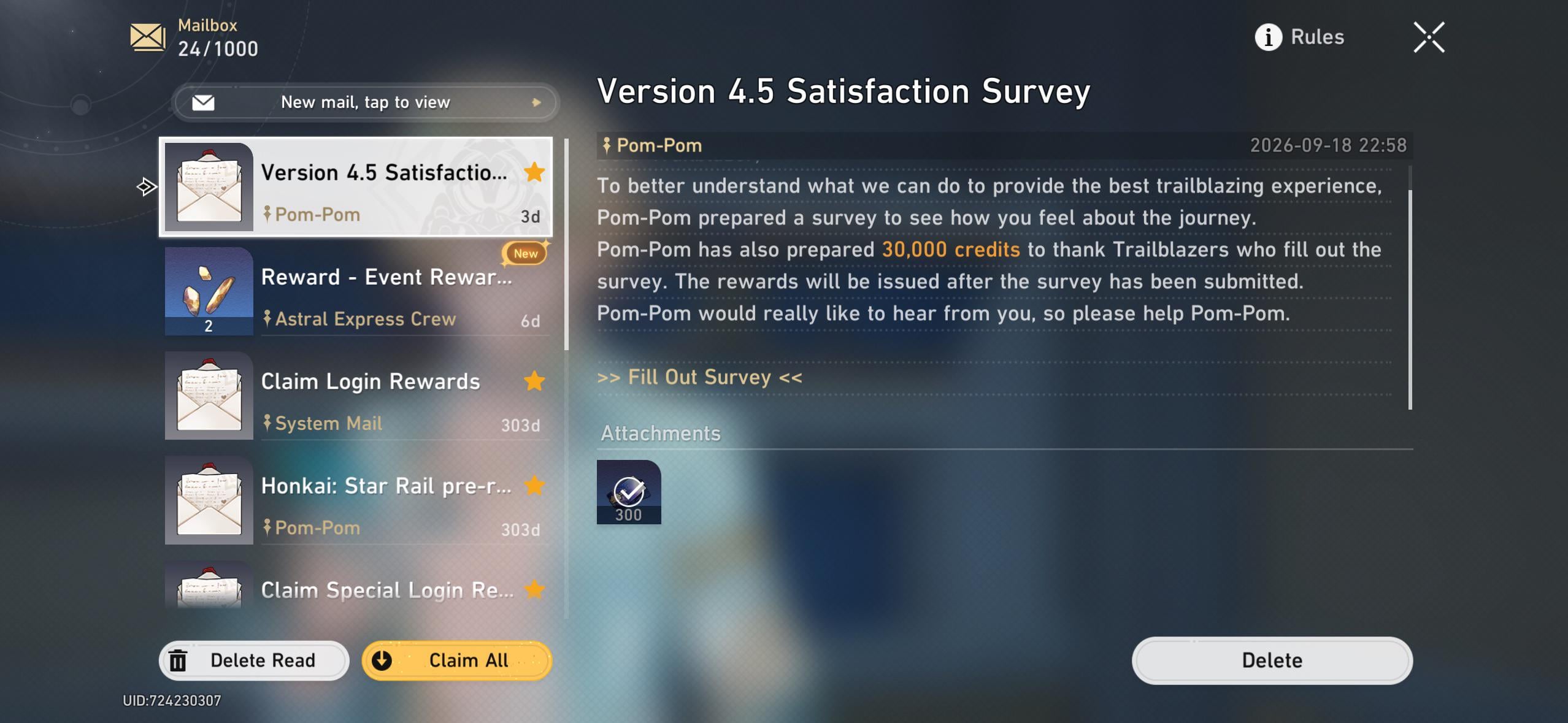 | 200 Crystals | End-of-patch survey via Honkai Helpers F2P Guide |
| Twitch Stream Drops | 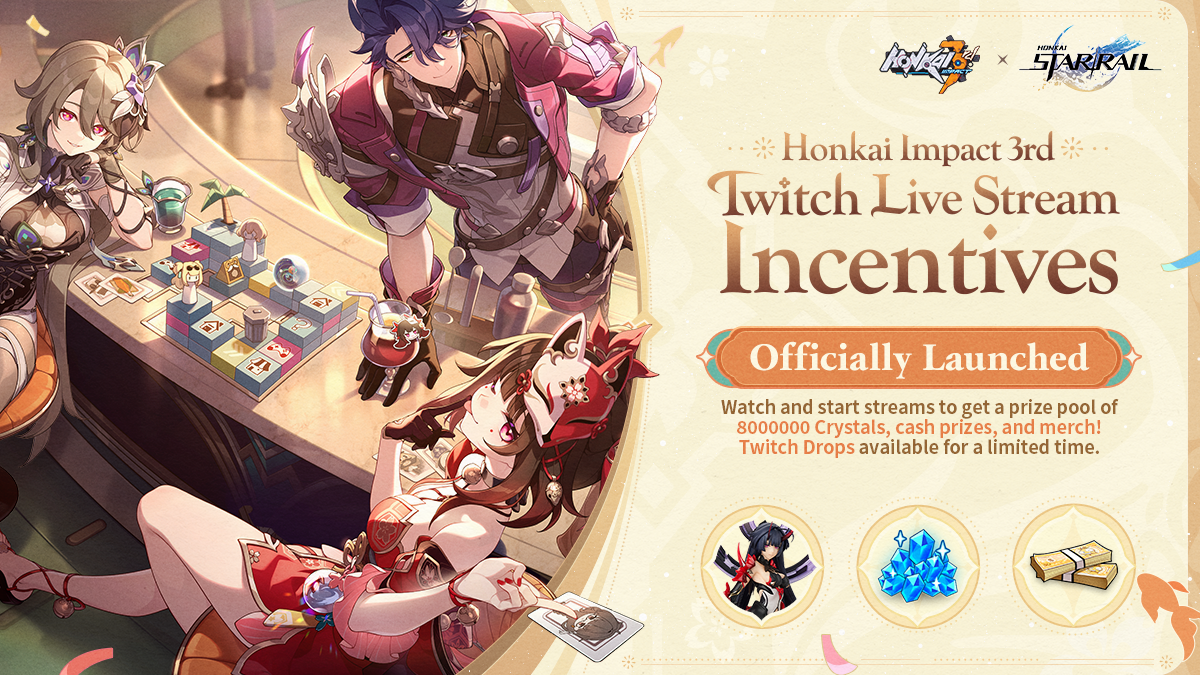 | 120 Crystals (3 viewing hours) | Event requirements via Honkai Helpers F2P Guide |
| HoYoLAB Web Check-In | 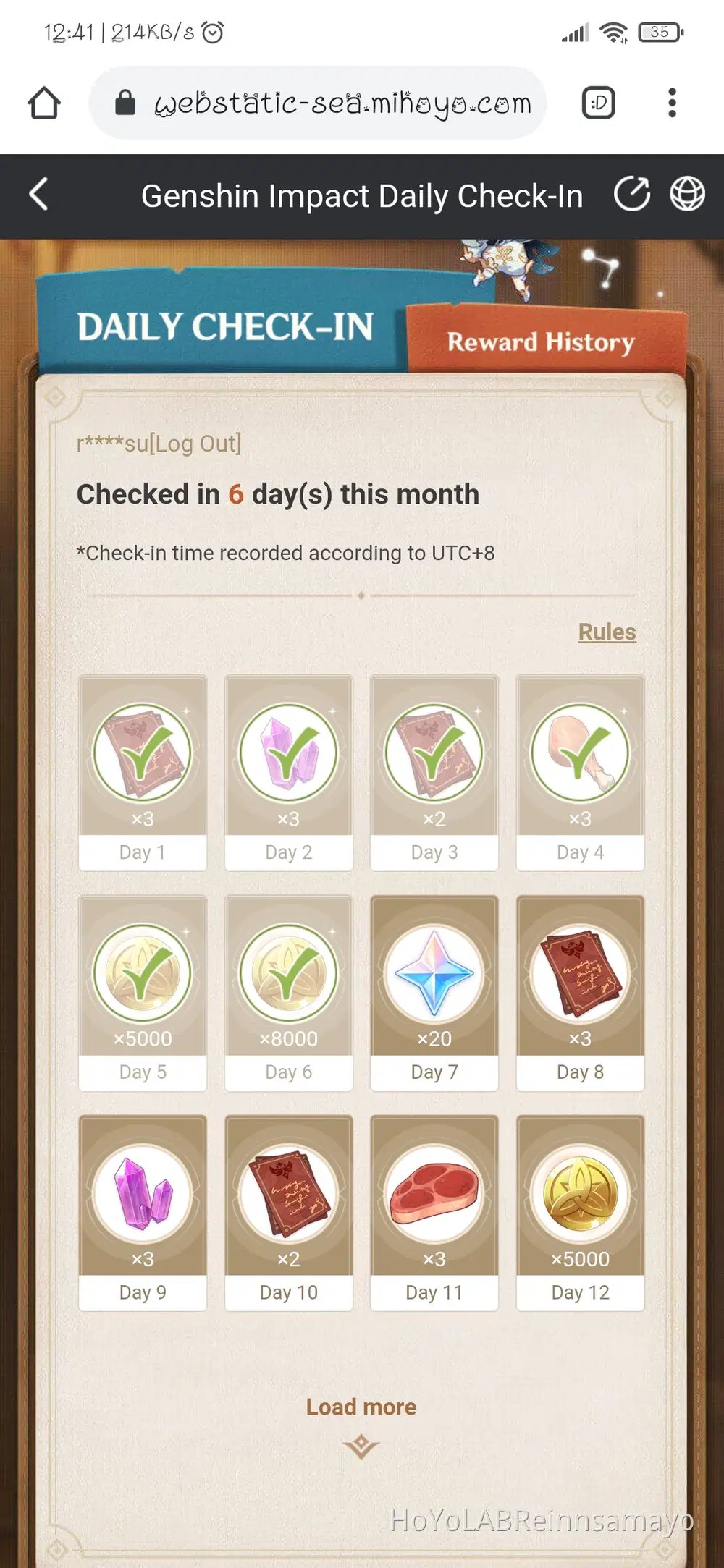 | ~100 Crystals (~10 claims × 10) | Web check-in via Honkai Helpers F2P Guide |
Free Currency Distribution Across an 8-Week Patch
Free packs and login earnings follow a strict schedule. In Honkai Impact 3rd, Crystals are the primary currency used for gacha supply pulls and stamina refills, while B-Chips are an exclusively paid currency reserved for premium cosmetics, special shop bundles, and Battle Pass upgrades. Players looking to top off their balances beyond free rewards can review the Honkai Impact 3 Crystals & B-Chips options to check current store pricing.
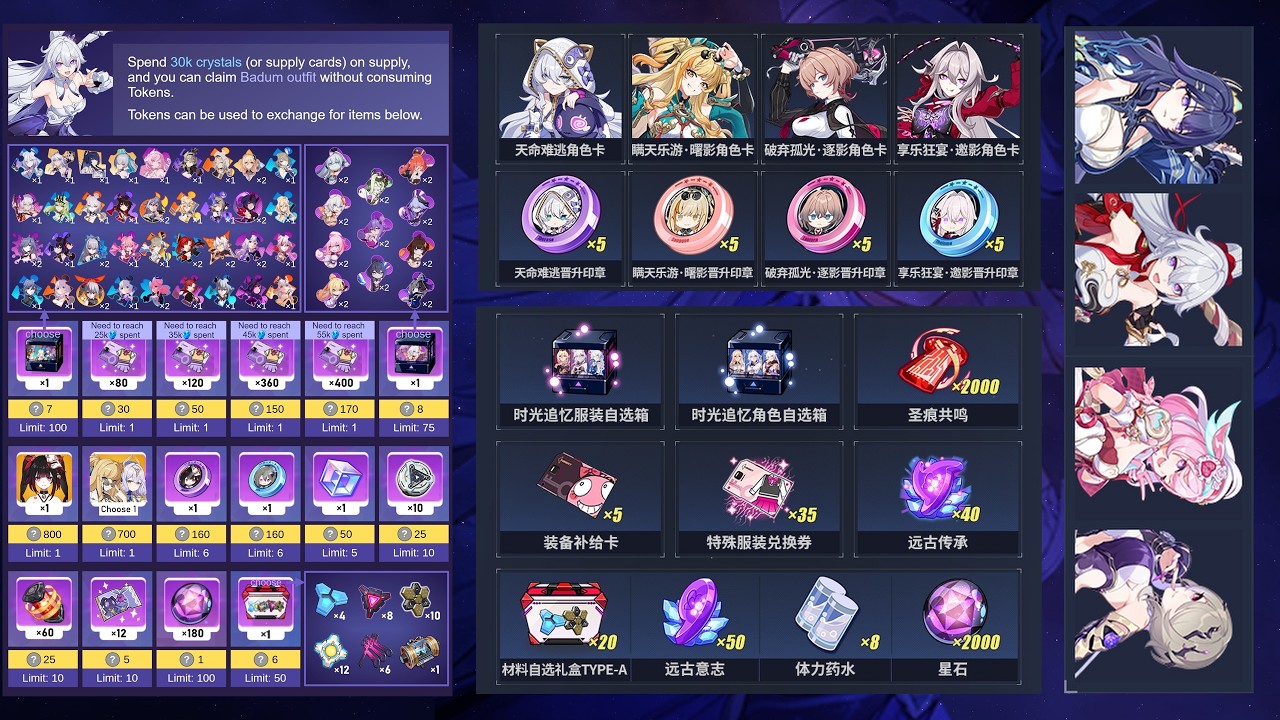
Daily Duty missions form the backbone of non-spending income. For Captains at high levels, completing the standard daily checklist yields 40 Crystals per day. Over an 8-week (56-day) update cycle, that accumulates to exactly 2,240 Crystals according to Honkai Helpers.
The in-game daily sign-in calendar operates parallel to daily missions. It distributes roughly 14 individual 50-Crystal milestones across the same 56-day timeframe, supplying around 700 Crystals. Logging into HoYoverse's external platform, HoYoLAB, provides roughly 100 bonus Crystals spread across 10-milestone increments.
Scheduled maintenance delivers a lump-sum 600 Crystals with each version update. Later in the patch, filling out the in-game feedback survey adds an extra 200 Crystals.
| Interface Method | Prerequisites | Delivery Destination | Documented Platforms | Source Attribution |
|---|---|---|---|---|
| In-Game Bridge Account Menu | Clear Chapter 1 Stage 1-7 | Direct balance or Mailbox | Android, iOS, Windows PC Client | Screen Rant Code Guide |
| Official External Web Portal | Clear Chapter 1 Stage 1-7; HoYoverse Account Login | In-Game Mailbox | Any desktop or mobile web browser | The Escapist HI3 Codes |
Mailbox Delivery Rules and Expiration Limits
Redeemed items do not all route to the same place. GamsGo's redemption analysis notes that rewards drop either directly into your materials inventory or route to the in-game mailbox.
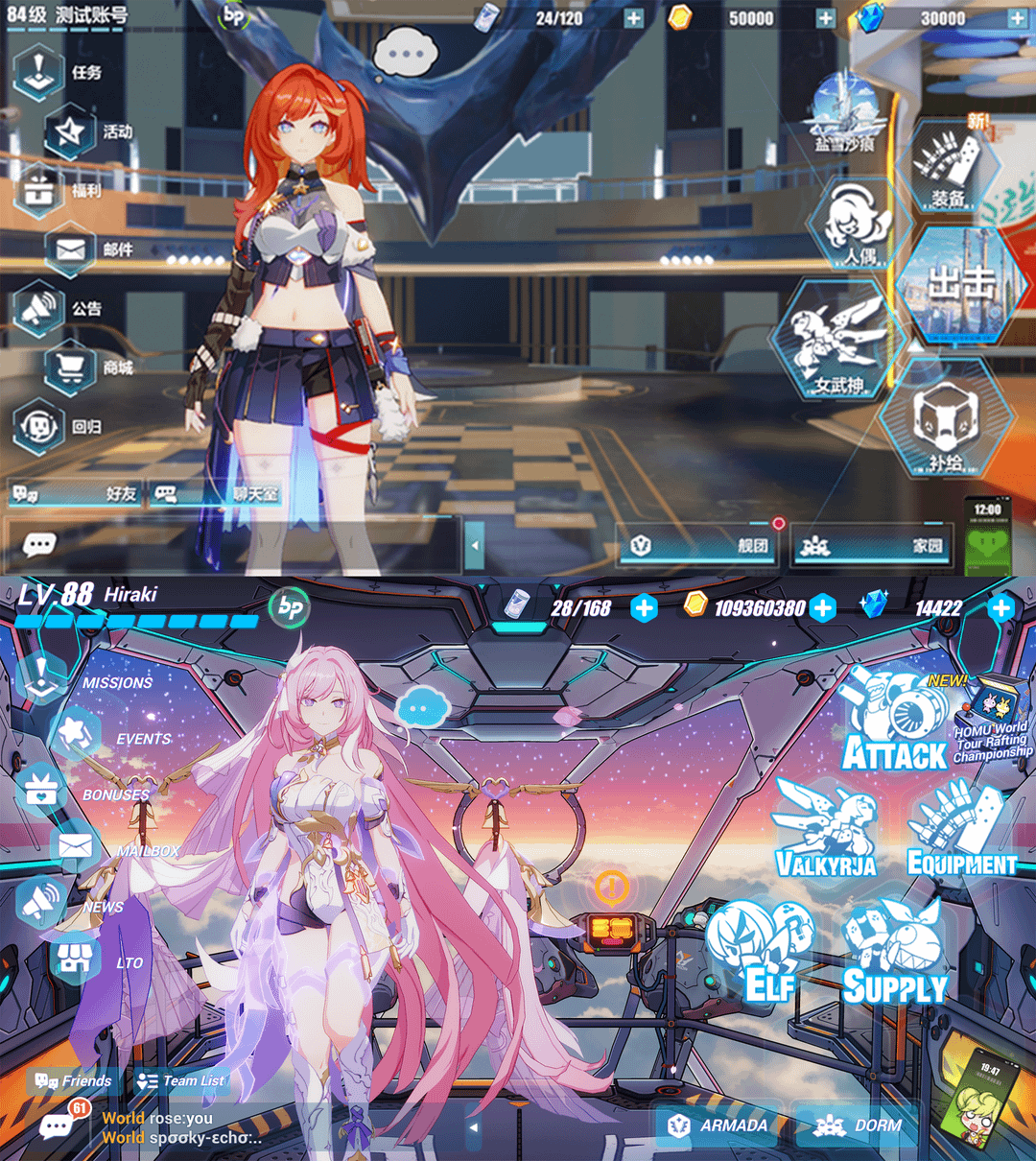
When a code delivers items to your mailbox, it enters a countdown timer. Maintenance compensation packs, survey rewards, and livestream redemption items carry explicit expiration dates stamped on each message header. Unclaimed mail items cannot be recovered once the timer hits zero.
| Category | Delivery Method | Collection Window | Expiration Risk Level | Recovery Rule |
|---|---|---|---|---|
| Maintenance Compensation | In-Game Mailbox | Typically version duration | High if inactive | Automatically deleted on expiry (Honkai Helpers) |
| Daily Sign-In Milestones | Direct Wallet Credit | Immediate upon login | Zero (manual claim per day) | Unclaimed calendar days do not roll over |
| Version Survey Reward | In-Game Mailbox | Closes when survey period ends | High | Survey link vanishes at cutoff (Honkai Helpers) |
Make it a habit to check the mail envelope icon on the left side of the bridge immediately after confirming any code or logging in after an update.
Troubleshooting Code Errors and Regional Restrictions
Code redemptions fail for three documented reasons: server region mismatches, syntax errors, or expired promotional windows.
As reported by GamsGo, public promotional codes generally target the Global (Americas and Europe) and Southeast Asia (SEA) servers. However, conflicting source reports exist regarding cross-server validity. While some documentation insists certain codes apply only to North American and European servers, other distributions work across both Global and SEA. Accounts operating on Mainland China (CN), Japan (JP), or Korea (KR) clients operate on distinct client builds and almost always reject Global exchange strings.
If the system displays an exchange failure: - Check character casing: Codes are case-sensitive. "CAPTAIN" and "Captain" are read as separate inputs. - Verify single-use terms: If you previously claimed a reward on your phone, you cannot re-enter the code on PC.
If an entry continues to fail after checking casing and regional compatibility, the distribution window has expired. Inactive or lapsed codes cannot be redeemed retroactively.






Comments