

Learn how to join Chamet beta testing program on Android and iOS in 2026. Test experimental gifting, room mechanics, and bypass beta full limits today.
Chamet operates an active preview pipeline for testers wanting an early look at interactive tools, updated video codecs, and revised party room layouts. The app separates viewer spending from creator revenue: viewers spend Diamonds on gifts and video calls, while broadcasters accumulate redeemable Beans.
Accessing these pre-release channels requires understanding how Android and iOS handle experimental distributions. Slots open and close quickly, developer quotas shift without notice, and sideloaded binaries pose real account security risks. Here is how enrollment works across both platforms in 2026, what the preview builds contain, and how to resolve full-capacity errors.
Android Beta Enrollment: Google Play vs APK Files
The standard route into the Android test environment runs directly through Google Play. When the developer opens an open track, registration happens right on the store page without third-party invite codes or modified device permissions.
To enroll on Android, open Google Play on a device running Android 7.0 or higher, search for Chamet, and open the app page. Scroll below the developer contact info to Join the beta, tap Join, and confirm.
Google Play Store -> Chamet App Page -> Scroll to 'Join the beta' -> Tap 'Join' -> Wait for update
Google's backend processes your enrollment over several minutes. Once cleared, the standard "Open" button switches to "Update." Tapping update installs the active pre-release build over your public app binary.
Avoid chasing chamet beta apk download 2026 packages on loose file aggregators. Sideloaded preview APKs often carry broken WebRTC video libraries, invalid cryptographic signatures, or outdated dependencies that fail to connect to live party rooms. Official Google Play distribution delivers verified binaries directly from the developer.
Google Play manages Android distribution across three distinct tiers:
- Internal Testing Tracks: Fast distributions limited to 100 internal testers, bypassing standard store reviews.
- Closed Testing Tracks: Managed via custom email lists or Google Groups. Developers can configure up to 200 lists with up to 2,000 users per list, across up to 50 lists per track.
- Open Testing Tracks: Public testing visible directly on the store listing with developer-set quotas.
If an agency or QA group invites you to a closed track, opening their opt-in link connects your Google account directly to the private build.


iOS TestFlight Beta Access and Setup
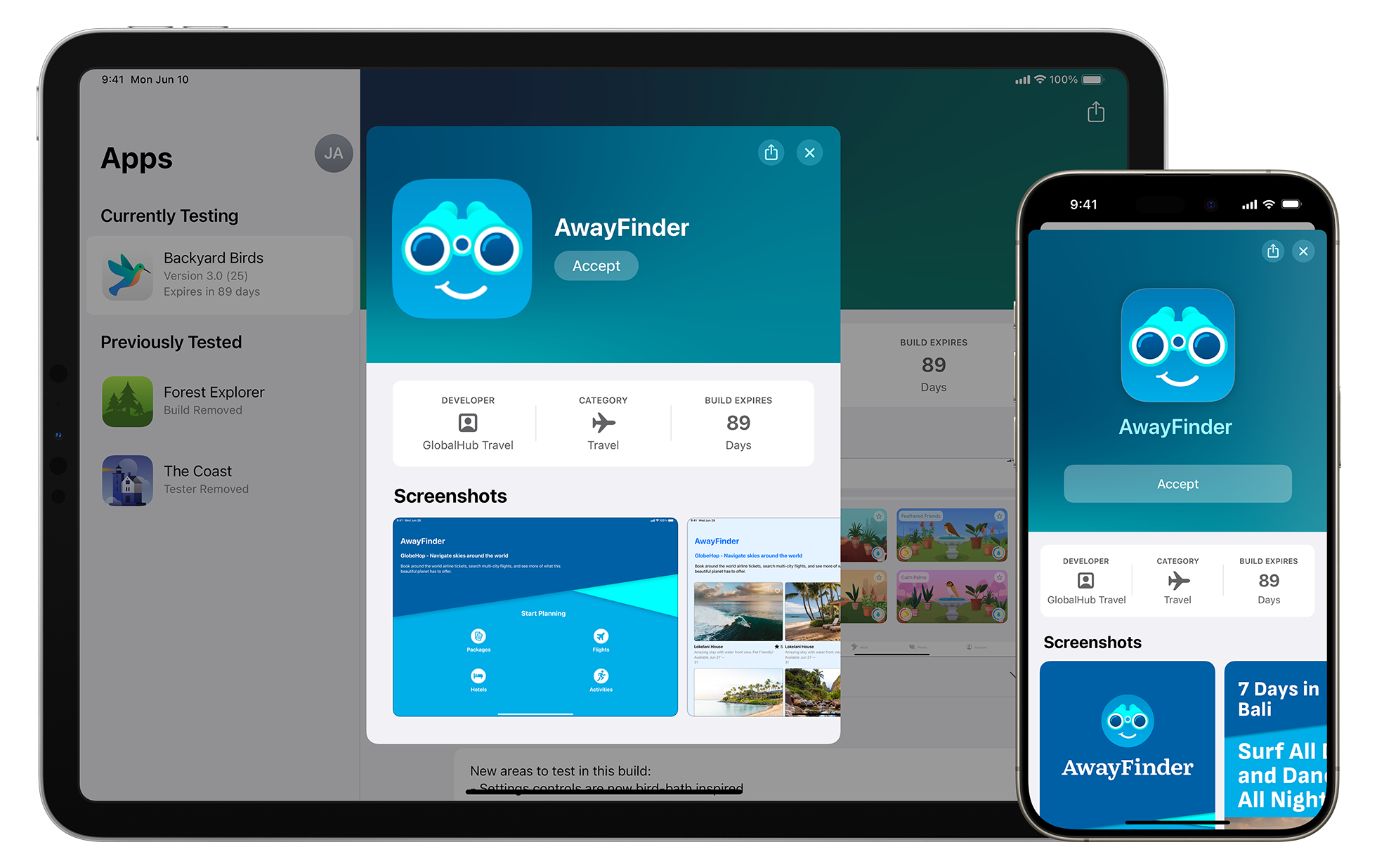
Apple isolates pre-release software inside TestFlight. Because iOS forbids direct sideloading, every Chamet iOS preview build deploys through Apple's sandboxed environment.
Install the TestFlight app from the App Store. To load the build, tap an active chamet testflight invite link or open an email invitation sent from the developer account. TestFlight will launch with the beta version, build number, and release notes.
Apple's testing rules impose specific caps:
- Tester Ceilings: External beta builds cap out at 10,000 testers.
- Concurrent Builds: Developers can distribute up to 100 active builds simultaneously across groups.
- Multi-Device Testing: One tester can run the build on up to 30 devices linked to the same Apple ID.
- 90-Day Expiration: Every build carries a hardcoded 90-day timer, after which it ceases launching unless updated.
In-app purchases in TestFlight run through Apple's sandbox server as free mock transactions. You are not billed real money, but currency generated in TestFlight sessions stays inside the sandbox and will not sync to the public App Store app.
Bypassing Tester Capacity Limits and Beta Full Errors
Encountering chamet google play beta tester full means the current testing track has hit its user limit. The "Join" button greys out until existing testers leave or the developer expands capacity.
Google Play does not maintain waiting lists. Slots open on a strict first-come basis when active testers manually opt out or backend quotas increase.
The table below outlines operational limits across official distribution tracks:
| Testing Track / Platform | Max Tester Capacity | Build Lifespan & Update Speed | Access Method |
|---|---|---|---|
| Google Play Internal Track | Up to 100 testers | Instant deployment; unlisted | Direct developer email invite |
| Google Play Closed Track | 2,000 users/list (max 50 lists) | Fast deployment; review-exempt | Google Group or tester email list |
| Google Play Open Track | Developer-defined (or unlimited) | Deploys after standard store refresh | Direct public store listing button |
| Apple TestFlight External | Up to 10,000 testers per build | 90-day automatic expiration | Public URL or direct email invite |
Distribution caps dictate how quickly slots turn over across Android and iOS beta channels.
To catch newly opened slots:
- Check Post-Update Windows: Check Google Play immediately after a major public release, when developers routinely clean out inactive accounts or expand caps.
- Contact Creator Agencies: Host networks and agency managers frequently maintain direct slots on closed testing email lists.
- Monitor Mid-Week TestFlight Cycles: Public iOS links experience higher turnover mid-week as 90-day build windows expire.
Third-party apps claiming to unlock beta slots cannot alter server-side Google Play registration records.
2026 Chamet Preview Features: Roadmap and Verification
Preview versions reveal how the Chamet 2026 pipeline is balancing party room stability across low-bandwidth connections against new interactive tools.
With Chamet available across 150+ countries, multi-language processing stays high on the development agenda. The built-in real-time translation system—covering English, French, Russian, Arabic, and regional dialects—sees frequent preview adjustments to trim audio and text latency during multi-user streams.
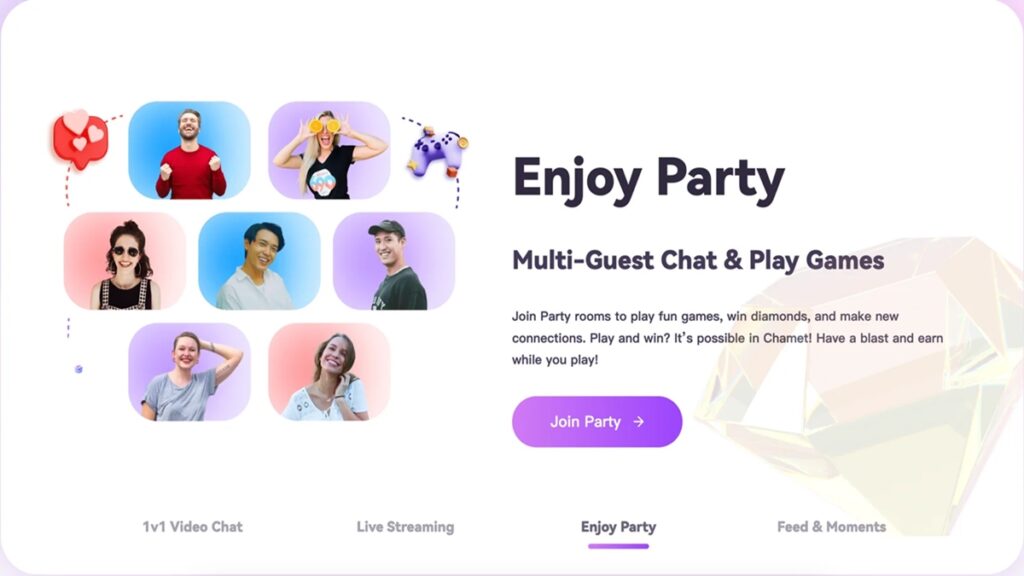
Technical documentation presents mixed numbers regarding party room video capacity. Android repository specs and iOS documentation state a baseline of up to 5 simultaneous on-camera participants alongside solo streams and PK challenges. Regional developer notes point to closed tests supporting 6 video participants in expanded panel layouts. Global production rollout for the 6-seat layout remains unconfirmed.
The table below lists verified preview features versus roadmap items:
| Feature / System Tool | Source Track | Confidence Level | Current Status & Notes |
|---|---|---|---|
| Android 7.0+ Architecture Optimizations | Google Play Production / Open Beta | Confirmed | Baseline requirement for party room streaming and filters |
| 5-User Multi-Video Party Rooms | iOS / Android Public & Preview | Confirmed | Standard interactive panel format across 150+ countries |
| 6-User Expanded Party Panels | Closed Testing Notes | Likely | Experimental layout testing performance on mid-tier hardware |
| Real-Time Translation Engine Updates | TestFlight / Open Beta | Confirmed | Continuous latency reductions for English, French, Arabic, Russian |
| PK Battle Interface Redesigns | Preview Distribution | Rumor | Visual-only component testing without modified payout rules |
Tracking feature status ensures you know which experimental tools are stable enough for active broadcasting.
Personal developer accounts on Android must satisfy Google's closed testing rules—requiring at least 12 active testers over 14 consecutive days—before pushing updates to production.
Experimental Diamond Gifting and Economic Mechanics
Testing chamet experimental diamond gifting builds focuses on the dual-currency engine that separates user purchases from host cashouts:
- Diamonds: The consumer currency. Viewers buy Diamonds to unlock video filters, enter private calls, and send gifts during broadcasts.
- Beans: The creator earnings currency. Gifts received by broadcasters convert directly into Beans in their account wallet.
The baseline conversion is fixed: 16,670 Diamonds equal 10,000 Beans, which equals $1.00 USD. This conversion runs strictly one way; creators cannot convert earned Beans back into spendable Diamonds.
On one-on-one video calls, hosts earn between 1,200 and 12,000 Beans per minute based on their host level. MetWallet processes cashouts under these parameters:
- Minimum Payout Threshold: 100,000 Beans ($10.00 USD).
- Withdrawal Schedule: Processed weekly on Thursdays.
- Processing Fee: Flat $1.20 deduction per transaction.
- Daily Limits: Scaled by verification tier, from $50 daily at Level 1 up to $10,000 daily at Level 3.
Testing interactive features in open tracks with live billing requires an active Diamond balance. If you want to top up without entering card details into pre-release software, recharging your Chamet Diamonds securely using your numeric User ID updates your live balance directly.
iOS also offers monthly subscription packages:
- Regular Membership ($29.99/month): Grants 20,000 instant Diamonds and a 5% recharge bonus.
- Superior Membership ($69.99/month): Grants 50,000 instant Diamonds and a 10% recharge bonus.
Recognizing these standard values lets you quickly distinguish between experimental gift pricing and normal production costs in test builds.
Beta vs Public Build Limitations and In-App Purchases
Installing a preview build replaces your production binary. Android and iOS enforce a strict single-binary rule, meaning you cannot run public and beta versions of Chamet side by side on one device.
Your numeric User ID, profile data, Diamond balance, and accumulated Beans remain intact on central servers, but local cache files and saved filter preferences reset during build updates.
In-app purchasing behavior diverges sharply across platforms:
| Operational Parameter | Public Production Build | Google Play Open Beta | Apple TestFlight Beta |
|---|---|---|---|
| App Installation Method | Standard Store Download | Store Beta Channel Update | TestFlight App Container |
| In-App Purchase Cost | Real Currency Billing | Real Currency Billing (Standard) | $0.00 Free Mock Purchases |
| Currency Balance Portability | Permanent Server Sync | Permanent Server Sync | Temporary (Sandbox Only) |
| Build Expiration Window | Indefinite until deprecated | Indefinite until updated | Hardcoded 90-day timer |
| Simultaneous Device Limit | Standard Store Limits | Standard Store Limits | Up to 30 linked Apple devices |
Understanding platform differences prevents unexpected billing charges or lost sandbox items during testing.
Android beta builds do not provide free in-app purchases unless your account is on the developer's internal license test list. In-app purchases charge your standard Google Play billing method. For testing with production-linked accounts, you can top up Chamet Diamonds online with your numeric User ID.
On iOS, TestFlight routes all transactions to Apple's sandbox. Mock purchases unlock gift animations and VIP perks during test sessions, but none of these sandbox items carry over to the public App Store release.
How to Roll Back and Reinstall the Production App
Preview builds can exhibit frame rate drops in multi-user rooms, audio lag during PK battles, or crashes on older Android 7.0 devices. When a test build disrupts regular streaming, you can roll back to the stable release.
Leaving the Beta on Android
- Open the Chamet listing in the Google Play Store.
- Scroll to the You're a beta tester panel.
- Tap Leave and confirm.
- Uninstall the Chamet app to delete the beta binary.
- Wait 2 to 5 minutes for Google's servers to update your account status.
- Return to the Chamet Play Store page and tap Install to get the stable release.
Play Store Chamet Page -> 'You\'re a beta tester' -> Tap Leave -> Uninstall App -> Wait 5 Mins -> Reinstall Public Version
Leaving the Beta on iOS
- Open TestFlight on your iPhone or iPad.
- Tap Chamet in your active apps list.
- Scroll down and tap Stop Testing.
- Delete the beta app from your home screen.
- Open the App Store, search for Chamet, and download the public release.
Your profile, host tier, earnings history, and wallet balances stay intact throughout the rollback. Once reinstalled, logging in with your numeric User ID restores your data. If you need to reload your balance after a fresh installation, using a verified Chamet top-up platform adds Diamonds straight to your UID.
FAQ
How do I join the Chamet beta program on Android?
Open the Chamet store listing in the Google Play Store, scroll down to the "Join the beta" panel, and tap "Join." Once your account registration processes after several minutes, the store listing refreshes with an "Update" button to install the latest beta build.
Why does Google Play show that the Chamet beta program is full?
This error appears when the developer's active testing track reaches its maximum allocated user ceiling. You cannot manually bypass this limit and must wait until current testers leave or the developer expands tester capacity on the backend.
How do I test Chamet beta builds on an iPhone or iPad?
Install Apple's official TestFlight app from the App Store and open an authorized Chamet beta invitation link. Accepting the testing terms allows you to install the active iOS pre-release build across up to 30 devices linked to your Apple ID.
Do I lose my Chamet Diamonds or account balance when updating to a beta build?
No, your account profile, Diamond balances, and host Beans remain securely tied to your numeric User ID on Chamet's central servers. However, mock in-app purchases conducted inside iOS TestFlight sandbox builds do not carry over to production accounts.
Can I install both the beta and standard Chamet apps on the same phone?
No, mobile operating systems only allow a single package installation of the app at one time. Installing a beta build overwrites your existing public installation, and reverting requires uninstalling the test build first.
How can I leave the Chamet beta program and go back to the public version?
Go to the Chamet page in Google Play or TestFlight, select "Leave" or "Stop Testing," and uninstall the app from your device. You can then immediately reinstall the stable public release from the official app store.
The Final Verdict for Chamet Beta Testers in 2026
Chamet preview builds give testers an early look at upcoming video layouts, room controls, and translation tools. However, for hosts relying on one-on-one call revenue (earning 1,200 to 12,000 Beans per minute), running beta software on a main broadcast device creates unnecessary financial risk from unexpected app crashes.
Broadcasters and power users wanting early access should test builds on a secondary Android 7.0+ phone or an iPad via TestFlight. This setup allows you to test 2026 features and party room mechanics without interrupting daily broadcasting.






Comments