


To top up Arena of Valor vouchers without delivery failures, enter your exact numeric Player ID (UID) from the in-game General settings tab and select the correct regional server during checkout. External top-up orders on platforms like XPTopup normally deliver within 1 to 10 minutes, but account data and voucher currencies remain strictly locked to their original server cluster and cannot be transferred if routed incorrectly.
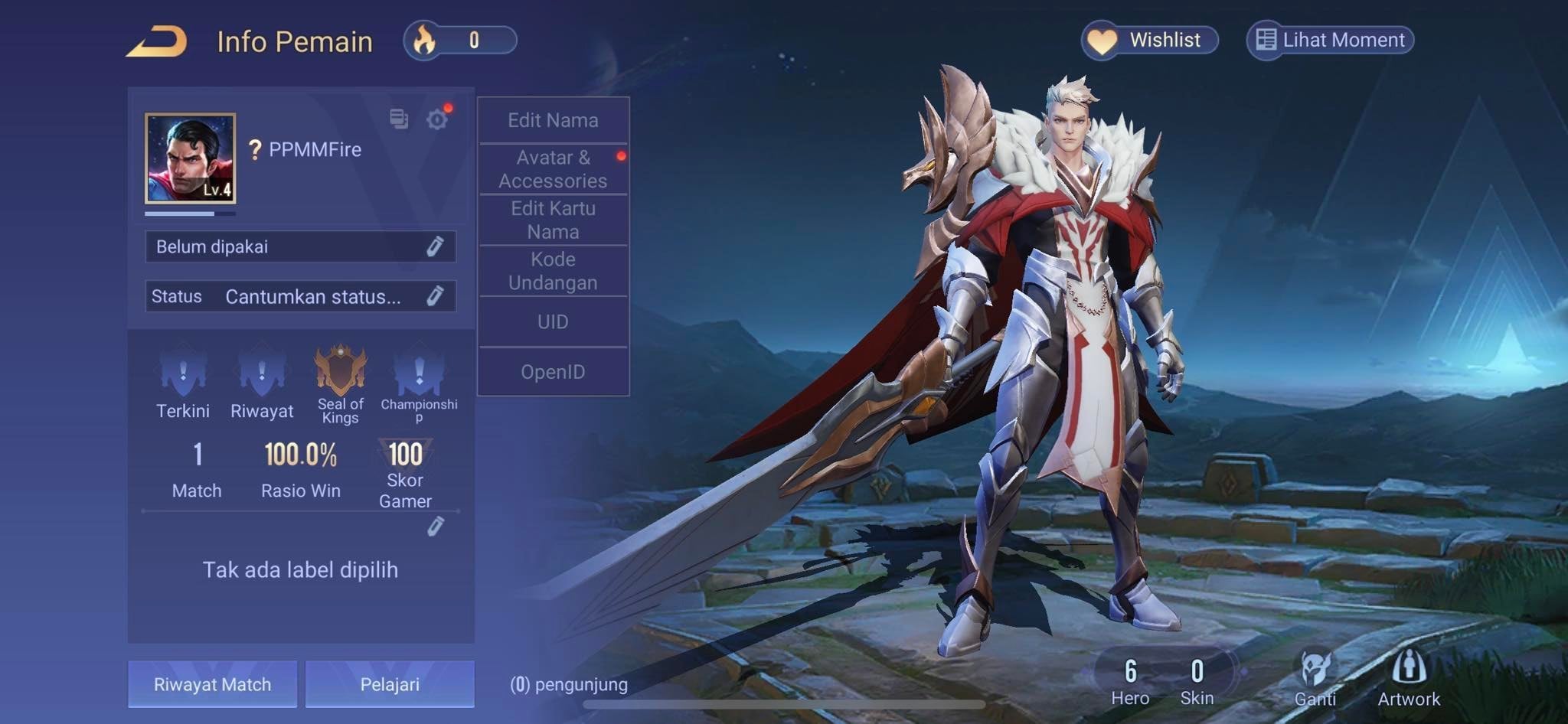
Finding Your Player ID (UID) in the Game Settings
Checkout forms for external voucher top-ups require your specific account identifier. Supplying your public profile name or an incorrect identifier causes order processing errors or credits vouchers to a phantom profile.
To retrieve the correct numerical ID without risking your account login credentials:
- Launch Arena of Valor and enter the main lobby.
- Tap the Settings gear icon located in the corner of your screen.
- Open the General tab and scroll down toward the bottom of the menu.
- Locate your numeric Player ID (UID) and tap the copy icon beside it to capture every digit.
- Paste this number directly into the recipient field on your checkout page.
Using the built-in copy icon prevents manual transcription errors that trigger delivery drops, per guidelines on XPTopup.

130 + 20 Bonus Vouchers
 130 + 20 Bonus VouchersUSD 0.96Buy Now
650 + 98 Bonus Vouchers
650 + 98 Bonus VouchersUSD 4.81Buy Now1560 + 234 Bonus Vouchers
1560 + 234 Bonus VouchersUSD 11.66Buy Now3250 + 488 Bonus Vouchers
3250 + 488 Bonus VouchersUSD 24.01Buy Now8450 + 1268 Bonus Vouchers
8450 + 1268 Bonus VouchersUSD 62.93Buy Now18200 + 2730 Bonus Vouchers
18200 + 2730 Bonus VouchersUSD 135.23Buy Now
Arena of Valor OpenID vs Player ID: Backend Differences
Storefronts and publisher documentation often reference account identifiers under conflicting labels, which causes confusion during checkout.
In backend transaction processing, publisher Proxima Beta tracks two distinct identifiers: an OpenID and details linked to the player ID (Arena of Valor Privacy Policy). The OpenID serves as an underlying token tied to registration, external platform authentication, and device architecture. The Player ID (or UID) is the outward identifier assigned to your specific character profile on that server cluster.
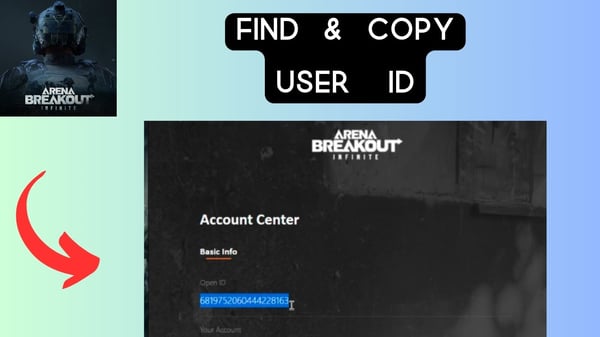
External storefront guidelines reflect this divergence. While XPTopup asks users to provide the numeric Player ID (UID) found under Settings > General, other stores refer to it interchangeably as a User ID or OpenID. Unless a direct login portal asks you to authenticate via an external social credential, the direct numeric UID copied from your in-game settings tab is the data string required for direct recharge delivery.
The Wrong Server Trap: Why Vouchers Cannot Be Transferred
Server routing mistakes cannot be reversed. Routing an order to the wrong server cluster either deposits vouchers into an unintended profile or triggers an immediate gateway rejection.
The official Arena of Valor Server Selection FAQ establishes that account data is strictly bound to the server where it was created. Characters, match progress, and inventories cannot be migrated between regional clusters.
XPTopup enforces this regional separation: vouchers purchased for one cluster cannot transfer to another. For example, buying from an Asian regional catalog while your character is hosted on North America will leave your active account uncredited. Verify your login screen's active server before paying.
| Setting / Parameter | Rule or Destination Limit | Verification Method | Source |
|---|---|---|---|
| Identifier Type | Numeric Player ID (UID) | Settings > General menu | XPTopup Guide |
| Server Cluster | Bound to region of creation; non-transferable | Confirm main lobby / login region | AoV Official FAQ |
| Delivery Timeframe | 1 to 10 minutes | Check in-game balance after restart | XPTopup Guide |
| Linked Account Limits | Garena links block specific regional reloads | Account management tab | SEAGM Support |
Troubleshooting Arena of Valor Vouchers Not Received
If vouchers do not appear immediately after purchase, check these diagnostic steps before opening a support ticket:
Check the Delivery Window
Standard external top-ups pass through publisher payment gateways. On XPTopup, orders typically complete in 1 to 10 minutes. If your payment went through less than 15 minutes ago, wait for the processing queue to clear before contacting support.
Force-Restart the Game Client
Your local game client does not always ping the server currency database during an active lobby session. Close Arena of Valor fully, swipe it away from your device's active applications, and relaunch it. Check your voucher wallet on the main interface to see if the balance updated.
Identify Publisher Account Incompatibilities
Regional distribution rights split Arena of Valor across multiple publishers, each maintaining separate catalog rules. For example, SEAGM notes that its Indonesian voucher catalog applies exclusively to accounts not linked to Garena. Purchasing from a catalog with conflicting publisher credentials will stall or cancel the order.
Avoid Unauthorized Recharge Risks
Attempting to bypass server locks using gray-market vendors introduces account integrity risks. Vendor MMOCS highlights that using illegal leveling or unauthorized recharge services violates publisher terms and can result in an account ban. Keep your transactions limited to direct UID voucher routes that do not request account passwords.

Comments