Hoki Chat Top Up: Direct UID Credit Recharge
A Hoki Chat top up gives you direct access to in-app credits so you can participate actively across voice party rooms, send animated gifts to your favorite broadcasters, and unlock premium profile features. Instead of dealing with complicated redemption codes or sharing sensitive login credentials, recharging your account on XPTopup requires only your unique numeric User ID (UID).
Whether you are hosting an active discussion, joining karaoke parties, or celebrating with friends in group voice rooms, having a steady balance of credits ensures you never miss a moment of social engagement. This guide outlines how credits work inside the app, how to find your account details, and how to complete your top-up securely.
What Is Hoki Chat and How Do Credits Work?
Hoki Chat is a mobile social voice streaming and group chat platform designed for real-time audio interaction. Users gather in virtual party rooms to talk, share music, play social mini-games, and build online communities.
Inside the Hoki Chat ecosystem, credits serve as the primary virtual currency. These credits power all premium interactions on the platform:
- Virtual Gifting: Send standard and luxury animated gifts to room owners and speakers on the mic to show appreciation.
- Room Engagement: Trigger full-screen visual effects, audio fanfares, and customized banner announcements during live broadcasts.
- VIP and Noble Status: Maintain active VIP tiers that grant special badge designs, unique chat bubble colors, and entrance banners when entering any room.
- Profile Customization: Purchase avatar frames, special name plates, and ride animations that display whenever you join a voice room.
How to Top Up Hoki Chat Credits Online Using UID
Recharging your Hoki Chat balance through XPTopup is straightforward and requires only a few steps:
- Select Your Credit Amount: Review the available credit denominations on the live XPTopup checkout catalog and choose the pack that fits your gifting needs.
- Enter Your UID: Type your numeric Hoki Chat UID into the required input field.
- Confirm Your Information: Double-check the digits to ensure the top-up reaches your specific profile.
- Select a Payment Method: Choose from the available regional or international payment options listed on the live checkout screen.
- Complete the Purchase: Finalize the transaction. Once processed, the credits are credited directly to your Hoki Chat in-app wallet balance.
Step-by-Step Guide: How to Find Your Hoki Chat UID
Your Hoki Chat UID is a unique sequence of numbers assigned to your account upon registration. You do not need to share your password or email to receive credits—only this numeric ID.
Follow these steps inside the Hoki Chat application to locate your UID:
- Launch the Hoki Chat app on your smartphone or tablet.
- Tap the Profile (or Me) tab located in the bottom navigation bar on the far right.
- Look at the top section of your personal profile page, directly beneath your avatar and display name.
- Locate the line labeled ID or UID followed by a series of digits.
- Tap the copy icon next to the number, or write down the exact sequence of numbers carefully.
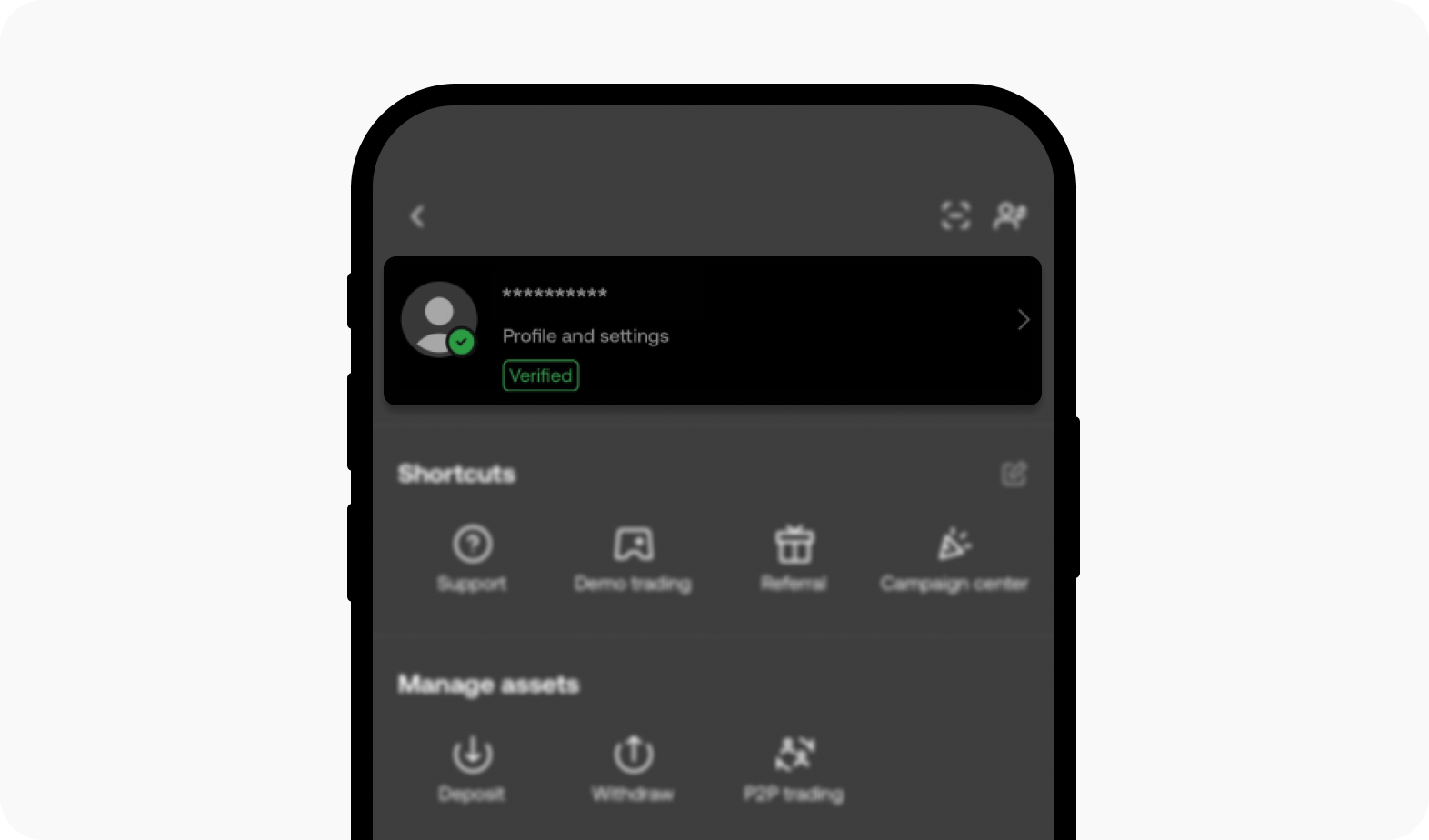
Always verify that you copy the numeric ID directly from your profile settings rather than using your display nickname, as nicknames can change and cannot be used for direct automated delivery.
Hoki Voice Chat Party Rooms and Virtual Gifting Benefits
Virtual gifting is the core social dynamic of Hoki Chat. When you send gifts in a party room, both the sender and the recipient gain distinct social benefits:
| Feature / Perk | In-App Function | Top-Up Benefit |
|---|---|---|
| Room Gifting | Sends animated 2D and 3D effects across the chat screen | Supports creators and room hosts directly |
| Wealth Level Growth | Increases your profile wealth score and rank | Displays high-tier supporter badges in member lists |
| Entrance Animations | Activates custom luxury vehicle and character entries | Alerts the entire room the moment you enter |
| Chat Customization | Unlocks colored text, custom bubbles, and sound effects | Makes your messages stand out in crowded rooms |
| Leaderboard Visibility | Ranks you on daily, weekly, and monthly contributor boards | Establishes your presence across global room rankings |
Maintaining a credit balance allows you to participate in spontaneous room PK battles, support friends during community events, and unlock seasonal achievement badges.
Security Advantages of UID-Only Top-Ups Without Passwords
Account safety is essential when purchasing in-app items online. XPTopup uses a direct UID fulfillment process that eliminates common digital security risks.
- No Login Credentials Required: You never have to share your Hoki Chat password, bound phone number, Facebook login, or Apple ID.
- Zero Account Takeover Risk: Because no third party gains access to your login credentials, your personal chat history, friend list, and account settings remain completely protected.
- Safe Gifting for Friends: Because only the public UID is required, you can surprise friends, guild members, or voice room hosts by sending credits directly to their accounts without needing their device or private details.
- Automated Verification: The system routes the purchased credits straight to the game server balance associated with the entered UID.
Troubleshooting Delivery and UID Input Mistakes in 2026
If you experience any delay or issue with your Hoki Chat recharge, review the following troubleshooting checkpoints:
1. In-App Wallet Refresh
After completing your purchase on XPTopup, open Hoki Chat and pull down on your profile screen to refresh your account data. If you are currently sitting in a live voice room, exit the room and re-enter, or restart the app entirely so the updated wallet balance syncs with the server.
2. Incorrect UID Verification
Credits are delivered automatically based on the exact digits entered during checkout. If you typed an incorrect UID belonging to another active user, the delivery will complete to that account and cannot be reversed. To prevent this, always use the copy-paste function inside the app rather than typing numbers manually.
3. Payment Status Confirmation
Check your transaction confirmation page on XPTopup to verify that your payment was successfully processed by your chosen payment provider. If your transaction shows as pending, the credits will dispatch as soon as the financial provider confirms the payment.
4. Contacting Customer Support
If your balance does not update after confirming that your UID was correct, take a screenshot of your Hoki Chat profile showing your UID and locate your XPTopup order number. Provide these details to customer support for prompt investigation.
Frequently Asked Questions About Hoki Chat Recharges
What is a Hoki Chat UID and where do I find it?
A Hoki Chat UID is the permanent, unique numeric identifier linked to your account. You can find it by opening the Hoki Chat application, tapping the "Me" or "Profile" tab at the bottom right, and reading the numeric string printed right below your profile picture and nickname.
Do I need to provide my Hoki Chat password to recharge credits?
No. Recharging through XPTopup requires only your numeric UID. You will never be asked for your account password, email login, or verification codes.
What can I use Hoki Chat credits for in the app?
Hoki Chat credits can be used to send virtual animated gifts to room hosts, purchase VIP memberships, activate profile decorations such as frames and chat bubbles, unlock entrance effects, and participate in voice room events.
Can I top up Hoki Chat credits for a friend?
Yes. Because the top-up process only requires a UID, you can enter your friend's numeric Hoki Chat ID at checkout on XPTopup. The credits will be deposited directly into their account balance.
What happens if I enter an incorrect UID during checkout?
Top-up orders are processed automatically according to the UID submitted. If an invalid or non-existent UID is entered, the order will fail to process. If a valid UID belonging to another user is entered, the credits will be delivered to that account and cannot be refunded. Always verify your UID carefully before paying.
Which payment methods are supported for Hoki Chat top-ups?
XPTopup supports a variety of secure global and local payment options. You can view all currently active payment methods and localized currencies directly on the live checkout page when placing your order.
Current package prices
Current package prices are shown below. Prices exclude Tax. Tax, payment fees and applicable coupons are shown at checkout.
| Package | Price |
|---|---|
| Hoki Chat - Hoki Chat*15000 | USD 1.54 |
| Hoki Chat - Hoki Chat*20000 | USD 2.05 |
| Hoki Chat - Hoki Chat*25000 | USD 2.56 |
| Hoki Chat - Hoki Chat*50000 | USD 5.12 |
| Hoki Chat - Hoki Chat*100000 | USD 10.24 |
| Hoki Chat - Hoki Chat*500000 | USD 51.21 |
| Hoki Chat - Hoki Chat*1000000 | USD 102.41 |
| Hoki Chat - Hoki Chat*10000 | USD 1.02 |