


Your first week broadcasting on Bigo Live is not a test of raw charisma—it is an exercise in basic technical survival. To gain any traction during those opening seven days, you need to understand how Beans and Diamonds convert, tune your hardware so moderation bots do not flag your room, and pick the right device for your format. Qualifying as an Official Host demands 30+ streaming hours across 15 active days in a month. But before you worry about status, you need to keep your room compliant and master group broadcasting formats.
Beans vs Diamonds: How the In-App Economy Actually Functions
The most common rookie misunderstanding involves the app's two primary currencies. You do not earn Diamonds by broadcasting, and viewers cannot cash out Beans.
Bigo Live Diamonds serve strictly as the buyer-side currency. Viewers buy Diamonds directly in-app or via verified top-up portals to send gifts, purchase VIP badges, and enter select rooms. When a viewer drops a gift into your chat, Bigo's system converts that gift value into Beans on your end. Beans are host assets: you bank them over time and cash them out for real currency, as verified in Tecnobits' platform analysis.
Viewer Buys Diamonds -> Sends Virtual Gifts -> Broadcaster Receives Beans -> Cashes Out Real Money
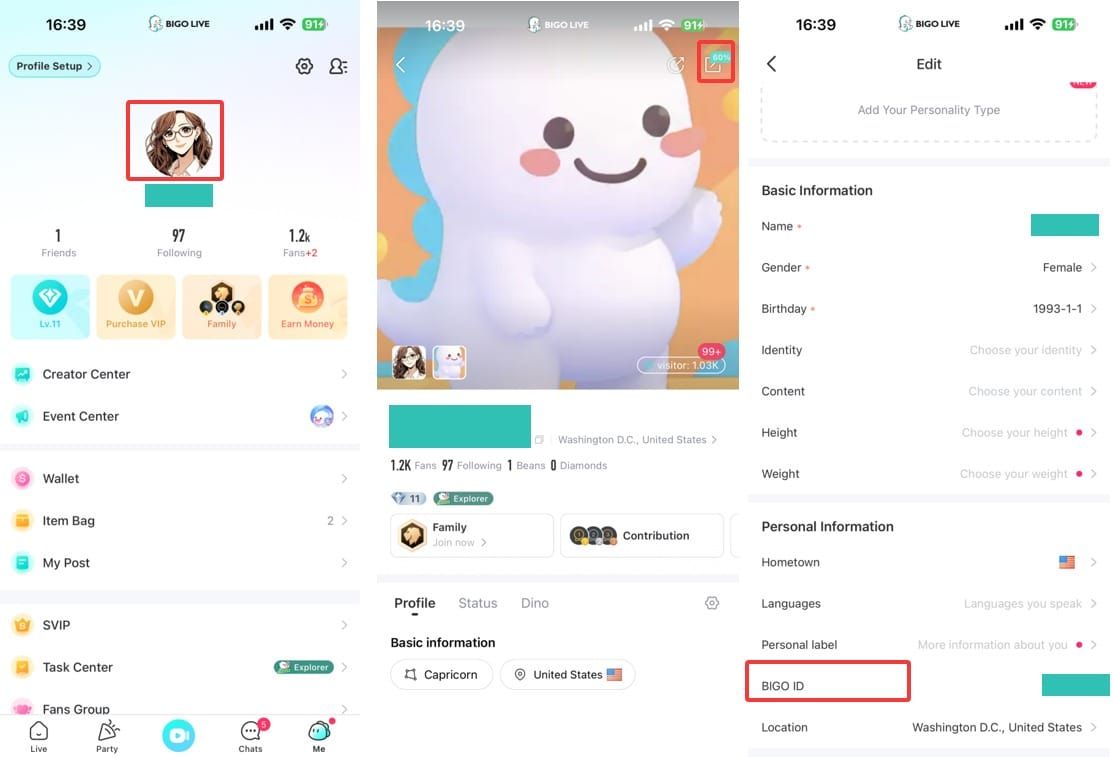
If you ever need to track your account externally or receive agency support, locate your Bigo ID inside the Me tab. It appears beneath your nickname as an 8 to 10-digit number following the "ID:" label. According to XPTopup's ID guidelines, you must copy strictly the numeric digits—leaving out the letters and colon—whenever you enter your profile identifier into account checkers or recharge forms.

Bigo Diamonds *100
 Bigo Diamonds *100USD 1.59Buy Now
Bigo Diamonds *500
Bigo Diamonds *500USD 7.94Buy NowBigo Diamonds *1000
Bigo Diamonds *1000USD 15.89Buy NowBigo Diamonds *1400
Bigo Diamonds *1400USD 22.24Buy NowBigo Diamonds *3000
Bigo Diamonds *3000USD 47.66Buy NowBigo Diamonds *5000
Bigo Diamonds *5000USD 79.43Buy NowBigo Diamonds *6000
Bigo Diamonds *6000USD 95.32Buy NowBigo Diamonds *10000
Bigo Diamonds *10000USD 158.87Buy NowBigo Diamonds *20000
Bigo Diamonds *20000USD 317.74Buy NowBigo Diamonds *2000
Bigo Diamonds *2000USD 31.77Buy NowBigo Diamonds *4000
Bigo Diamonds *4000USD 63.55Buy NowBigo Diamonds *8000
Bigo Diamonds *8000USD 127.10Buy NowBigo Diamonds *30000
Bigo Diamonds *30000USD 476.61Buy Now
Desktop Streaming Setup: Software Picks and Hardware Baselines
While most users install the mobile app, serious gaming and performance broadcasters often migrate to desktop setups. Bigo Live officially provides three separate desktop broadcasting pathways through its PC ecosystem, as outlined on the Bigo Live PC Blog:
- BIGO LIVE Streamer: Dedicated desktop software built specifically for camera-and-microphone talk shows, performances, and direct PC streaming.
- BIGO LIVE Connector: Designed for PC gamers who want to mirror gameplay while pairing with their mobile device to handle chat interactions.
- OBS Studio Integration: For complex setups requiring multiple camera angles, alerts, and custom overlays using standard stream keys and RTMP server URLs.
Lighting makes or breaks your stream far more than an expensive sensor. Official technical guidelines specify at least 300+ lux across your broadcast space. Dim rooms force webcams to crank up sensor gain, creating ugly video noise that ruins compression. Lock down manual exposure and white balance in your camera settings before going live—otherwise, every slight posture shift will cause distracting brightness jumps.
Here are the recommended broadcast presets verified by official documentation:
| Resolution & Framerate | Visual Reference | Bitrate Allocation | Outbound Upload Requirement | Optimal Stream Content |
|---|---|---|---|---|
| 0p (0fps) | 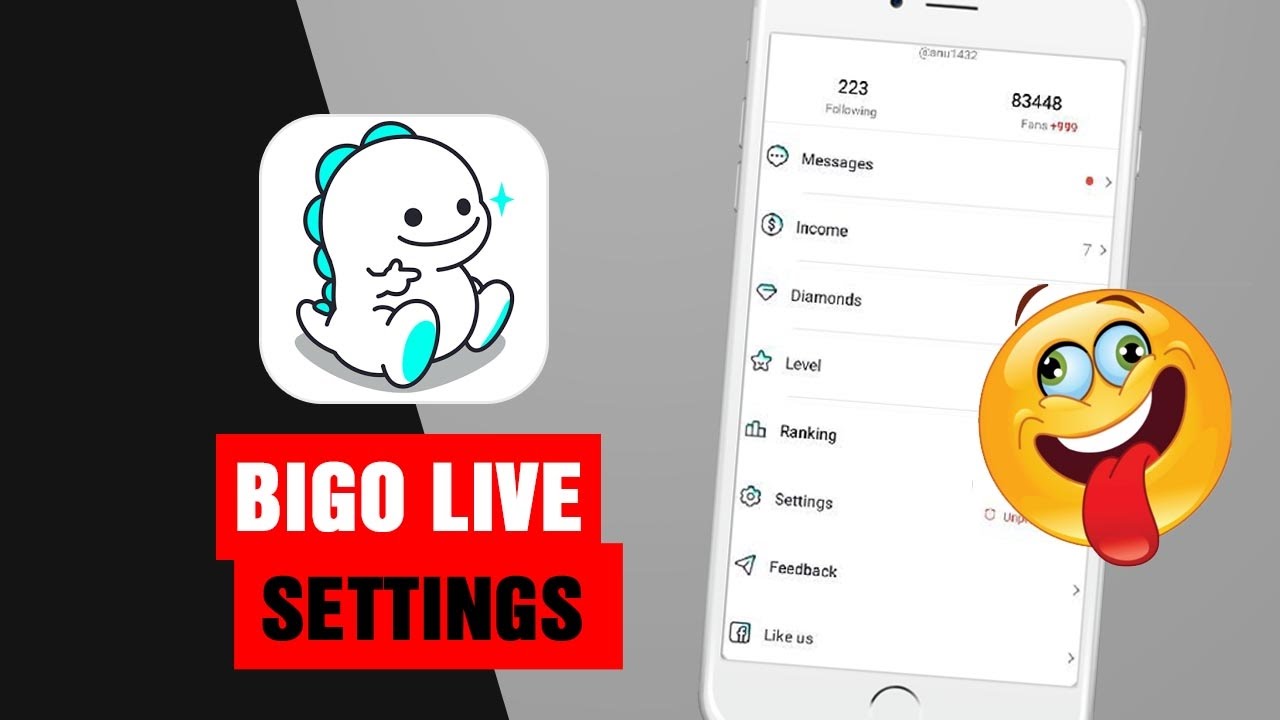 | 2500–4000 kbps | 5 Mbps | Talk shows, casual Q&A, acoustic sets (Bigo PC Guide) |
| 0p (0fps) |  | 4500–6000 kbps | 8 Mbps | Fast-paced mobile or console gaming (Bigo PC Guide) |
| 0p (0fps) | 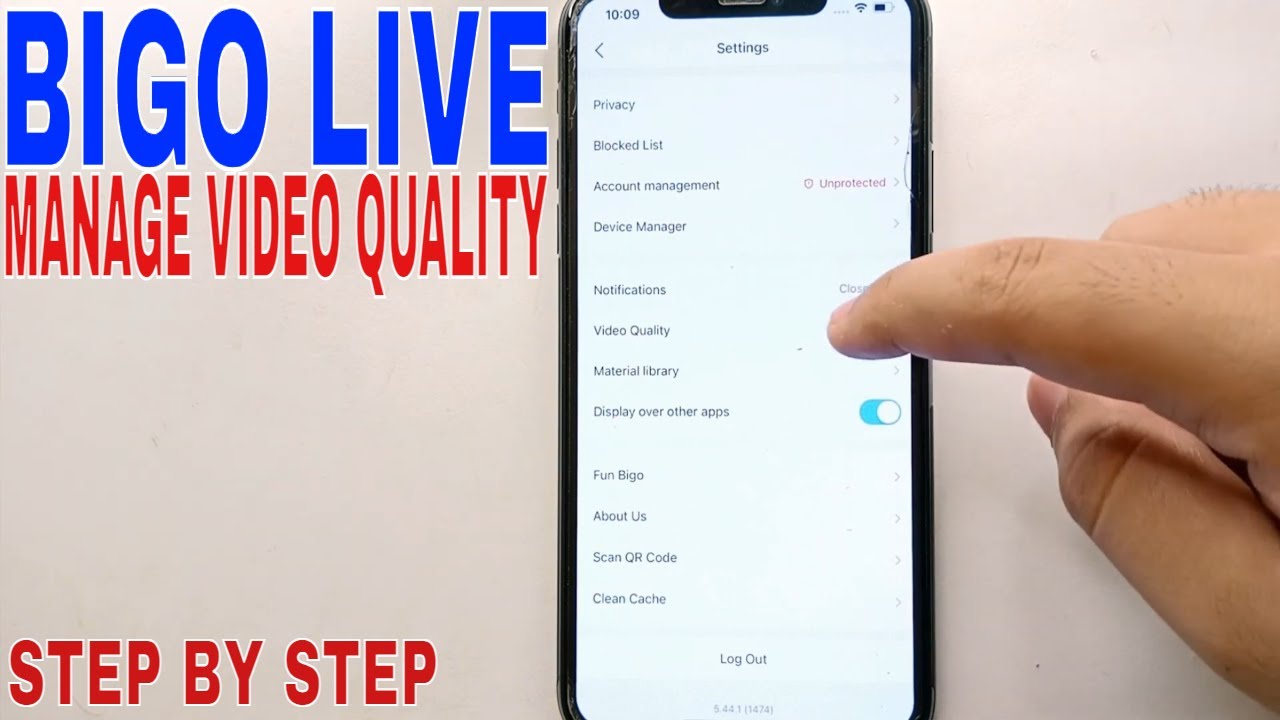 | 4500–6000 kbps | 8 Mbps | High-detail studio broadcasts, dance shows (Bigo PC Guide) |
| 0p (0fps) | 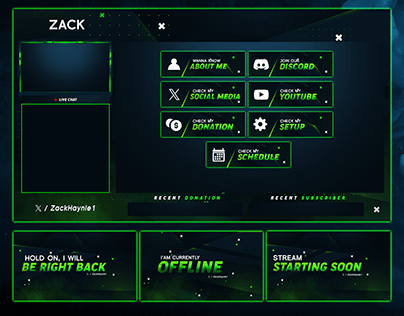 | 6000–8000 kbps | 12 Mbps | Competitive esports and desktop gaming (Bigo PC Guide) |
Run a speed test before clicking go-live. If your outbound upload cannot hold a steady 8 Mbps, drop down to 0p at 0fps without hesitation. Bigo's recommendation algorithm penalizes dropped frames and buffering much more harshly than a lower native resolution.
Room Formats: Picking Between 1:1, Multi-Guest, and PK Battles
Talking to an empty chat room will burn you out in forty-eight hours. Instead of grinding solo, use the varied room layouts outlined in MEmu's Bigo Live guide to share screen time and draw in established crowds.
- 1:1 Live Video Chats: Direct, two-person video calls useful for private collaborations, interviews, or deep conversations with dedicated community supporters.
- Multi-Guest Rooms: Group rooms supporting up to 9 participants simultaneously on camera or audio. This format works well for roundtables, talent showcases, and community discussions. New broadcasters often join existing 9-seat rooms to network before launching their own.
- Audio Live: Voice-only rooms that disable the camera. Use this format when your network cannot support video bitrates or when you prefer podcast-style discussions.
- Live PK Battles: Head-to-head competitive face-offs where two broadcasters challenge each other over a fixed countdown. The host whose audience sends the most virtual gifts during the battle timer wins. PKs provide intense engagement and boost your visibility across the opponent's viewer list.
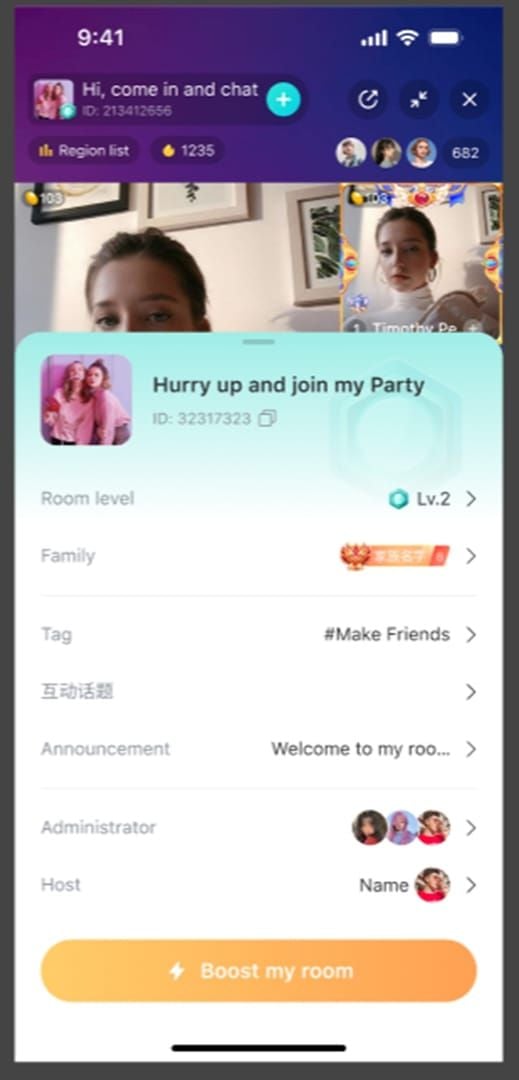
| Room Format | Participant Limit | Primary Interaction Dynamic | Best Used For |
|---|---|---|---|
| Solo Live | 1 Host (unlimited viewers) | Direct chat-to-broadcaster communication | Core personal broadcasts and focused talent showcases |
| Multi-Guest Room | Up to 9 active seats | Group video or audio panel discussion | Open community lounges, trivia, and agency meetups (MEmu) |
Start your first two days in Multi-Guest rooms or host informal audio chats. It takes the pressure off carrying a broadcast entirely alone while you get used to moderation buttons and viewer comments.
The Verification Ladder: Requirements for Official Host Status
Do not expect ad rev-shares or passive payouts on Bigo Live. Monetization is purely participatory. Beyond converting direct viewer gifts into Beans, your only path to predictable monthly income is grinding for Official Host status.
According to verification data reported by Buffget, becoming an Official Host requires meeting specific baseline targets within a single calendar month:
- Stream Time: A minimum of 30+ broadcast hours.
- Active Days: At least 15 distinct active streaming days.
- Compliance Record: Zero unresolved severe community violations.
Hitting those benchmarks qualifies you for base monthly host compensation between $100 and $880, plus standard gift commissions. The real operational prize, though, is safety: verified hosts get a 10-minute buffer against instant automated bans, buying you critical time to fix lighting or audio glitches before the algorithm terminates your broadcast.
Platform discovery algorithms reward consistent daily streaming schedules rather than raw account creation figures.
| Broadcaster Level | Minimum Monthly Hours | Active Days Threshold | Financial & Operational Perks | Platform Reference |
|---|---|---|---|---|
| Rookie Broadcaster | None | None | Standard Beans redemption from gifts | Tecnobits Guide |
| Official Host | 30+ hours | 15+ days | $100–$880 monthly base pay, commissions, 10-min ban buffer | Buffget Report |
Never attempt to bypass verification by submitting mismatched identity paperwork. Accounts flagged for conflicting identity records face immediate suspension without a grace period.
Avoiding AI False Bans and How to Appeal
Bigo Live polices content with aggressive computer-vision and audio algorithms running in real time. Because the automated moderation parses millions of hours of live feeds simultaneously, false-positive strikes happen constantly to completely innocent hosts.
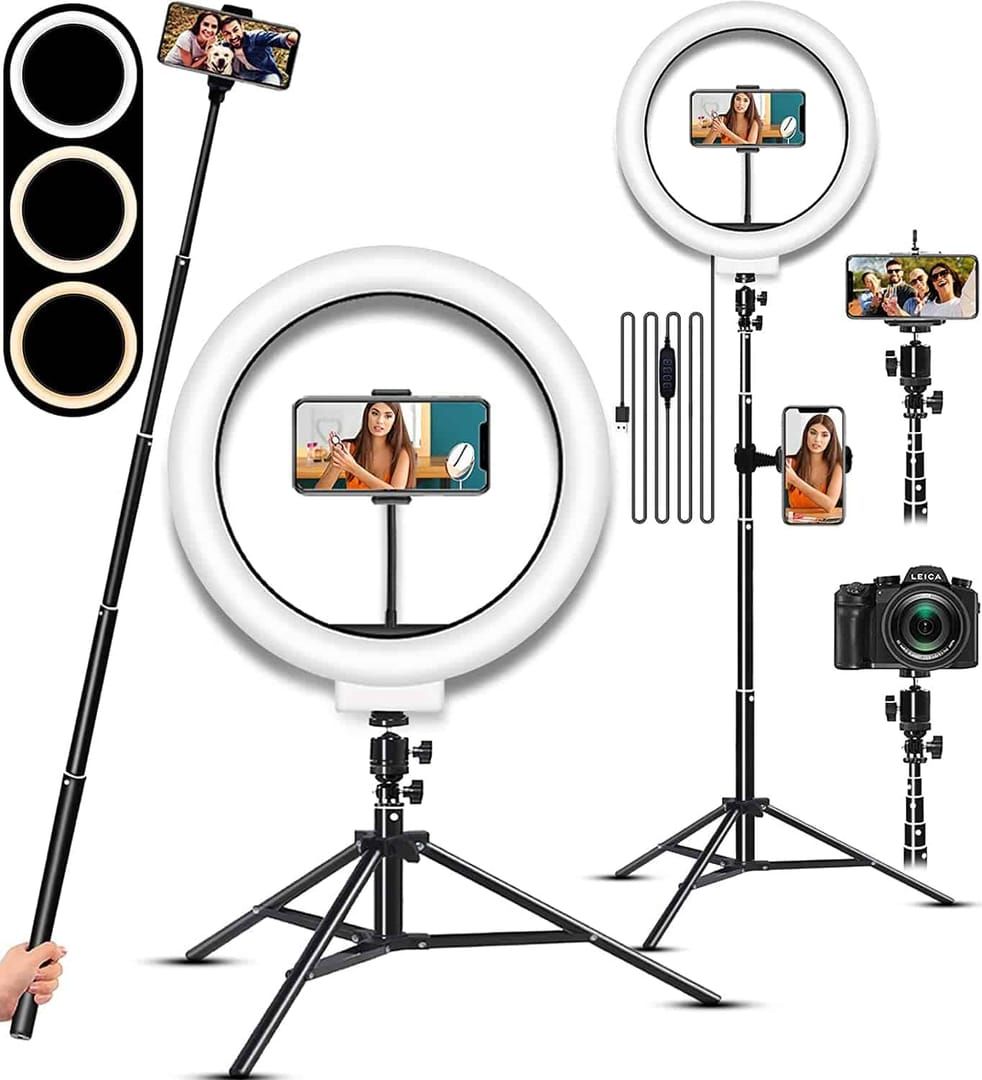
Data published by Buffget reveals that automated misidentifications account for 70% to 80% of platform bans. The visual and audio scanners frequently mistake benign objects and actions for platform violations:
- False Smoking Flags: Holding an unlit vape, chewing a pen, or holding an electronic cigarette cartridge near your mouth often triggers an automated smoking suspension.
- False Suggestive Audio: Intense vocal warm-ups, fitness breathing, or sighing close to the microphone can be flagged as sexually suggestive audio.
- False Violence/Weapon Flags: Martial arts demonstrations, prop swords, or gaming replicas can trip automated weapon detection.
- Framing and Wardrobe Warnings: Deep-cut tops, off-the-shoulder shirts, or extreme close-up camera angles that obscure your clothing baseline can trigger automated cleavage or nudity strikes.
Keep your lighting above 300+ lux; clean illumination stops sensor noise from creating shadows that the moderation bot misinterprets as exposed skin. If you get flagged, do not panic and close the app. Screenshot your setup immediately to document your clothing, room lighting, and screen layout. Submit an appeal ticket in-app within 24 to 48 hours. When backed by clear visual proof, most automated suspensions get overturned quickly.
Frequently Asked Questions
What is the distinction between Bigo Live Diamonds and Beans?
Diamonds are the buyer currency purchased by viewers to send gifts and unlock VIP privileges. Beans are host earnings accumulated from those received gifts, which streamers can cash out for real money.
What broadcast schedule is required to become an Official Host on Bigo Live?
You must log at least 30 streaming hours distributed across a minimum of 15 active calendar days in a single month while remaining free of policy violations.
How can new streamers prevent and resolve false AI moderation bans?
Maintain well-lit conditions at 300+ lux, avoid holding pens or tubes near your mouth, keep camera framing wide enough to show regular clothing, and submit screenshot appeals within 24 to 48 hours if an automated strike occurs.
Which desktop streaming program should a novice creator use for Bigo Live?
Creators focused on mobile gameplay should use BIGO LIVE Connector to cast their screen easily. Broadcasters doing seated talk shows with webcams should run BIGO LIVE Streamer, while setups needing complex multi-layered scenes should route through OBS Studio.
Keep your expectations grounded during week one. Establishing a reliable schedule builds audience retention faster than chasing quick viral spikes.
Follow XPTopup for more Bigo Live Diamonds news~






Comments