


To join the Once Human public test server—officially designated as the Pioneer Test—players must complete an official research survey questionnaire on designated portals like Easebar, provide their pure-number in-game UID, and wait for evaluation within three working days after recruitment closes. Starry Studio limits these closed Pioneer branches to strict platform quotas (such as 4,000 participants split between 2,500 PC and 1,500 console slots), requiring an in-client mode switch rather than a standalone download, alongside a mandatory Non-Disclosure Agreement (NDA) and a complete character wipe.
Where Recruitment Surveys Are Posted and How Selection Works
Unlike traditional public test branches on Steam that feature open opt-ins, access to Once Human's preview content runs through closed recruitment. Starry Studio announces these testing periods on their official portal and Discord, directing applicants to structured questionnaires hosted on research domains like Easebar Survey.
When filling out a once human beta test server questionnaire, candidates must enter their numeric in-game UID. This string of pure numbers allows developers to link screening data directly to your live profile. The team evaluates submissions based on platform specs, region, and experience profiles to assemble balanced cohorts across different playstyles.
According to official notices published by Starry Studio, developer reviews finish within three working days following the recruitment cutoff. Successful applicants receive notification through two specific paths:
- Direct messages on Discord and in-game mailbox notices for targeted co-research setups.
- Email or SMS messages containing test qualification instructions for larger regional playtests.
If you receive no notice within those three working days, your application was not chosen for that testing cycle.

62 Crystgin
 62 CrystginUSD 0.85Buy Now
339 Crystgin
339 CrystginUSD 4.29Buy NowMeta Pass (30 Days)
Meta Pass (30 Days)USD 4.28Buy NowBattle Pass Advanced Edition
Battle Pass Advanced EditionUSD 8.57Buy Now1120 Crystgin
1120 CrystginUSD 12.77Buy NowBattle Pass Deluxe Edition
Battle Pass Deluxe EditionUSD 57.77Buy Now2340 Crystgin
2340 CrystginUSD 25.54Buy Now3979 Crystgin
3979 CrystginUSD 42.57Buy Now8075 Crystgin
8075 CrystginUSD 85.15Buy Now
Historical Pioneer Test Cycles and Quotas
Recruitment capacity varies widely depending on whether Starry Studio is evaluating an isolated combat mechanic or stress-testing a seasonal scenario. The developers enforce hard participant caps across supported platforms.
| Pioneer Testing Phase | Test Scale & Platform Breakdown | Recruitment & Rule Requirements (Source) | Test Preview |
|---|---|---|---|
| Isles of Abyss Pioneer Test (June 2026) | 2,000 players (North America, PC recommended) | NetEase survey sign-up closed May 30; ~20-day test from June 17, 2026; mandatory NDA; character wipe (Source). | 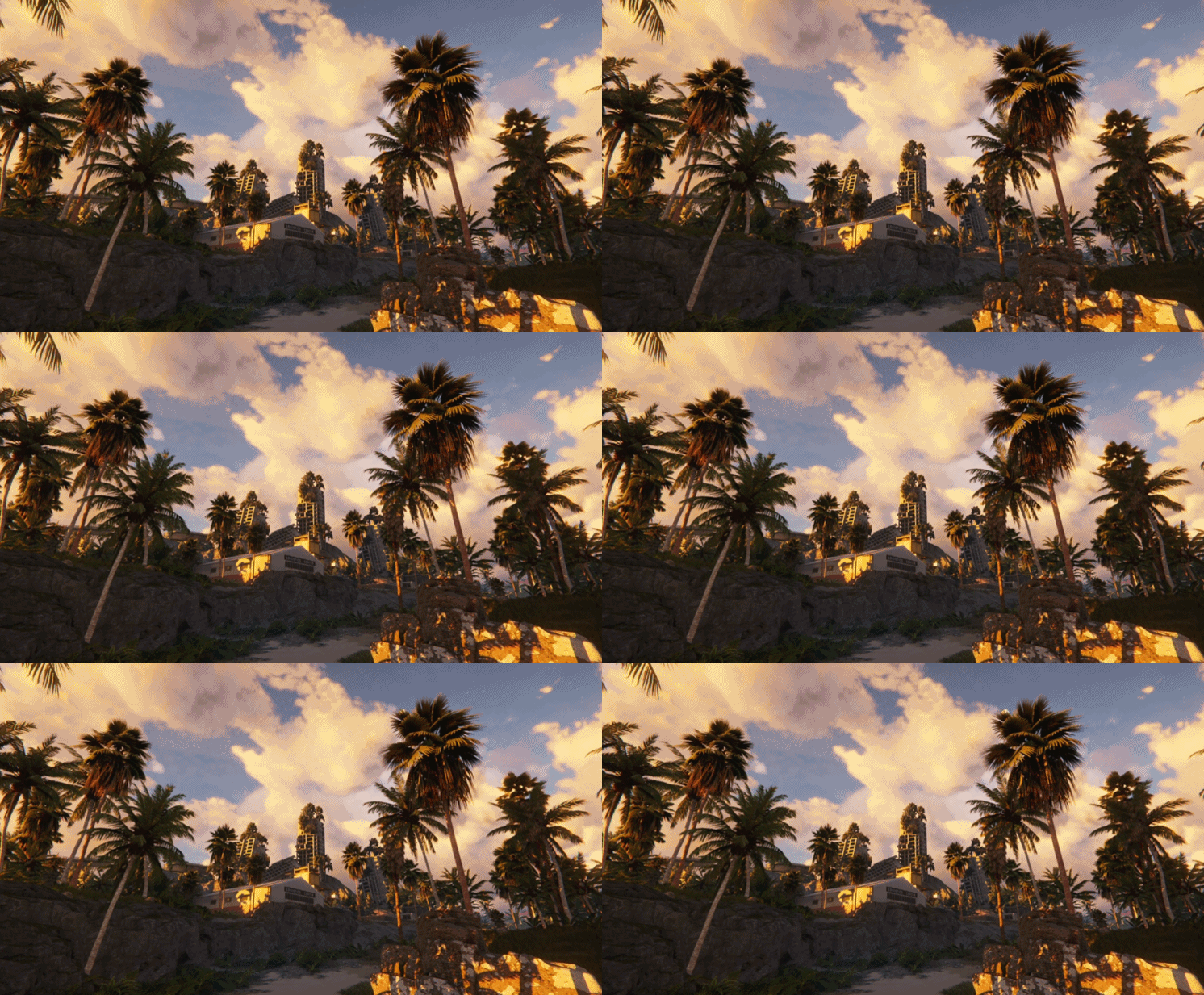 |
| FPP Combat Co-Research Test (June 2026) | Selected research cohort (PC, UID verification) | Questionnaire recruitment via Easebar; June 11 to June 18, 2026; numeric UID required; notified via Discord and in-game mail (Source). | 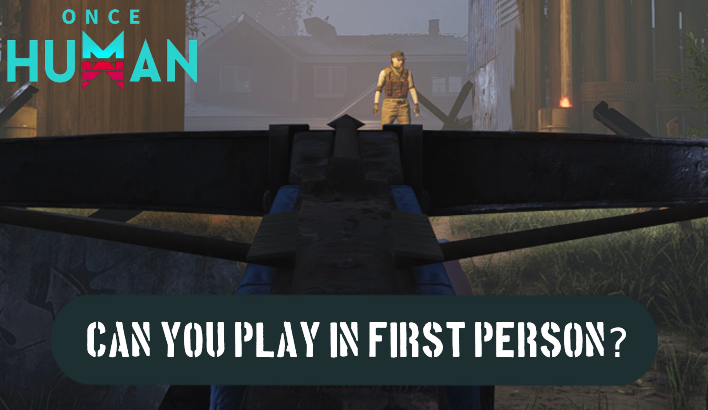 |
| Isles of Abyss Final Test (September 2026) | 4,000 players (2,500 PC, 1,500 Console, North America) | Survey recruitment; Sept 16, 21:00 - Oct 8, 03:00 PT (22 days); NDA enforced; character wipe; Wish Emblems transferred (Source). |  |
For the Isles of Abyss Final Test, the 4,000-player pool allocated 2,500 slots to PC and 1,500 to console. The 22-day test ran from September 16 at 21:00 PT to October 8 at 03:00 PT. Testing quotas are strictly capped; unused spots are not redistributed once a testing window opens.
How to Access the Test Server: Separate Launcher vs. Live Client
A common misunderstanding involves the once human pts download launcher. Players often expect a dedicated Steam secondary installation or a standalone testing client.
Once Human avoids secondary client downloads on PC. As detailed in the Isles of Abyss Final Test Notice, approved testers access the test environment directly through the standard live client.
- Launch your regular Once Human live game client.
- Log in using the account credentials tied to your approved UID.
- Upon reaching the login screen, a prompt confirms your Pioneer Test eligibility.
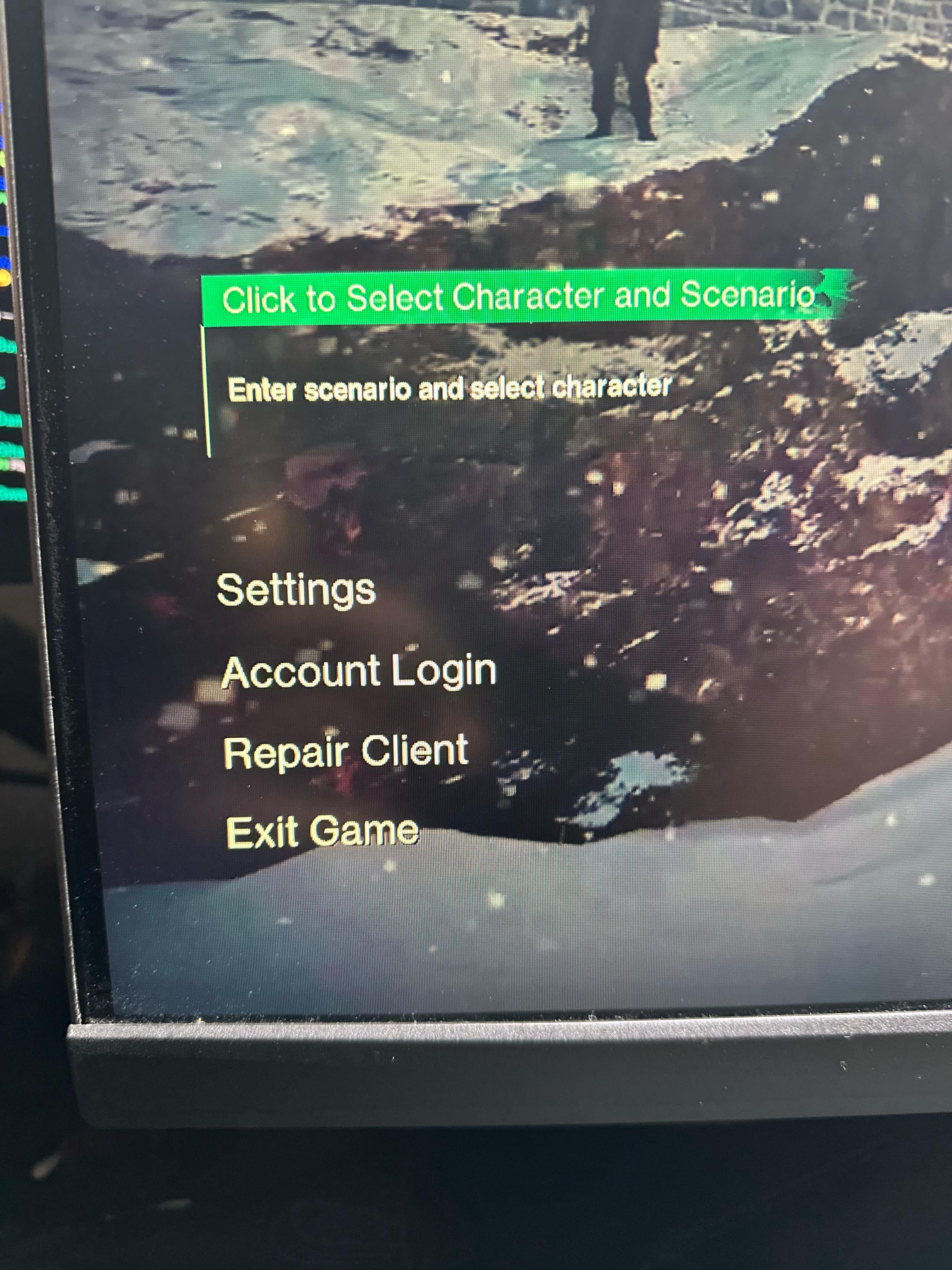
- Click the mode switch button located in the upper left corner of the screen to swap between the live server and the Pioneer Test branch.
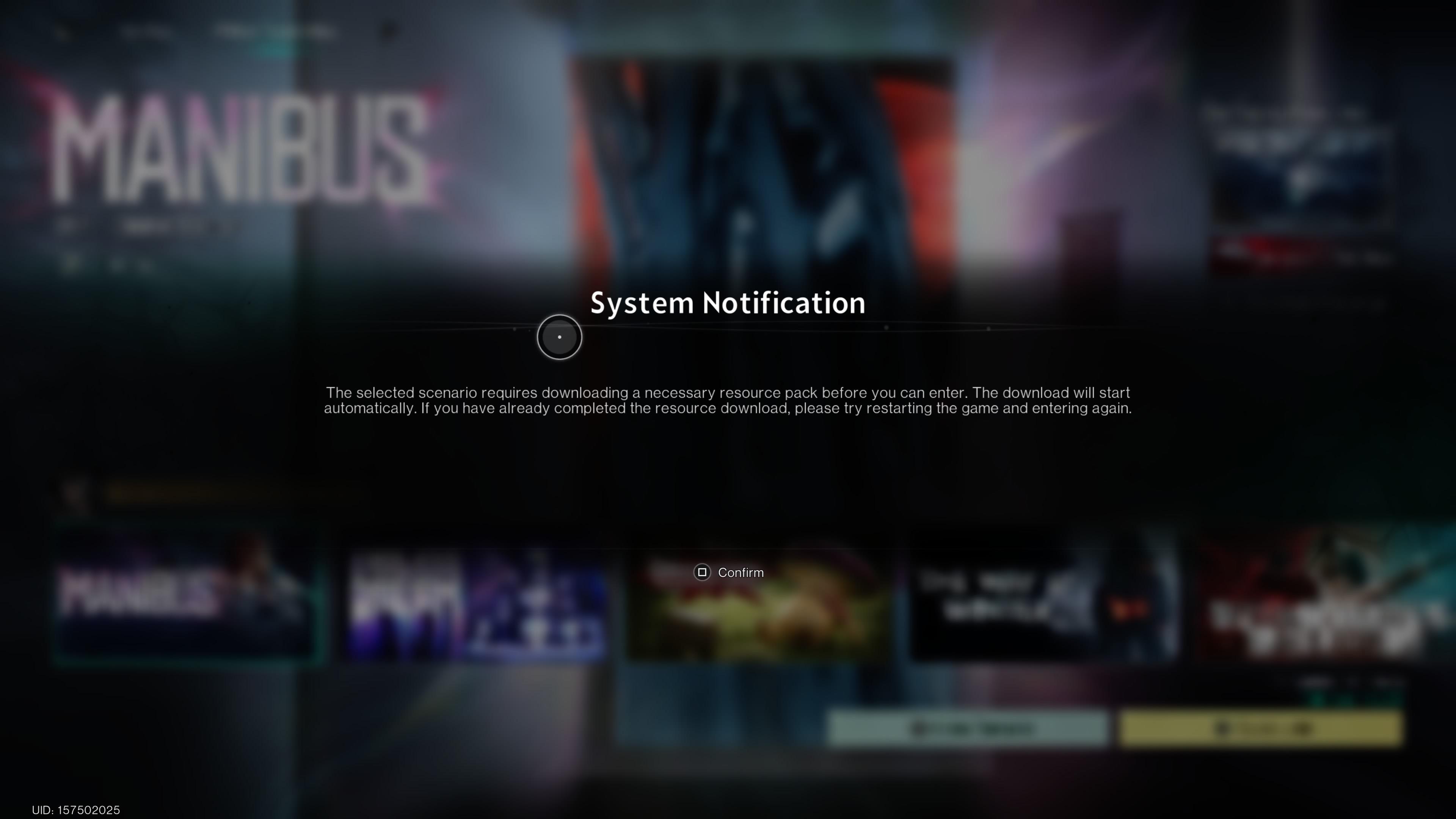
- Console and mobile users must download a supplemental in-game resource pack before entering, but the base client remains unchanged.
Because both builds share the main installation directory, you do not need double the storage space on your PC to test new patches.
Confidentiality Rules and Non-Disclosure Agreements
Public test servers in many online shooters permit live streaming and public bug clips. Once Human operates its Pioneer Tests under completely different guidelines.
Every approved player must sign an official Non-Disclosure Agreement (NDA) before joining. The Pioneer Test is a confidential closed beta, not an open media showcase. Starry Studio strictly forbids sharing any test-related materials with third parties or posting them online, as confirmed in the test server rules.
Prohibited actions include:
- Livestreaming gameplay on any platform.
- Uploading gameplay recordings or edited videos.
- Capturing and publishing in-game screenshots.
- Sharing text breakdowns, datamines, or leak summaries on forums or social channels.
Breaking the NDA results in harsh penalties. The development team revokes test access, bans both the tester profile and all associated live accounts, and reserves the right to pursue formal legal action against individuals who leak preview builds.
How Data Wipes Work and What Rewards Transfer to Live Servers
Prospective testers often ask whether preview progress carries over to their permanent characters. Test characters and session gear do not transfer: everything created on the test branch is deleted upon server closure.
During regular live seasonal scenario transitions, players retain weapon and armor blueprints, Mods, cosmetics, and send materials into Eternaland. In contrast, Pioneer Tests enforce an absolute data wipe. Every base structure, weapon roll, level milestone, and resource gathered on the preview branch disappears permanently when testing concludes.
| Progress / Item Category | Test Server Status at Conclusion | Live Account Status | Sourced Policy Details |
|---|---|---|---|
| Test Character & Level | Permanently Deleted | Untouched | Complete wipe upon test server closure (Source). |
| Test Scenario Gear & Blueprints | Permanently Deleted | Untouched | Test materials do not transfer to live accounts or Eternaland (Source). |
| Tech Level Milestone Rewards | Usable on Test Server | Transferred to Live | Reaching Tech Level 10 awards 300 Wish Emblems (Source). |
| Exclusive Test Cosmetics | Usable on Test Server | Transferred to Live | Signing in on Day 7 grants the "Jade Nocturne" outfit (Source). |
Testers do earn tangible compensation for their time. Starry Studio runs sign-in and progression tracks during test phases that link directly to live profiles. During the Isles of Abyss Final Test, logging in daily rewarded 100 Wish Emblems for up to 10 days, alongside 300 Wish Emblems for hitting Tech Level 10.
Logging in on the 7th day granted the exclusive "Jade Nocturne" cosmetic outfit. If a player already owned Jade Nocturne, it converted into an extra 300 Wish Emblems. These cosmetic unlocks and Wish Emblems bypass the wipe entirely, depositing directly onto the player's official live profile for redemption in the Starwish Shop.
Outside of test rewards, acquiring new cosmetics and territory items on live servers relies on the game's premium currency. Players use Crystgin top-ups to purchase Lightforge Loot Crates, weapon skins, character apparel, vehicle cosmetics, and territory architectural packs in the live shop.
Troubleshooting Common Test Server Access Issues
If you received a notification that your application was approved but cannot access the test build, check these common points:
- Mode Switch Missing: Ensure the game client has updated to the latest live build. If your UID was approved, the switch prompt generates automatically on the main login screen. If it does not appear, restart the client.
- Platform Mismatch: Recruitment surveys lock qualifications to the platform chosen in your application. An account approved for a PC test cannot swap over to console testing unless specified in the invitation.
- Missing Supplementary Assets: Console and mobile testers must download an auxiliary resource pack within the client interface before the server connection handshake can finish.
- Account Sync Delays: In-game mailbox notices and Discord role assignments can take several hours to reflect against live account authentication servers on launch day.
Frequently Asked Questions
Does character progress on Once Human Pioneer Test servers carry over to the live game?
No. Once Human Pioneer Tests are confidential tests with total data wipes. All character levels, crafted weapons, bases, and seasonal scenario progress built on the test server are permanently deleted when testing concludes (Source).
Do I need to download a separate client to play on the Once Human test server?
No separate client download is required on PC. Players use their standard live game client and switch modes using the upper-left button on the main login screen. Console and mobile players only need to download a supplemental in-game resource pack (Source).
Can I stream or post videos of the Once Human Pioneer Test server?
No. Pioneer Tests operate under a mandatory Non-Disclosure Agreement. Livestreaming, uploading recordings, taking screenshots, or sharing leaks on social media is prohibited and will result in live account bans and potential legal action (Source).
What test server rewards can be used on my live Once Human account?
While character levels and gear are wiped, participants earn Wish Emblems (100 daily up to 10 days, plus 300 at Tech Level 10) and exclusive cosmetics such as the Jade Nocturne outfit. These rewards transfer directly to your live account for use in the Starwish Shop (Source).






Comments