


Choosing between an Onmyoji direct UID top up vs in-game purchase comes down to account access, checkout fees, and gifting flexibility. In-game checkouts through Google Play or Apple App Store run on fixed storefront pricing tied directly to your operating system account, while direct web recharge services use your numerical User Code to deliver S-Jades without sharing passwords. Both channels deliver S-Jades that convert 1:1 into standard Jades, but direct UID services allow cross-platform gifting and bypass app marketplace logins.
Core differences: direct UID web top up vs app store checkouts
Purchasing S-Jades in NetEase's turn-based RPG Onmyoji follows two distinct payment rails: OS-level app store billing and web-based User Code delivery.
Official in-game top-up channels operate through standardized app marketplaces such as Google Play and the Apple App Store, according to analysis from Enjoygm. These marketplace options provide native integration on mobile devices. You authenticate with biometric scans or your linked operating system password. The drawback is rigid platform pricing: app marketplaces rarely provide external promotional coupons or alternative billing rails, keeping package costs strictly fixed.
Direct UID web recharges work outside the mobile operating system storefronts. Instead of launching an app store payment sheet, you enter your numerical User Code on a web browser and select the Global server. The platform routes the purchased S-Jades straight to your character record on NetEase's servers. External platforms like XPTopup display base tier pricing, leaving taxes and payment processing fees to calculate at the final checkout screen.


Account safety: UID top up vs login credentials
Account security separates external recharge methods into two models: credential sharing and identifier-based routing.
- Credential-based top-ups: Require sharing your game account email, password, or third-party social media authentications with an external seller. According to Enjoygm, this introduces direct account theft risks, potential unauthorized item dismantling, and unauthorized location logins that trigger security flags.
- Direct UID top-ups: Require only your public numerical User Code and server region. No password, social media token, or multi-factor authentication code is ever requested by XPTopup. Because a User Code is strictly an address for inbound item delivery, third-party operators cannot hijack your account, modify your Shikigami lineup, or spend stored currencies.
Direct UID top-ups maintain the same credential privacy as the official in-game store because neither requires exposing your login secrets to third parties.
Currency utility: S-Jade direct top up differences
Both direct web recharges and in-game client purchases deliver S-Jades (Soul Jades), not standard Jades. Understanding how these currencies interact prevents wasted purchases.
S-Jades serve as Onmyoji's primary paid currency. Standard Jades are earned freely through daily quests and duel tiers. While S-Jades convert 1:1 into regular Jades at any time, regular Jades cannot convert back into S-Jades, as documented by XPTopup. S-Jades hold exclusive utility across multiple core features:
- Purchasing the monthly Talisman Pass track for exclusive seasonal illustrations and rewards.
- Unlocking premium cosmetic skins in the Mall that do not accept Skin Tokens or regular Jades.
- Buying discounted summon event packs and select amulet bundles during major summoning rate-up events.
Converting S-Jades into standard Jades is rarely optimal. Saving S-Jades for S-Jade-only event bundles yields far higher utility than basic amulet conversions.
Onmyoji RPG vs Onmyoji Arena: avoiding package confusion
Players searching for top-up options frequently encounter confusion between NetEase's two Onmyoji titles: the flagship turn-based RPG Onmyoji and the mobile MOBA spinoff Onmyoji Arena.
External vendors like TOPUPlive and SEAGM frequently list Onmyoji Arena packages with fixed Jade quantities (such as 60 to 6,480 Jade), sometimes restricted to Android devices. These listings do not work for the RPG. Turn-based Onmyoji Global server accounts utilize numerical User Codes across both mobile and PC clients to receive S-Jade packages.
Always verify that the vendor explicitly labels packages as S-Jades for the RPG, rather than standard Jades for the Arena MOBA. If a platform asks for an operating system distinction (Android vs iOS) on a UID transaction, double-check the game title before paying.
| Package Tier | Base Jades | Bonus Jades | Channel Source |
|---|---|---|---|
| Starter Tier | 8 | None | XPTopup |
| Small Pack | 22 | 2 Bonus | XPTopup |
| Medium Pack | 48 | 4 Bonus | XPTopup |
| Large Pack | 96 | 8 Bonus | XPTopup |
| Advanced Pack | 250 | 20 Bonus | XPTopup |
| Maximum Tier | 520 | 45 Bonus | XPTopup |
Note: Base package prices listed on web storefronts exclude checkout taxes and payment processing fees, which appear at final order review.
Gifting S-Jades to friends
In-game app store purchases lack a native cross-account gifting checkout. Buying currency directly on iOS or Android automatically credits the account currently logged into that device.
Direct UID recharges remove this limitation. Because web checkout requires only a target User Code and server selection, you can send Onmyoji Jades Top Up packs directly to a guildmate or friend by entering their numerical User Code instead of your own. The platform credits S-Jades straight to their account without requiring their device or login details.
Delivery verification and client refresh steps
App store purchases generally update the S-Jade counter immediately because checkout hooks directly into the running client process. Web recharges push the transaction to the server externally, which can result in a short visual delay on an active client.
If your S-Jade balance does not update immediately after a completed web recharge, follow this sequence documented by XPTopup:
- Close the client completely: Force-close the Onmyoji application on your mobile device or exit the PC client completely. Do not simply minimize the game.
- Relaunch and log in: Open the client again to force an active server balance refresh.
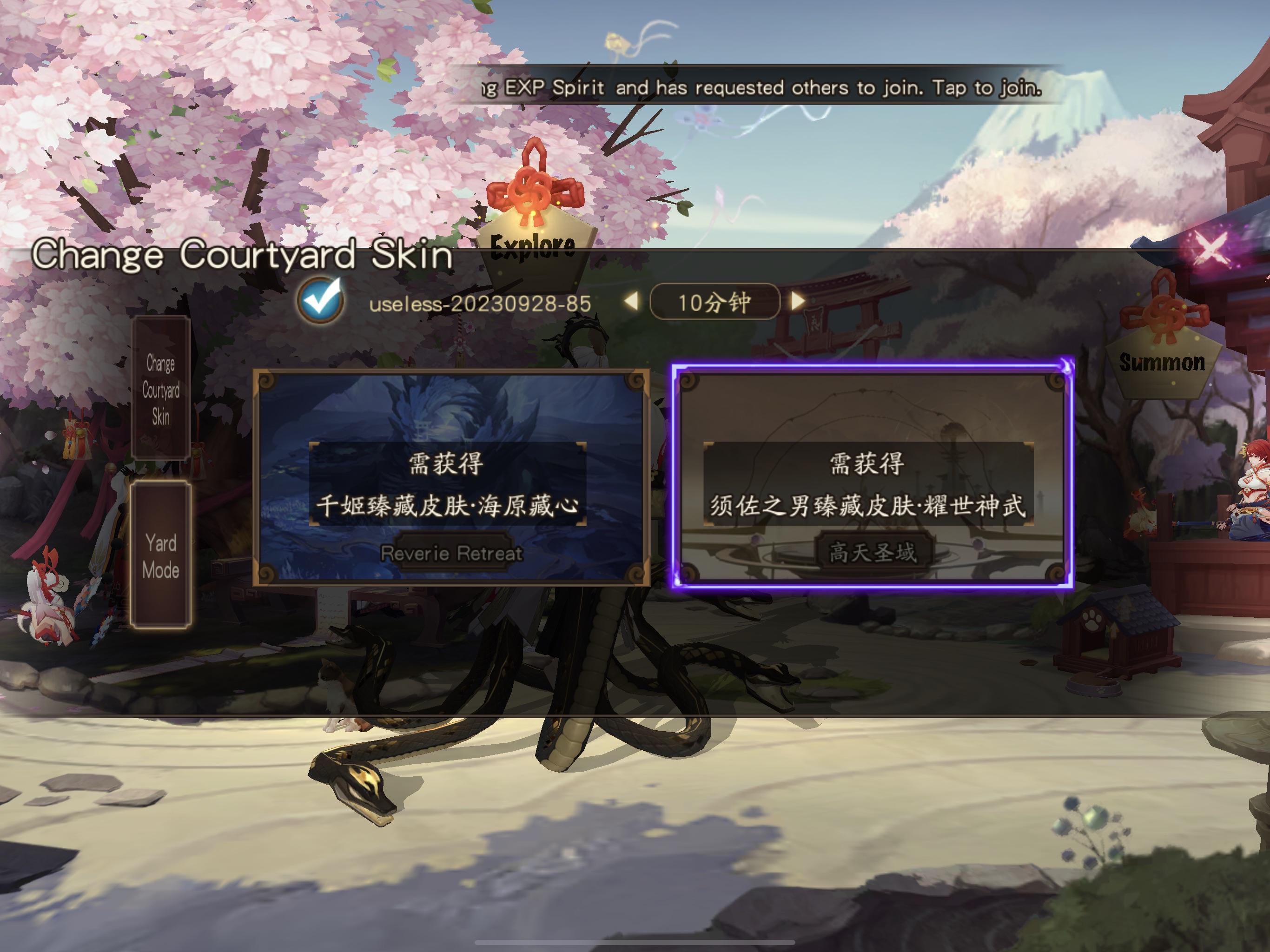
- Inspect the Courtyard Paper Doll: Check the mailbox carried by the Paper Doll in your Courtyard. Promotional event items or bundled bonus mail frequently route to the inbox rather than crediting the wallet counter directly.
Which top-up method fits your setup?
Choosing your channel depends on your operating device, gifting needs, and payment method flexibility.
Choose in-game app store purchases if: * You prefer paying via existing Google Play or Apple ID gift card balances. * You want one-tap biometric checkout on mobile without switching to a web browser. * You play exclusively on a single mobile device and have no need to gift currency to others.
Choose direct UID web recharge if: * You play primarily on PC or prefer checking out through independent web payment processors. * You want to purchase S-Jades for a friend or guildmate using their public User Code. * You refuse to share login details with third-party sellers but want alternative billing options outside Google and Apple marketplaces.
Frequently asked questions
Where do I locate my User Code in Onmyoji to complete a direct UID top-up?
Open Onmyoji on mobile or PC, tap your Character Avatar in the top-left corner of the Courtyard, and copy the numerical User Code displayed directly underneath your character nickname, as outlined on XPTopup.
What steps should I take if S-Jades do not immediately display after an external UID recharge?
Close the game client completely and relaunch it to force a server balance refresh. If the numerical balance still does not change, tap the Courtyard Paper Doll to inspect your in-game mailbox for attached pack deliveries (XPTopup).
Can I use direct UID top-up to recharge S-Jades for a friend?
Yes. Direct UID top-up requires only the recipient's numerical User Code and Global server selection at checkout, allowing you to gift S-Jades without logging into their account (XPTopup).



Comments