

Compare Silver and Blood regional price rates, Moonflow conversion math, and banner pack values to maximize your gacha pulls for less cash in 2026.
Never swipe blindly through default in-app purchase prompts. In Silver and Blood (also titled Silver and Blood: Requiem), Skystone Games forces you to manage a tight summon economy. Fielding top Vassals requires Moon Tears, which convert directly from paid Moonflow. Buying currency without comparing foreign exchange rates, tier scaling, and platform fees wastes pulls.
Evaluating regional benchmarks and direct web store pricing ensures you get the maximum number of summons per dollar spent.
Currency Mechanics: Converting Moonflow to Moon Tears
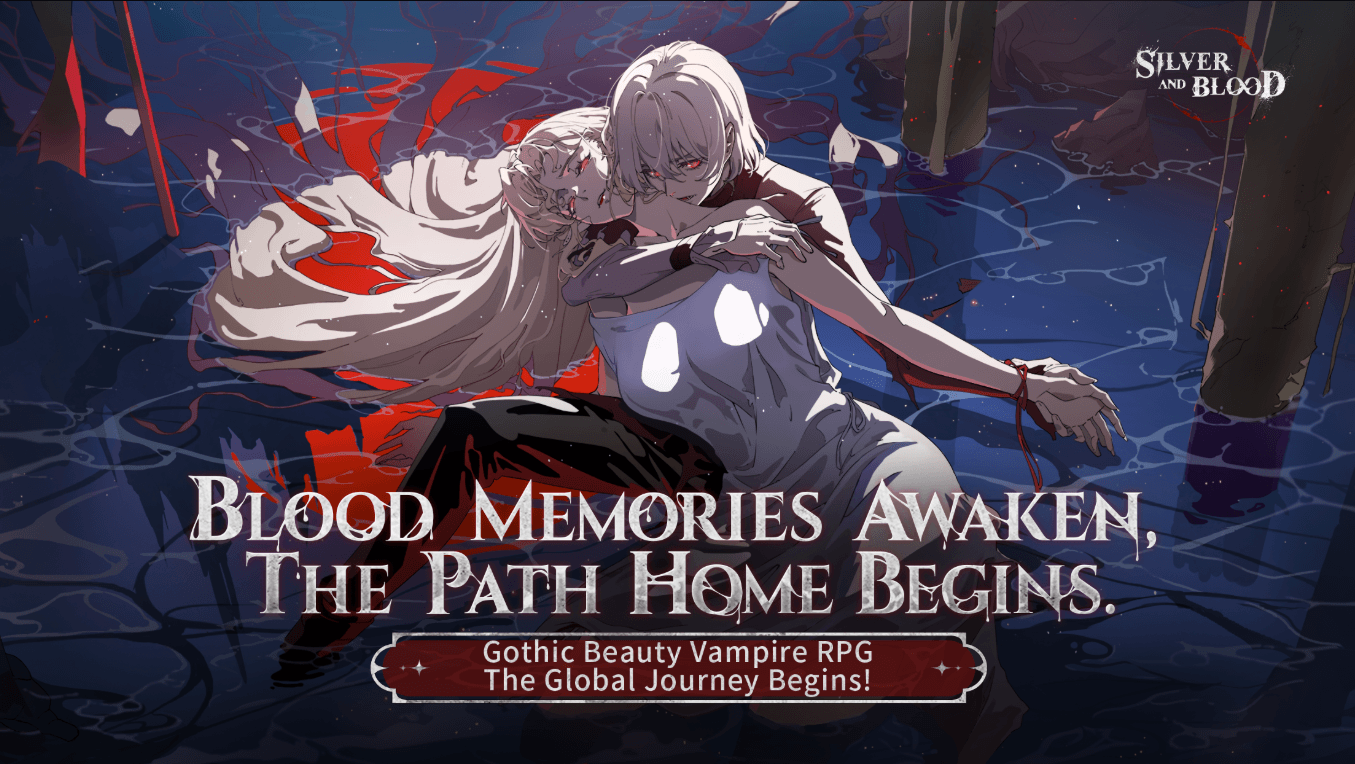
Silver and Blood links Moonflow directly to Moon Tears at a fixed 1:1 ratio. Once purchased through storefronts or in-app checkouts, Moon Tears fund summon banners, stamina refills, and shop bundles.
Different banners require specific tokens, so convert only what you plan to spend:
- Standard Blue Dawn Banner: Consumes Moon Tears directly or dedicated Soothing Embraces.
- Limited Event Banners: Consumes Moon Tears directly or Vestige of Love tokens.
- Paid Crescent Moon Banner: Requires Scroll of Firstborn, a strictly paid currency resource.
- Celestial Concerto: Utilizes Dusk-veiled Ribbons (which features no pity safety net).
Because standard and limited pools accept Moon Tears at a 1:1 rate, your cost per pull depends entirely on the unit price you pay for Moonflow.
Global Currency Cross-Rates and Regional App Store Disparities
Mobile platforms price currency tiers around baseline foreign exchange rates, where 1 USD trades near 0.8587 to 0.8707 EUR, 0.7451 GBP, 160.23 JPY, and 1.4041 CAD. App stores then tack on regional value-added taxes (VAT), rounding fees, and currency buffers.
Platform wallet caps also limit regional spending:
- USD, CAD, AUD: $2,000 wallet maximum
- EUR: €2,000 wallet maximum
- JPY: ¥200,000 wallet maximum
- INR: ₹40,000 wallet maximum
- TRY: 8,000 TRY wallet maximum
Regional payment methods shift constantly. Google Play discontinued prepaid balance spending and physical gift cards in Singapore on February 1, 2025, and in Malaysia on February 1, 2026. Players in these countries can no longer fund accounts through discounted local gift cards.
Broader gaming market data shows how purchasing power parity (PPP) adjustments function across 40+ currencies on platforms like Steam. Suggested regional pricing often sits 50% to 70% below USD baselines in Southeast Asia and Brazil, reaching 70% to 85% discounts in regional USD zones like Turkey and Argentina. While mobile gacha games avoid mirroring those deep cuts inside app stores to prevent cross-border arbitrage, international currency valuations still create clear spending differences.
The following table outlines currency exchange baselines and platform wallet constraints you must factor in when managing your international spending budget.
| Currency Code | FX Cross-Rate (per 1 USD) | Google Play Max Wallet Limit | Regional Platform Status (2026) |
|---|---|---|---|
| USD | 1.0000 | $2,000 USD | Standard baseline; full payment support |
| EUR | 0.8587 - 0.8707 | €2,000 EUR | Includes statutory regional VAT buffers |
| GBP | 0.7451 | Standard tier limits | Adjusted for local UK digital tax rates |
| JPY | ~160.23 | ¥200,000 JPY | Highly favorable conversion on baseline packs |
| CAD | ~1.4041 | $2,000 CAD | Pegged close to North American baseline |
| MYR | Regional variable | Prepaid disabled | Google Play gift cards ended Feb 1, 2026 |
| SGD | Regional variable | Prepaid disabled | Google Play gift cards ended Feb 1, 2025 |
Takeaway: Due to regional gift card phase-outs and currency locking, direct digital web top-ups offer far more stability than trying to route payments through locked app store balances.
Silver and Blood Pack Unit Price Comparison Across Tiers
Buying micro-packs repeatedly drains your budget. Skystone Games discounts higher tiers through bulk pricing and one-time first-purchase multipliers, penalizing small repeat transactions.
Always evaluate packs by effective cost per Moon Tear. Since summons require fixed currency amounts, lowering your unit cost directly cuts what you spend to reach banner targets.
The breakdown below compares package tiers, highlighting the initial first-purchase bonus value versus standard recurring recharges.
| Pack Tier Baseline | Base Moonflow | First-Purchase Bonus | Effective Unit Value | Target Buyer Profile |
|---|---|---|---|---|
| Micro Bundle ($0.99 - $4.99) | 60 - 300 | 100% Match (60 - 300 extra) | Lowest long-term value; high transaction overhead | Emergency banner top-offs (1-2 pulls short) |
| Starter Pack ($9.99 - $14.99) | 680 - 980 | 100% Match (680 - 980 extra) | Moderate; covers immediate stamina/early pulls | Low-spend monthly budgeters |
| Mid-Tier Vault ($29.99 - $49.99) | 1,980 - 3,280 | 100% Match bonus | Strong initial value; decent recurring unit rate | Regular event banner spenders |
| High-Tier Chest ($99.99) | 6,480 | 100% Match (6,480 extra) | Highest raw unit efficiency per dollar spent | Dedicated spenders chasing banner pity milestones |
| Monthly Privilege Pass | 300 Instant + Daily Tears | Highest ROI overall | Extreme efficiency distributed over 30 days | Every active daily player |
Takeaway: The Monthly Pass and the largest $99.99 tier offer the lowest cost per pull; buying small micro-packs outside of initial first-purchase bonuses drastically increases your cost per summon.
To avoid mobile store fees entirely, you can top up Silver and Blood via authorized web shops for direct Moonflow delivery to your player profile.
Banner Economy: Pity Thresholds and Pull Value Analysis
Pack efficiency means nothing if you spend currency on unoptimized banners. Silver and Blood runs a 60-summon SSR pity on standard Blue Dawn and limited Event banners—well below the 180 to 200 pulls required in competing games. The paid Crescent Moon banner triggers an SSR guarantee in 20 pulls using Scroll of Firstborn.
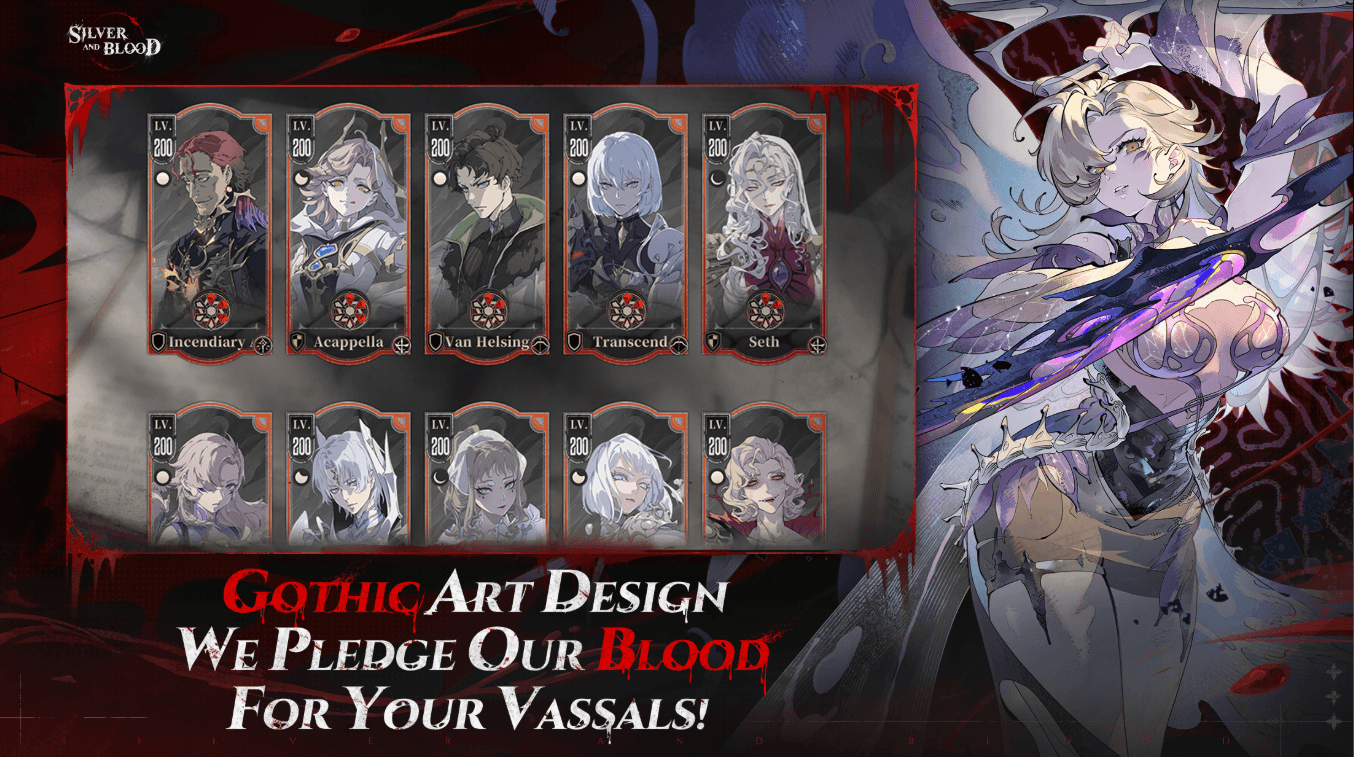
Cumulative summon milestones grant SSR selectors at 150 and 300 total pulls, letting you secure core meta units like Van Helsing or Transcendent Ami without relying on pull rates.
Planning your spending around these exact thresholds prevents wasted pulls. The table below details the summon economics across all active banner formats.
| Banner Category | Summon Token | Hard Pity Guarantee | Unique Mechanic / Protection |
|---|---|---|---|
| Blue Dawn Standard Banner | Moon Tears / Soothing Embraces | 60 Summons | Includes faction wishlist bonus to target specific units |
| Event Limited Banner | Moon Tears / Vestige of Love | 60 Summons | Guarantees featured event SSR upon pity trigger |
| Crescent Moon Banner | Scroll of Firstborn (Paid Only) | 20 Summons | Low 20-pull guarantee for paid currency spenders |
| Celestial Concerto | Dusk-veiled Ribbons | None | Uncapped banner; strictly for specialized acquisitions |
| Milestone Selector Tiers | Cumulative Total Pulls | 150 / 300 Pulls | Direct recruitment choice for meta SSR units (e.g., Van Helsing) |
Takeaway: Never pull on standard or event banners unless you have enough Moon Tears banked to hit the 60-pull pity ceiling, ensuring you never reset your investment without securing an SSR.
App Store IAP vs Direct Web Recharge Pricing
In-app mobile purchases carry platform cuts between 15% and 30%. To offset these fees, mobile game publishers either mark up in-game package prices or cut out bonus currency.
Authorized third-party web portals bypass storefront surcharges using a simple checkout flow:
- Copy your User ID (UID) and Server ID from your player avatar screen.
- Enter both IDs at the web checkout.
- Receive Moonflow directly in-game via server integration.
Because direct web stores operate without mobile platform fees, they pass those savings on through lower currency rates and larger volume bonuses. If you want to maximize your budget, secure your Silver and Blood Moonflow through verified web checkouts.
Roster Progression and In-Game Resource Sinks
Managing characters properly prevents you from wasting paid currency on upgrade materials. Silver and Blood features over 50 Vassals divided across 4 factions (Ancestors, Church, Bloodborne, Kingdom) and 6 combat classes (Warriors, Assassins, Defenders, Marksmen, Sorcerers, Enchanters).
In version 1.4.0, top squads rely on high-stat carries like Timeless Aiona, Acapella, Transcendent Ami, and Seth. Transcendent Noah peaks at 19,888 Blood Power and 9,129 ATK, Transcendent Ami reaches 17,974 Blood Power and 173,000 HP, and Seth hits 17,789 Blood Power.
Progressing through the campaign unlocks critical leveling systems that save real money:
- Threads of Fate (Chapter 2-6): Unlocks foundational progression paths.
- Transfusion System (Chapter 4-5): Synchronizes the level of your top five Vassals across any slotted character, removing the need to level more than 5 units.
- Level Resets: Costs only 10 Moon Tears to refund all upgrade materials from a benched unit.
- Idle Tribute System: Unlocks after Chapter 1, granting 1 free 2-hour speedup daily for Soli, Pure Blood Essence, and gear. Extra claims cost Moon Tears.
- Infinite Abyss (Threads of Fate 3-2): Primary resource farming for specialized materials.
- Tomb of the Fallen (Threads of Fate 3-6): Unlocks advanced gear acquisition.
- Blood Arena (Chapter 4-4): Competitive PvP ranking mode.
- Dutchman's Revenge (Chapter 6-1): High-level tactical dungeon.
Team composition matters more than raw spending. Fielding units from all three moon phases (Full, Crescent, New) activates the Blood Moon synergy, increasing team damage by 25% and reducing Ultimate Blood Soul costs by 1.
Avoiding Gray-Market Traps and Securing Your Account
Unauthorized sellers on social media and illicit trading sites offer steep, fraudulent discounts that put your account at risk.
Protect your profile by following these basic account security rules:
- Never Share Login Credentials: Legitimate web top-ups only require your public User ID (UID) and Server ID. Any seller asking for your password, Google account, or Apple ID is attempting account theft.
- Avoid Stolen Card and Chargeback Scams: Fraudulent vendors purchase packs with stolen payment cards. When the victim files a chargeback, Skystone Games revokes the Moonflow. A negative balance results in an instant permanent ban.
- Account Deletion Locks: Accounts remain locked for 30 days before deletion finishes, making repeated rerolling impractical. Protect your main save rather than risking unauthorized transfers.
Stick to verified UID-based top-up options to ensure your account remains safe and compliant.
Regional Purchasing Blueprint: Maximizing Your 2026 Budget
Follow this order of operations to stretch your spending in 2026:
- Lock in the Monthly Pass First: Provides the highest Moon Tear yield per dollar in the entire game.
- Clear First-Purchase Multipliers on Large Packs: The 100% first-purchase bonus doubles your raw currency return. Save these purchases for high-impact limited banners.
- Plan Around the 60-Pull Pity and 150/300 Selectors: Stop splitting pulls across multiple banners. Bank enough Moon Tears to hit the 60-pull ceiling and secure selector milestones.
- Use Transfusion to Cut Material Costs: Never buy resource bundles to level secondary units. Let Transfusion (unlocked at Chapter 4-5) mirror your levels instead.
- Bypass App Store Overhead: Check the Silver and Blood recharge catalog before paying through mobile app prompts.
Frequently Asked Questions
What is the conversion rate between Moonflow and Moon Tears in Silver and Blood?
Moonflow converts into Moon Tears at a direct 1:1 ratio. Moon Tears fund banner pulls, stamina resets, and in-game shop items.
How many pulls are required to hit pity on standard and event banners?
Standard Blue Dawn and limited Event banners guarantee an SSR at 60 summons. The paid Crescent Moon banner triggers an SSR guarantee within 20 summons.
What information is needed to top up Silver and Blood via authorized third-party platforms?
Authorized web top-ups require only your in-game User ID (UID) and Server ID, both found by clicking your player avatar on the home screen.
Can you reroll easily to maximize starting pull value in 2026?
Rerolling is impractical due to a 30-day account deletion lock. Natural progression and the 10 Moon Tear level reset mechanic offer a far faster route to building an optimal team.
Why do mobile app store prices differ across regions for in-game purchases?
Storefronts adjust pack prices for local currency valuations, foreign exchange swings, and statutory taxes. Google Play balances are also restricted to purchases made in the native currency of that account.
What is the Blood Moon mechanic and how does it optimize combat efficiency?
Blood Moon triggers when your active party includes skills from all three moon phases (Full, Crescent, New). The synergy grants a 25% damage bonus to all Vassals and reduces Ultimate Blood Soul costs by 1.
Final Spending Verdict
Maximizing your returns in Silver and Blood requires discipline and smart purchasing channels. Avoid micro-bundles, bypass mobile app store surcharges, and stay away from gray-market sellers asking for account credentials.
Rely on the 1:1 Moonflow-to-Moon Tear conversion, prioritize the Monthly Pass, clear first-purchase bonuses on major tiers, and save currency until you can hit the 60-pull pity ceiling. Combining in-game systems like Transfusion with verified web top-ups gives you a high-tier Vassal lineup at minimal cost.






Comments