


To find your Tango Account ID on an iPhone, launch the Tango app or your saved mobile web shortcut, tap the Profile icon in the top-left corner of the primary feed, and view the numeric string displayed directly beneath your profile photo and display name. That sequence of digits serves as your unique User ID (UID).
Step-by-Step Path to Locate Your Numeric UID
Follow these steps to locate your UID on iOS:
- Open the Tango client or Safari shortcut from your iPhone home screen.
- Tap the Profile icon positioned in the upper-left corner of the main live feed.
- Look directly underneath your circular profile picture and public display name.
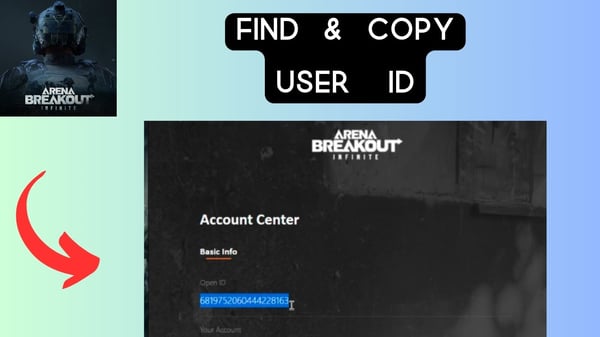
- Locate the numeric string labeled as your UID (or Account ID).
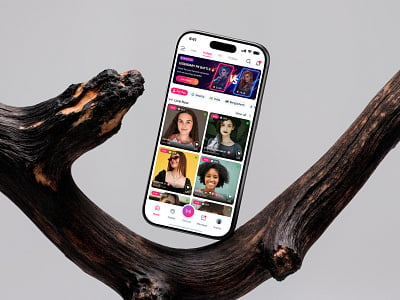
This specific sequence of digits represents your internal platform identifier. While your display name can be modified, this numeric value remains attached to your underlying account credentials, as outlined in XPTopup's Tango Live identification guide.


Numeric UID vs. Display Name and Profile Links
Account verification, customer support, and balance top-ups require your numeric UID rather than a display name or profile handle.
Tango allows multiple accounts to share identical display names. Because display names are not unique, external systems cannot use them to route transactions or identify a specific profile record.
Documentation differences exist across web sources regarding format nuances:
- Direct top-up infrastructure specifies the identifier strictly as a numeric sequence labeled as your UID or Account ID (Source: XPTopup).
- Certain support guides loosely refer to the identifier as numeric or alphanumeric, while consumer troubleshooting threads frequently confuse account numbers with public web profile URLs (such as tango.me/username).
If a service requests your Tango Account ID, do not supply your web URL or text handle. Only copy the digits printed below your avatar.
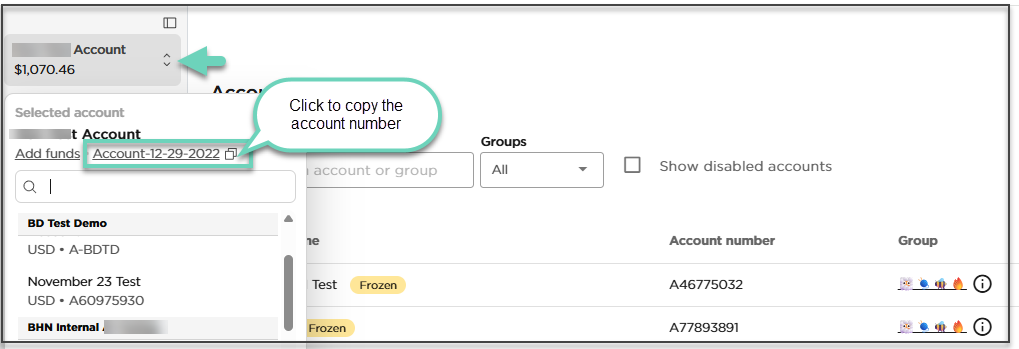
Locating Your ID if Tango Is Missing from the iOS App Store
Some iPhone users struggle to locate their ID simply because they cannot find or update the native app. Tango is not currently distributed through the Apple App Store, creating different interface experiences depending on your geographic location (Source: Tango Help Center).
Your interface access depends on regional distribution rules:
- Users inside the European Union: You can install the authorized native iOS application through the official Onside Store distribution alternative.
- Users outside the European Union: You must access Tango through a mobile web browser such as Safari by visiting tango.me.
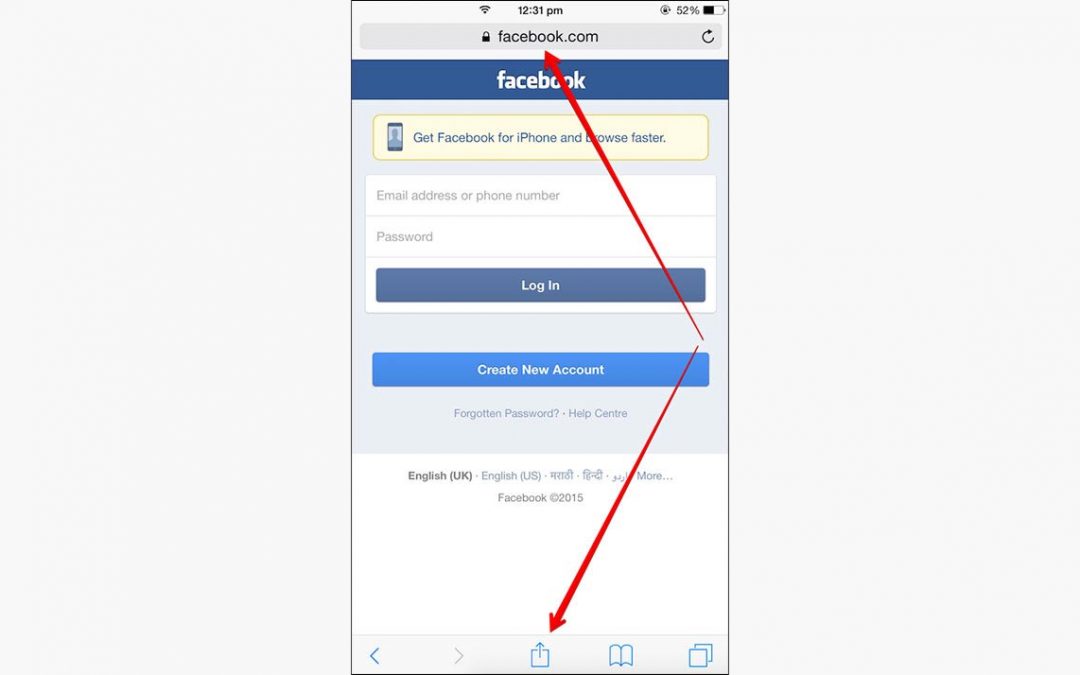
For non-EU iPhone users, accessing the profile screen requires opening the web portal. To replicate an app layout, open Safari, navigate to the site, tap the Share button, and select Add to Home Screen. Once opened from your home screen, tap the top-left profile avatar to check your numeric UID under your picture exactly as you would in a native app.
Why Account Verification Uses Direct UID Routing
External platforms and direct top-up services use your numeric UID to deliver purchases directly to your account without accessing private login details.
When purchasing Tango Live Coins through direct UID recharge systems, the credit applies directly to your account record. This avoids manual voucher redemptions, PIN codes, or copy-paste errors. Direct recharges only require this public numeric ID; legitimate services do not ask for your account password or two-factor authentication codes.
Frequently Asked Questions
Can I use my Tango display name instead of my Account ID for top-ups or support?
No. Tango requires the exact numeric UID located below your profile picture. Display names are not unique across the platform and cannot route balance deliveries or support verifications (Source: XPTopup).
Why does the Tango app not appear in the Apple App Store on my iPhone?
Tango is not distributed through the Apple App Store. iPhone users located in the EU can install the authorized iOS app via the Onside Store, whereas users outside the EU must access Tango using a mobile browser at tango.me (Source: Tango Help Center).
Do I need to share my Tango password along with my Account ID to receive recharges?
No. Account identification for recharges only requires your public numeric UID. Third-party platforms do not require your account password or two-factor security codes to deliver coins to your balance (Source: XPTopup).




Comments