


If your money left your bank but your Yalla Ludo balance is stuck at zero, stop before you hit repurchase. Third-party merchants typically need 5 to 15 minutes to push orders through, and digital vouchers demand manual activation on the official portal rather than crediting your account automatically. Before opening a dispute, pull your numeric User ID from the top-left in-game profile screen, confirm whether your seller issued an automated credit or a 12-digit YallaPay PIN, and grab your banking transaction identifier to back your claim.
Watching funds vanish from your account while your diamond count stays flat is infuriating. Don't panic: missing balances almost always stem from payment processor latency or the confusing split between direct account deposits and digital gift codes.
Here is how to track down the stall, fix routing blunders, and force your balance to update.
Delivery Timelines and Support Channels by Platform
Not every seller delivers game currency the same way. Direct rechargers push balances straight to your player profile, while open marketplaces and gift card storefronts use distinct verification systems and warranty policies.
| Platform | Visual Reference | Expected Delivery | Resolution Mechanism | Source Citation |
|---|---|---|---|---|
| Buffbuff | 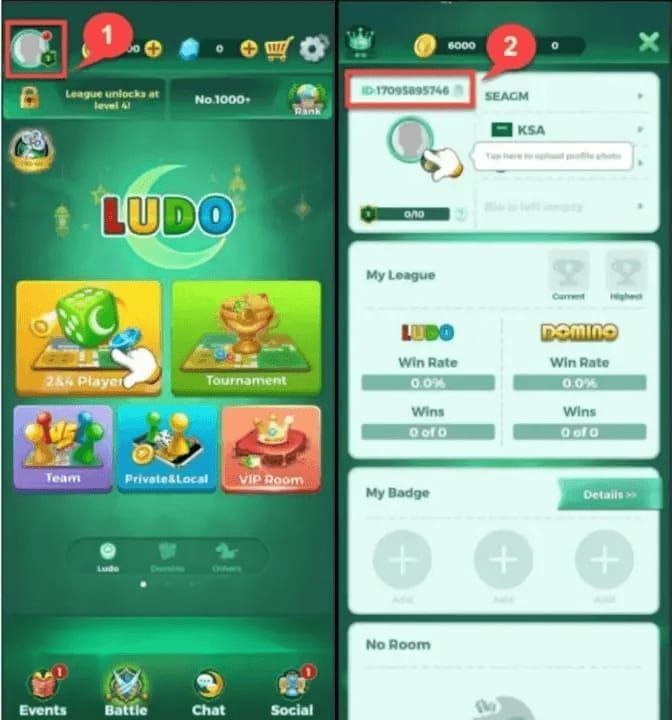 | Instant to near-instant | Direct User ID crediting; check Order Center status before opening web support | Buffbuff |
| YallaTopUp | 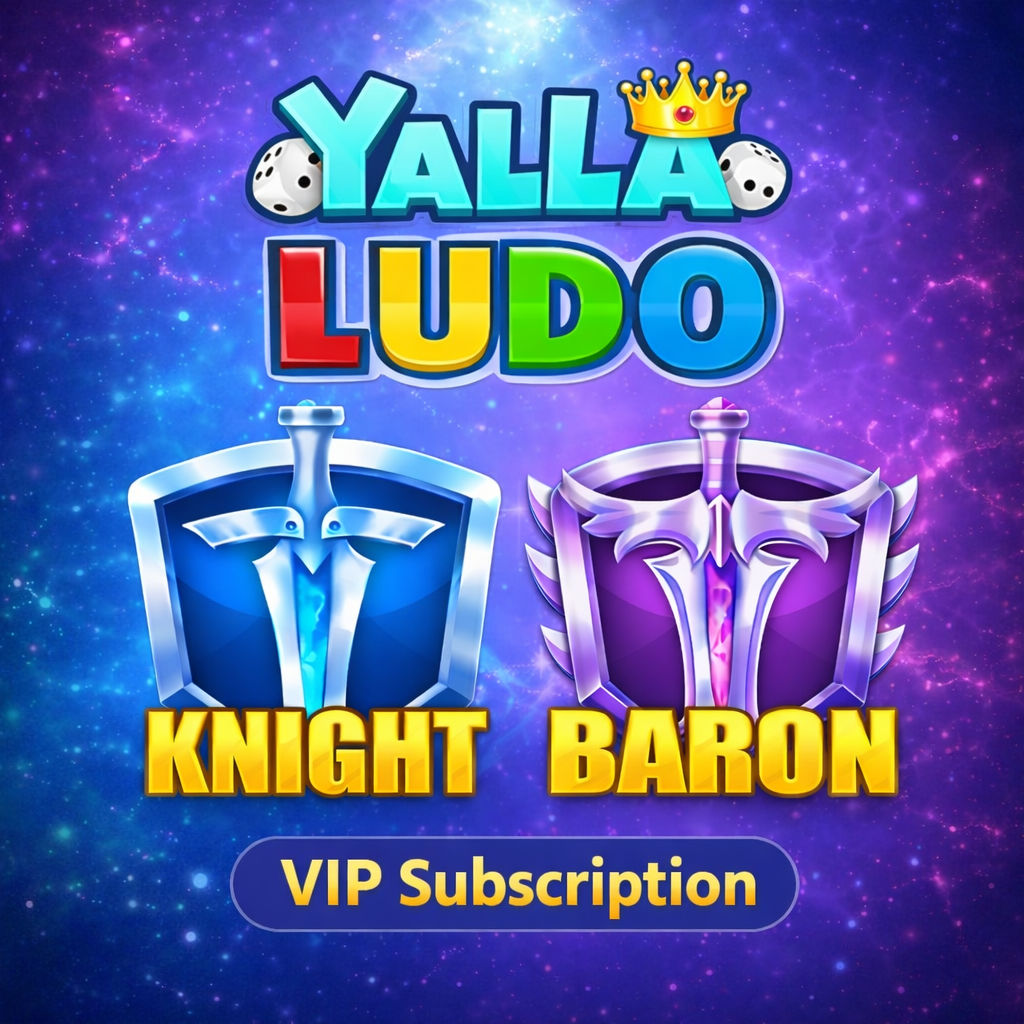 | 5–10 minutes | Direct User ID activation for Knight/Baron VIP (Pakistan); 24/7 WhatsApp & live chat support | YallaTopUp |
| Eldorado.gg | 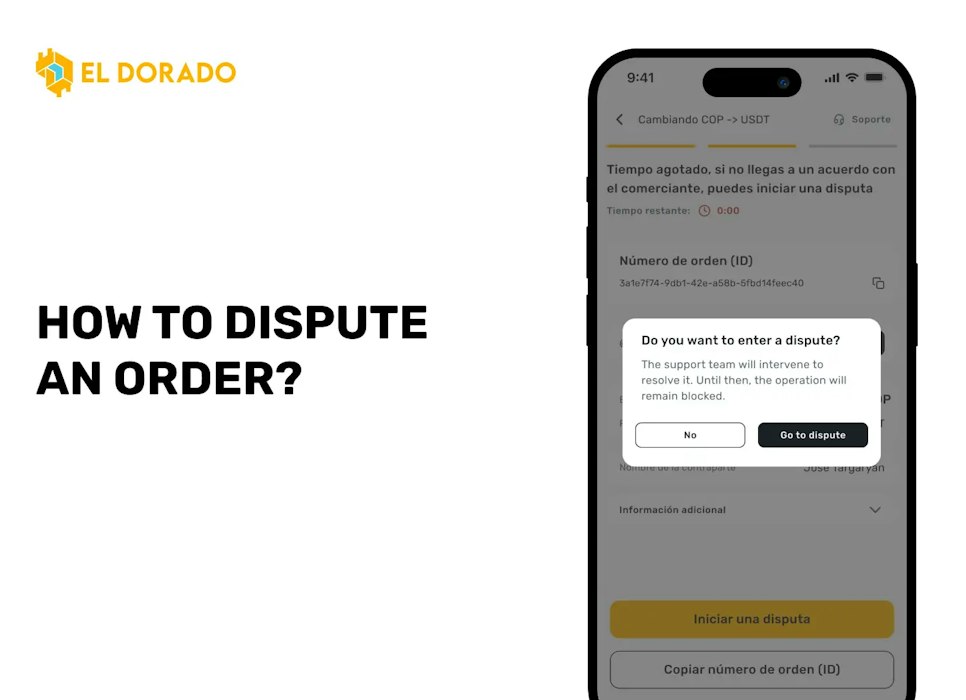 | Usually within minutes | Marketplace order chatbox; open formal dispute via TradeShield on order page for refunds | Eldorado.gg |
| Uniselv | 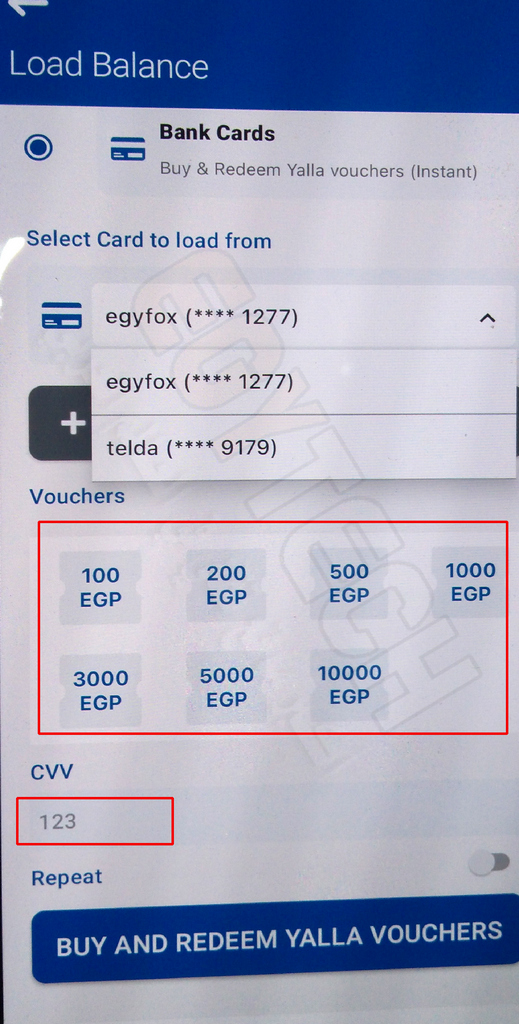 | Usually 5–15 minutes | Issues 12-digit PIN; 7-day warranty for invalid codes via screenshot submission | Uniselv |
| Speed Up Now | 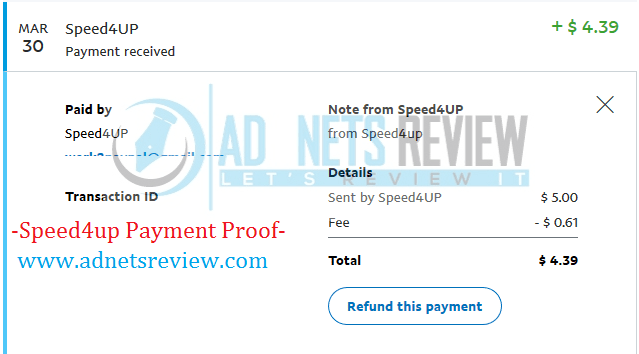 | Usually within 15 minutes | Send TrxID to 24/7 WhatsApp support (Bangla & English); money-back guarantee on failure | Speed Up Now |
How Long Does a Yalla Ludo Top-Up Take?
Bank alerts fire instantly. Game servers rarely move that fast.
Delivery benchmarks across verified sellers establish a baseline: expect 5 to 10 minutes on YallaTopUp, and 5 to 15 minutes on stores like Uniselv and Speed Up Now.
Give the system at least 15 minutes. Payment gateways need time to clear payments and hand the transaction payload over to Yalla Ludo's backend servers.
Checking Your User ID for Account Routing Errors
A single mistyped number sends your diamonds straight to a stranger. If your merchant shows the order marked as completed but your app shows nothing, verify your routing data.
To find your actual numeric User ID: 1. Launch Yalla Ludo to reach the main lobby. 2. Tap your profile picture in the top-left corner. 3. Pull the numeric User ID displayed in the center of the profile screen, as detailed by Buffbuff.
Match that number against your order confirmation. If you botched the User ID at checkout, brace yourself: direct top-ups execute irreversibly once the server deposits diamonds into that destination account.
Direct Top-Up vs. Voucher Redemption: The Common Trap
Wondering why your money cleared but zero diamonds materialized? You might be waiting for an automated delivery on an order that requires manual code activation.
Third-party sellers split into two incompatible fulfillment workflows: - Direct UID Top-Up: Outlets like Buffbuff and YallaTopUp push diamonds straight into your player profile using your User ID. No extra work required. - Digital Gift Codes: Outlets like Uniselv, Eneba, and Slevhry do not deposit anything directly into your app. They email you a alphanumeric voucher code or stash it in your order dashboard.
| Feature | Direct UID Delivery | Digital Voucher (PIN) Delivery |
|---|---|---|
| Crediting Mode | Automatic account deposit | Manual redemption on external website |
| User ID Requirement | Entered during store checkout | Entered on redemption portal |
| Merchant Processing Window | 5–10 minutes (YallaTopUp) | 5–15 minutes (Uniselv) |
| Fulfillment Output | In-game balance refresh | 12-digit PIN code |
| External Portal Needed | No | Yes (yallapay.live/home) |
| Primary Dispute Route | Store Order Center / Support | Code replacement warranty or seller chat |
Bought a voucher? Your in-game balance will sit unchanged until you claim it yourself.
How to Redeem a 12-Digit Voucher Code on YallaPay
To claim a voucher PIN, follow the redemption workflow established by Uniselv on the official portal:
- Point your browser to
yallapay.live/home. - Select Yalla Ludo Recharge.
- Type your numeric User ID from your in-game profile.
- Select the specific denomination (Diamonds or Gold) matching your purchased voucher.
- Paste the 12-digit PIN code from your merchant receipt.
- Hit Redeem to release the credit.
Pick the wrong package tier on the site and the system will reject your code. Your selected denomination must match the exact face value of your purchased voucher.
Handling Payment Pending and Transaction Verification
When your bank statement shows a charge but the store invoice still flags your order as unpaid, bring verifiable payment records before knocking on customer support's door.
| Issue Scenario | Immediate Indicator | Required Evidence | Action Path |
|---|---|---|---|
| Banking Deduction / Pending Order | Funds subtracted, store invoice shows unpaid | Official Transaction ID (TrxID) / Bank receipt | Submit TrxID to seller support via live chat or WhatsApp (Speed Up Now) |
| Direct Top-Up Marked "Delivered" | Store status "Complete", balance unchanged | Profile screenshot showing numeric UID | Check UID accuracy against invoice; open web support ticket (Buffbuff) |
| Invalid PIN Code on YallaPay | Error message upon submitting 12-digit code | Full-screen screenshot of YallaPay error | Request replacement code within 7-day warranty window (Uniselv) |
| Peer-to-Peer Order Unfulfilled | Seller unresponsive after payment | Order chat logs and order summary | File TradeShield formal dispute on order page (Eldorado.gg) |
Providing Transaction IDs to Seller Support
Regional payment processors often depend on manual reconciliation. Vendors like Speed Up Now accept bKash, Nagad, Rocket, or local bank transfers, requiring you to send your Transaction ID (TrxID) through 24/7 WhatsApp support before they unlock stuck orders.
Hang onto your payment SMS or digital receipt until the diamonds reflect in your balance. Without that transaction code, you have zero leverage.
How to Deal with Invalid PIN Errors
Entered your 12-digit PIN on YallaPay only to get an error? Act fast. Voucher merchants like Uniselv treat delivered codes as non-refundable once revealed, but they back them with a 7-day warranty window.
Take an uncropped screenshot showing the error modal alongside the typed PIN on YallaPay, then file an immediate support ticket. Validated claims earn a fresh replacement code under the vendor's warranty terms.
Buyer Disputes on Marketplace Platforms
Buying on a peer-to-peer marketplace like Eldorado.gg means dealing with an individual seller, not an automated API. Always message the seller through the order chat first.
If the seller ghosts you or fails to deliver, invoke TradeShield buyer protection. Open your order dashboard, escalate to an official dispute, and demand a refund on grounds of non-delivery.
For direct account delivery without voucher gymnastics, you can top up Yalla Ludo diamonds directly using your verified numeric User ID.
Troubleshooting Checklist Before Calling Support
Work through these five verification checkpoints before opening a support case:
- Run down the 15-minute clock: Give the order a full 15 minutes post-payment to account for gateway-to-server latency.
- Force-restart the app: Swipe Yalla Ludo out of your phone's memory to pull a fresh balance call from the server.
- Identify the fulfillment type: Check your receipt to confirm whether you received an invoice confirmation or a 12-digit code for
yallapay.live/home. - Audit your User ID: Compare your profile UID digit-for-digit against the recipient ID printed on your merchant receipt.
- Grab your TrxID: Copy the exact transaction reference number from your bank or mobile wallet app so support agents can trace the payment trail without delay.
Follow XPTopup for more Yalla Ludo news~






Comments