Amar Chat Top Up Online with UID
Topping up your Amar chat account is the fastest way to access premium features, join live voice party rooms, send gifts, and connect through 1-on-1 voice and video conversations. On XPTopup, you can complete your Amar chat top up directly using only your user ID (UID). There is no need to provide your account password or share any sensitive login credentials.
How to Recharge Amar Chat on XPTopup
- Select Your Coin Package: Browse the available credit packages listed above and choose the amount that fits your needs. Current pricing and denominations are displayed on the live checkout interface.
- Enter Your Amar Chat UID: Type your numeric UID into the required field. Ensure all digits match your in-app profile ID.
- Select Your Payment Method: Choose from the available digital payment channels and proceed to checkout.
- Confirm Your Payment: Complete the transaction through the secure payment gateway.
- Receive Your Credits: Once the payment is verified, the coins are credited directly to your Amar chat wallet.
Where to Find Your Amar Chat UID in Your Profile
Your Amar chat UID is a unique numerical identifier assigned to your account when you register. Finding it takes only a few seconds within the mobile app.
- Open the Amar app on your Android or iOS device.
- Tap the Profile or Me icon located in the bottom-right corner of the main screen.
- Locate your profile avatar and display name at the top of the page.
- Your UID is displayed directly beneath your nickname as a series of numbers.
- Tap the Copy icon next to the UID number to copy it directly to your clipboard, preventing manual typing mistakes.
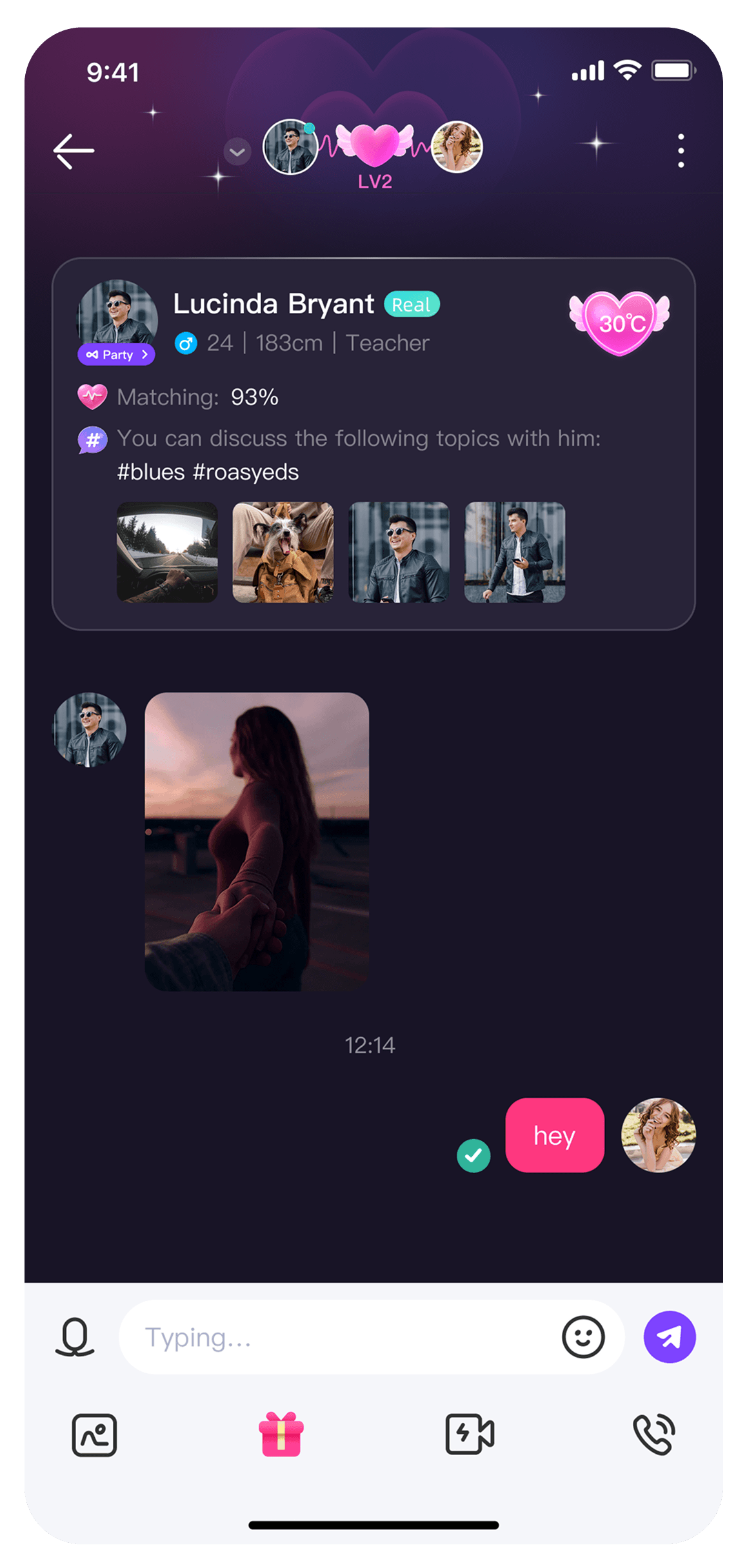
What Amar Chat Credits and Coins Are Used For
Amar chat credits and coins serve as the primary in-app currency. Having an active coin balance unlocks a wide variety of interactive social tools across the platform:
| Feature | Primary Usage and In-App Benefits |
|---|---|
| Virtual Gifting | Send animated 2D and 3D gifts to broadcasters and room hosts during live voice streams. |
| 1-on-1 Private Calls | Initiate direct private voice calls and high-definition video chats with friends. |
| Room Mic Seats | Unlock premium seats, audio privileges, and interactive mini-games inside group voice rooms. |
| Profile Decorations | Purchase unique avatar frames, custom room entry effects, and special profile badges. |
| Direct Messaging | Connect with other users without messaging limits or cooldown restrictions. |
Account Security: Fast UID Recharge with Zero Password Sharing
Keeping your account safe is essential when buying in-app currencies online. XPTopup processes your Amar chat recharge strictly through your public UID.
- No Passwords Required: You never need to share your password, social login tokens, or SMS verification codes.
- Direct Delivery: Coins are sent straight to your Amar wallet over secure server protocols.
- Zero Risk of Account Lockouts: Because third parties never log into your profile, your account remains completely secure against unauthorized access.
Always double-check your UID before finalizing your order. Because digital coin deliveries are automated, sending coins to an incorrect UID cannot be reversed once processed.
How to Check Your Amar Chat Credit Balance After Delivery
After completing your purchase on XPTopup, follow these steps to confirm that your coins have arrived:
- Open the Amar app on your phone.
- If the app was already open during checkout, close it completely from your background apps and relaunch it to refresh your session.
- Tap the Me / Profile tab.
- Select the Wallet or Coins section.
- View your updated balance. Your new coins will be reflected immediately in your total balance and transaction history.
Troubleshooting Top-Up Issues and UID Mismatch Errors
If your coins do not appear in your balance immediately after payment, use the following troubleshooting steps:
- Check Order Status: Log in to your XPTopup account and check the status of your order to ensure the payment went through successfully.
- Refresh Network Connection: Switch between Wi-Fi and mobile data to ensure your app connects properly to the server.
- Verify the UID Entered: Check your XPTopup order confirmation receipt against your in-app profile UID to make sure there was no typo.
- Contact Customer Support: If your order shows as completed but your coins have not appeared after refreshing your app, reach out to XPTopup customer support with your Order ID and payment receipt for fast assistance.
Frequently Asked Questions
How does the Amar app work?
Amar is a social networking and live entertainment app that allows users to meet friends through group audio rooms, live voice parties, and 1-on-1 text, voice, and video chats. Users interact using interactive voice seats, social mini-games, and virtual gift exchanges powered by in-app coins.
How do I find my UID to top up Amar Chat credits?
Open the Amar app, navigate to your Profile (or Me) screen, and look right below your display name. Your UID is the unique sequence of numbers listed there. Tap the copy button beside it to copy the exact number.
Do I need to provide my password for an Amar Chat top up?
No. Top-ups on XPTopup require only your Amar chat UID. You should never share your account password, email access, or verification codes with anyone.
What can I do with Amar Chat credits and coins?
Amar chat coins can be used to send virtual gifts to hosts in live voice rooms, initiate private video and voice calls, purchase entrance animations and profile frames, and unlock interactive room features.
How soon will the coins appear in my Amar Chat account after purchase?
Once your payment is confirmed on XPTopup, coins are processed directly to your Amar UID. In most cases, they appear in your in-app wallet within minutes. Restarting your app helps refresh the display balance.
What should I do if I entered the wrong UID during checkout?
If you realize you entered an incorrect UID, contact XPTopup customer service immediately with your order details. If the order has not yet been processed by the automated dispatch system, support may be able to update your details. However, completed orders cannot be recalled or refunded.
Current package prices
Current package prices are shown below. Prices exclude Tax. Tax, payment fees and applicable coupons are shown at checkout.
| Package | Price |
|---|---|
| Amar chat - Amar chat*5000 | USD 3.89 |
| Amar chat - Amar chat*10000 | USD 7.78 |
| Amar chat - Amar chat*15000 | USD 11.67 |
| Amar chat - Amar chat*20000 | USD 15.56 |
| Amar chat - Amar chat*25000 | USD 19.44 |
| Amar chat - Amar chat*50000 | USD 38.89 |
| Amar chat - Amar chat*100000 | USD 77.78 |
| Amar chat - Amar chat*500000 | USD 388.88 |
| Amar chat - Amar chat*2000 | USD 1.56 |