Ifun Top Up: Instant Coin Packages on XPTopup
Ifun is a popular interactive live streaming and social entertainment platform where users connect with talented creators, participate in live voice rooms, and share dynamic content. To participate fully in the community, you need Ifun coins. These in-app tokens allow you to send animated virtual gifts, support favorite broadcasters, unlock special chat badges, and enter exclusive interactive events.
Getting an Ifun top up on XPTopup provides a direct and reliable way to replenish your coin balance. Instead of dealing with complicated verification procedures or risking account credentials, you only need to submit your unique User ID (UID). Your order is credited directly to your Ifun account through automated processing, so you can return to enjoying your favorite live streams without delay.
Step-by-Step Guide: How to Top Up Ifun Coins on XPTopup
Refilling your balance takes only a few simple steps. Follow this guide to complete your purchase:
- Select Your Coin Package: Browse the available Ifun coin tiers listed on the product page and choose the amount that fits your entertainment needs.
- Enter Your Ifun UID: Input your numeric Ifun User ID in the designated account field. Double-check the number to prevent delivery errors.
- Proceed to Checkout: Click the purchase button to open the secure payment screen. Choose your preferred payment option and complete the transaction.
- Receive Your Coins: Once your payment is confirmed, the system processes your recharge directly to your Ifun wallet. Open your app and refresh your profile to verify your updated balance.
| Top-Up Step | Action Required | Key Benefit |
|---|---|---|
| 1. Choose Bundle | Select desired coin amount | Flexible denomination options |
| 2. Enter UID | Type your numeric Ifun ID | Zero password sharing required |
| 3. Checkout | Select your preferred payment method | Secure, encrypted transaction |
| 4. Confirmation | Reopen the Ifun application | Direct crediting to your wallet |
How to Locate Your Ifun User ID (UID) Quickly
To ensure your coins reach your profile without delays, you must provide your exact numeric UID. You can locate this identifier inside the app in less than a minute.
- Launch the Ifun application on your mobile device.
- Tap the Profile or Me icon located in the bottom navigation menu.
- Look at the top section of your profile screen, directly below your avatar and nickname.
- You will see a numeric code labeled ID or UID.
- Tap the copy icon next to the number or write it down carefully to paste into the XPTopup player field.
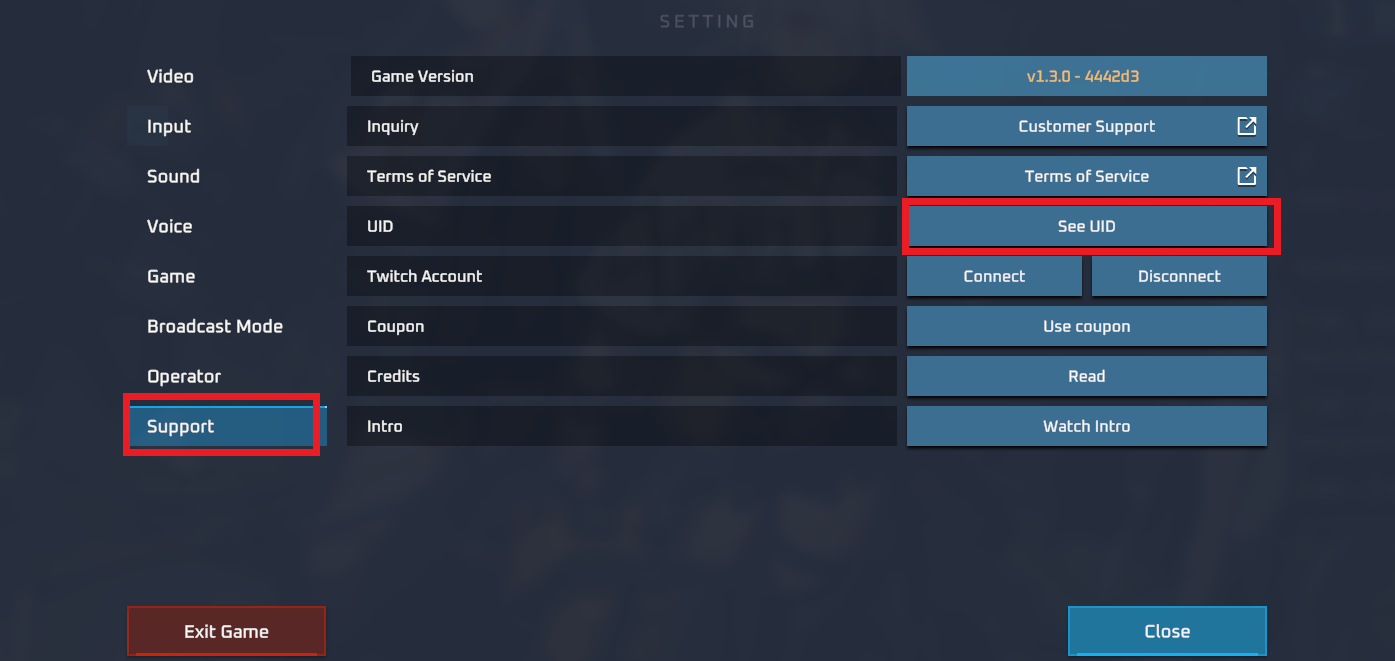
Always ensure that you copy the numeric ID directly from your personal profile screen. Do not enter your display nickname, as nicknames can change and cannot be used by the automated delivery system.
Why UID-Only Top Up Protects Your Ifun Account
Account safety is a top priority when purchasing digital currencies online. XPTopup uses a direct UID-based crediting model designed to protect your personal information:
- No Passwords Required: You never have to share your Ifun account password, email login, or third-party social media access tokens.
- Zero Account Takeover Risk: Because no sensitive login details are transmitted, your profile remains completely under your control.
- Direct In-App Crediting: Transactions are routed straight to the account associated with the submitted UID, eliminating third-party login sessions.
- Privacy Protection: Your payment details and personal contact information are kept strictly confidential under modern data encryption standards.
Using a UID-only recharge method guarantees peace of mind, keeping your account safe while ensuring direct delivery of your coins.
Supported Payment Methods for Ifun Recharges
XPTopup supports a wide selection of international and regional payment methods to make purchasing Ifun coins convenient for users worldwide. Available payment options include major credit cards, debit cards, popular digital e-wallets, and localized bank transfer channels.
All real-time currency pricing, exchange rates, and active payment channels are displayed clearly on the live checkout page. Simply select your country or preferred billing currency during checkout to view the exact payment options available for your location.
Delivery Timeframes and Top-Up Troubleshooting
Most orders placed on XPTopup are processed automatically within minutes after payment confirmation. However, if your coins do not appear immediately, use these troubleshooting steps:
- Restart the App: Close the Ifun application completely and reopen it. Check your coin balance in the wallet menu to see if the display has refreshed.
- Check Payment Status: Verify that your payment went through successfully and that you received an order confirmation email from XPTopup.
- Verify the Submitted UID: Check your order receipt to confirm that the UID you entered matches the exact ID in your Ifun profile.
- Contact Customer Support: If your balance has not updated after a short wait, contact the XPTopup 24/7 customer support team. Provide your Order ID, your Ifun UID, and proof of payment for quick resolution.
How to Use Ifun Coins and In-App Rewards
Once your Ifun recharge is complete, your coins unlock a wide variety of features and social interactions across the platform:
- Send Virtual Gifts: Reward your favorite live streamers with animated effects, luxury badges, and celebration gifts during live broadcasts.
- Level Up Fan Rank: Gifting coins increases your fan status in creator communities, earning you special entrance animations and unique profile frames.
- Access Exclusive Audio Rooms: Join premium voice chat parties, interactive game rooms, and private creator sessions.
- Boost Interaction: Highlight your chat messages in busy streams, making sure broadcasters and fellow viewers notice your comments.
Frequently Asked Questions About Ifun Top Up
What details do I need to enter for an Ifun top up?
You only need to provide your numeric Ifun User ID (UID) and select the coin package you wish to buy. You do not need to provide passwords, phone numbers, or linked email credentials.
How do I find my Ifun UID in the app?
Open the Ifun app, tap on the Me or Profile tab in the bottom menu, and look directly beneath your avatar. Your numeric UID is displayed there with a convenient one-tap copy button.
Do I need to provide my Ifun password or login credentials?
No. XPTopup never asks for your password, verification codes, or login details. Recharges are processed entirely through your public UID.
How long does it take to receive coins after completing an Ifun recharge?
Deliveries are processed immediately after your payment is successfully verified. In most cases, your coins reflect in your in-app balance within minutes.
What should I do if I entered the wrong UID during checkout?
Because digital coin deliveries are automated, credits sent to an active, valid UID cannot be reversed. If you notice a typo before the transaction completes, contact XPTopup customer support immediately with your order details.
What payment methods can I use to buy Ifun coins on XPTopup?
XPTopup provides multiple checkout channels, including bank cards, digital wallets, and local payment methods. Check the live checkout screen to see all options and real-time exchange rates for your region.
Current package prices
Current package prices are shown below. Prices exclude Tax. Tax, payment fees and applicable coupons are shown at checkout.
| Package | Price |
|---|---|
| Ifun - Ifun*20000 | USD 1.55 |
| Ifun - Ifun*25000 | USD 1.93 |
| Ifun - Ifun*50000 | USD 3.87 |
| Ifun - Ifun*100000 | USD 7.73 |
| Ifun - Ifun*500000 | USD 38.67 |
| Ifun - Ifun*1000000 | USD 77.34 |
| Ifun - Ifun*5000000 | USD 386.69 |
| Ifun - Ifun*15000 | USD 1.16 |