Kafu Chat Top Up: Instant Voice Room Credits on XPTopup
Kafu Chat is a widely popular social voice room and entertainment app that connects users across the globe. Inside Kafu Chat, users join audio group rooms, host live voice discussions, participate in social party games like Ludo and Dominoes, and interact with talented broadcasters. To participate fully in the community, send premium gifts, customize your profile, and stand out in crowded voice rooms, you need Kafu Chat credits.
On XPTopup, you can complete your Kafu Chat top up directly using your account User ID (UID). There is no need to share your account passwords or private login credentials. Simply pick your desired credit package, enter your UID, and complete the order to have your balance updated in your account.
What Are Kafu Chat Credits and How to Use Them
Kafu Chat credits serve as the primary virtual currency within the platform. Having an active credit balance unlocks numerous social and entertainment features across public and private audio rooms:
- Sending Animated Virtual Gifts: Support room hosts, friends, and content creators with luxury animated gifts such as supercars, castles, private jets, and celebratory fireworks.
- Purchasing Exclusive Entrance Effects: Make an impression whenever you join a voice room with custom vehicle entrances, sound effects, and specialized entry banners.
- Unlocking VIP Badges and Levels: Level up your Kafu VIP rank to display prestigious badges on your profile, enter reserved seats, and receive exclusive social privileges.
- Avatar Frames and Chat Bubbles: Customize your visual presence in chat streams with seasonal and limited-edition avatar rings, glowing nameplates, and chat bubble themes.
- In-Room Social Games: Use credits to participate in interactive games, lucky spins, and mini-game activities hosted inside community chat rooms.
How to Top Up Kafu Chat on XPTopup via UID
To buy Kafu Chat credits quickly on XPTopup, follow this direct four-step procedure:
- Select Your Credit Amount: Browse the available credit packages listed on the product page and choose the amount that fits your needs.
- Enter Your Kafu Chat UID: Input your numeric Kafu Chat UID accurately into the player ID field provided on the screen.
- Proceed to Checkout: Select your preferred payment option from the available checkout methods and confirm your order details.
- Receive Credits Instantly: Once the transaction completes, your credits are credited directly to your in-app Kafu Chat wallet without requiring manual voucher redemption codes.
Step-by-Step: How to Find Your Kafu Chat UID
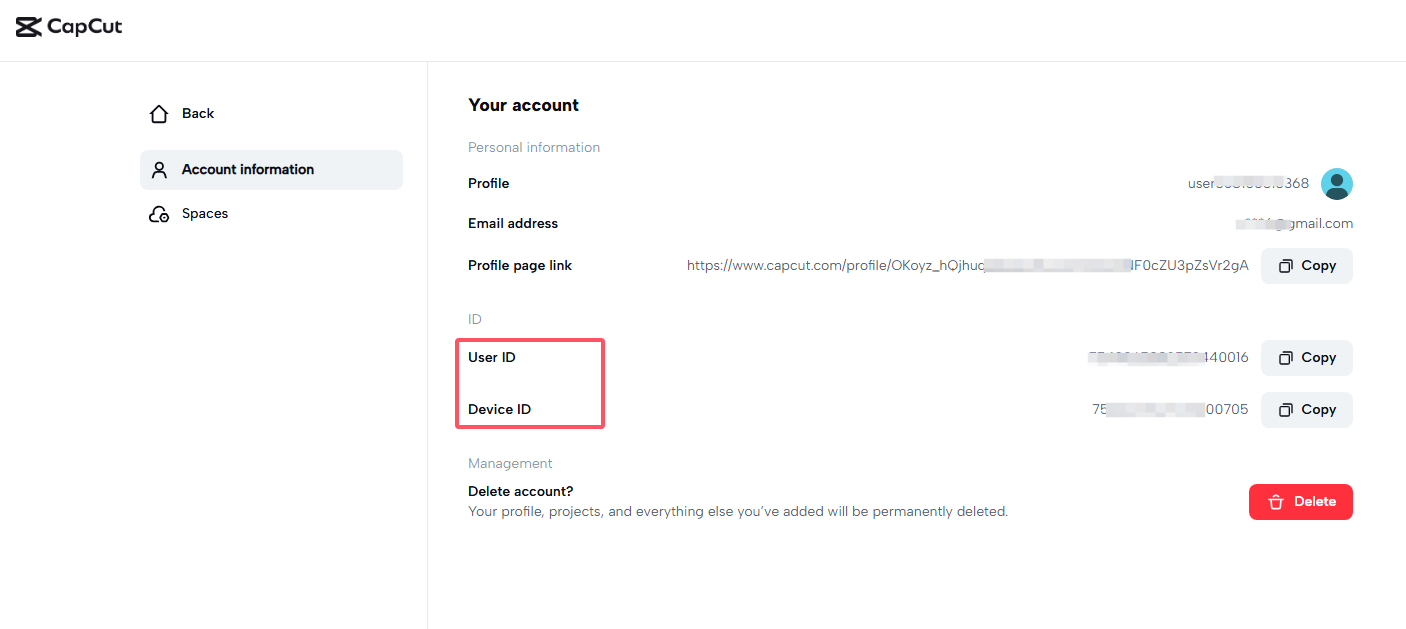
Your Kafu Chat UID is a unique numeric identifier assigned to your account. To find your UID inside the mobile application:
- Open the Kafu Chat app on your mobile device.
- Tap the Profile (or Me) tab located in the bottom-right corner of the home navigation bar.
- Look directly underneath your profile photo and display name on your personal profile page.
- You will see your ID / UID displayed as a series of numeric digits.
- Tap the copy icon next to the number or write it down carefully to paste it during checkout on XPTopup.
Supported Credit Packs, Pricing, and In-App Rewards
XPTopup provides multiple credit denominations to suit casual chatters, regular gifters, and active room owners. Current pricing and active package options are shown directly on the live checkout selector at the top of the page.
| Credit Package Tier | Primary In-App Purpose | Recommended For |
|---|---|---|
| Starter Pack | Daily room interaction, basic text gifts, entry tips | Casual listeners and new room visitors |
| Standard Pack | Animated gifts, interactive party mini-games, dynamic chat bubbles | Active community members and game players |
| Popular Pack | Exclusive avatar frames, mid-tier vehicle entrance effects | Regular room contributors and supporters |
| VIP Pack | Luxury room gifts, VIP status progression, top-tier entrance animations | Room hosts, gifters, and top leaderboard participants |
Note: Exact credit amounts and current pricing are displayed in real time on the XPTopup purchase module.
Account Safety: Why UID Top-Up Protects Your Account
Protecting your personal account security is essential when purchasing digital credits online. Traditional third-party recharge methods sometimes ask for social logins, phone numbers, or passwords, exposing your personal profile to unauthorized access.
Using the direct UID top-up system on XPTopup provides distinct security advantages:
- Zero Password Requirements: You never share your account password, email login, or verification codes. Your Kafu Chat credentials remain completely confidential.
- No Account Sharing: Your profile remains logged in exclusively on your own personal device, preventing unexpected disconnections or security lockouts.
- Safe for Gifting Friends: Because the process only requires a UID, you can easily top up credits for friends, family members, or favorite room hosts without asking for their login details.
- Direct Balance Transfer: Transactions route credits straight to the designated account identifier through secure digital order fulfillment.
Accepted Payment Methods and Delivery Process
When recharging your Kafu Chat balance on XPTopup, you have access to a variety of secure global and regional payment channels. Depending on your region, you can select credit or debit cards, secure e-wallets, or online banking systems displayed during checkout.
Once your payment clears:1. The system validates your submitted Kafu Chat UID.2. The chosen credit package is processed through direct digital balance fulfillment.3. Your updated balance reflects directly inside your Kafu Chat app balance screen.
If you have the Kafu Chat app open during payment, simply pull down to refresh your profile page or restart the application to see your new credit total.
Troubleshooting Common Kafu Chat Recharge Issues
If you experience any difficulties during or after your transaction, follow these standard troubleshooting steps:
- Credits Not Appearing Immediately: Close the Kafu Chat application completely from your background apps and reopen it. Check your in-app wallet history under the Profile menu.
- Incorrect UID Entered: If you entered a typo in your UID, reach out immediately to XPTopup customer support with your transaction order number. If the UID entered does not exist, the transaction may be held for correction.
- Payment Charged but Order Incomplete: Occasionally, bank authorization or network delays may cause a slight processing window. Check your order status page on XPTopup, and keep your payment receipt handy for quick support verification.
Frequently Asked Questions
How do I find my Kafu Chat UID for top up?
Open the Kafu Chat app, select the Me or Profile icon in the bottom menu, and locate the numeric ID printed directly below your avatar and username. Copy this number and paste it into the UID field on XPTopup.
Do I need to share my Kafu Chat account password to recharge credits?
No. XPTopup only requires your Kafu Chat UID. You should never share your account password, phone OTP, or social login credentials with anyone.
What can I buy with Kafu Chat credits?
Kafu Chat credits can be spent on animated virtual gifts for room hosts, entrance effects, avatar frames, chat bubbles, VIP level progression, and participating in in-room social mini-games.
How fast are Kafu Chat credits delivered after payment?
Credits are processed automatically upon successful payment confirmation. Once the transaction completes, the credits are added directly to your in-app account balance.
Can I top up Kafu Chat credits for a friend using their UID?
Yes. As long as you have your friend's correct numeric Kafu Chat UID, you can enter it in the player ID field on XPTopup and complete the payment to surprise them with credits.
What should I do if my Kafu Chat credits do not arrive?
First, force-close and restart the Kafu Chat app to refresh your wallet cache. If the updated balance does not reflect after a few minutes, contact the XPTopup customer support team with your order ID and UID for prompt assistance.
Current package prices
Current package prices are shown below. Prices exclude Tax. Tax, payment fees and applicable coupons are shown at checkout.
| Package | Price |
|---|---|
| Kafu Chat - Kafu Chat*2000 | USD 2.02 |
| Kafu Chat - Kafu Chat*5000 | USD 5.04 |
| Kafu Chat - Kafu Chat*10000 | USD 10.09 |
| Kafu Chat - Kafu Chat*15000 | USD 15.13 |
| Kafu Chat - Kafu Chat*20000 | USD 20.18 |
| Kafu Chat - Kafu Chat*25000 | USD 25.22 |
| Kafu Chat - Kafu Chat*50000 | USD 50.44 |
| Kafu Chat - Kafu Chat*100000 | USD 100.88 |
| Kafu Chat - Kafu Chat*1000 | USD 1.01 |