Roka Live Top Up: Direct UID In-App Recharge
Roka Live is an interactive social live-streaming platform where creators and viewers connect through real-time broadcasts, voice parties, and interactive video rooms. In-app coins serve as the central virtual currency on the platform, allowing viewers to send dynamic digital gifts, show direct appreciation to broadcasters, and access exclusive community privileges.
Ordering a Roka Live top up on XPTopup gives you a direct, hassle-free way to reload your balance. By using your public User ID (UID), the recharge credits directly to your account profile without requiring you to share login credentials or private information. Whether you want to participate in live room events, climb the gifter leaderboard, or support your favorite hosts, replenishing your coin wallet on XPTopup ensures you stay active across all community broadcasts.
How to Top Up Roka Live Coins with UID
Recharging your Roka Live account on XPTopup takes only a few simple steps. Follow this guide to complete your transaction:
- Select your desired coin bundle from the available package options on the checkout page.
- Enter your Roka Live User ID (UID) into the designated input box.
- Verify that the entered numeric ID matches your profile details exactly.
- Choose your preferred payment method and click the payment button.
- Complete the payment process. Once confirmed, the coins will be dispatched directly to your in-app balance.
- Launch or refresh your Roka Live app to see your updated coin balance under your personal wallet.
Where to Find Your Roka Live User ID (UID)
Locating your Roka Live UID is straightforward and can be done directly within the mobile application:
- Open the Roka Live app on your iOS or Android device.
- Tap the Profile (or Me) icon in the bottom-right corner of the home screen.
- On your profile page, look directly below your profile picture and display name.
- You will see a numeric string labeled ID or UID.
- Tap the copy icon next to the number to copy your UID directly to your clipboard, then paste it into the XPTopup order form.
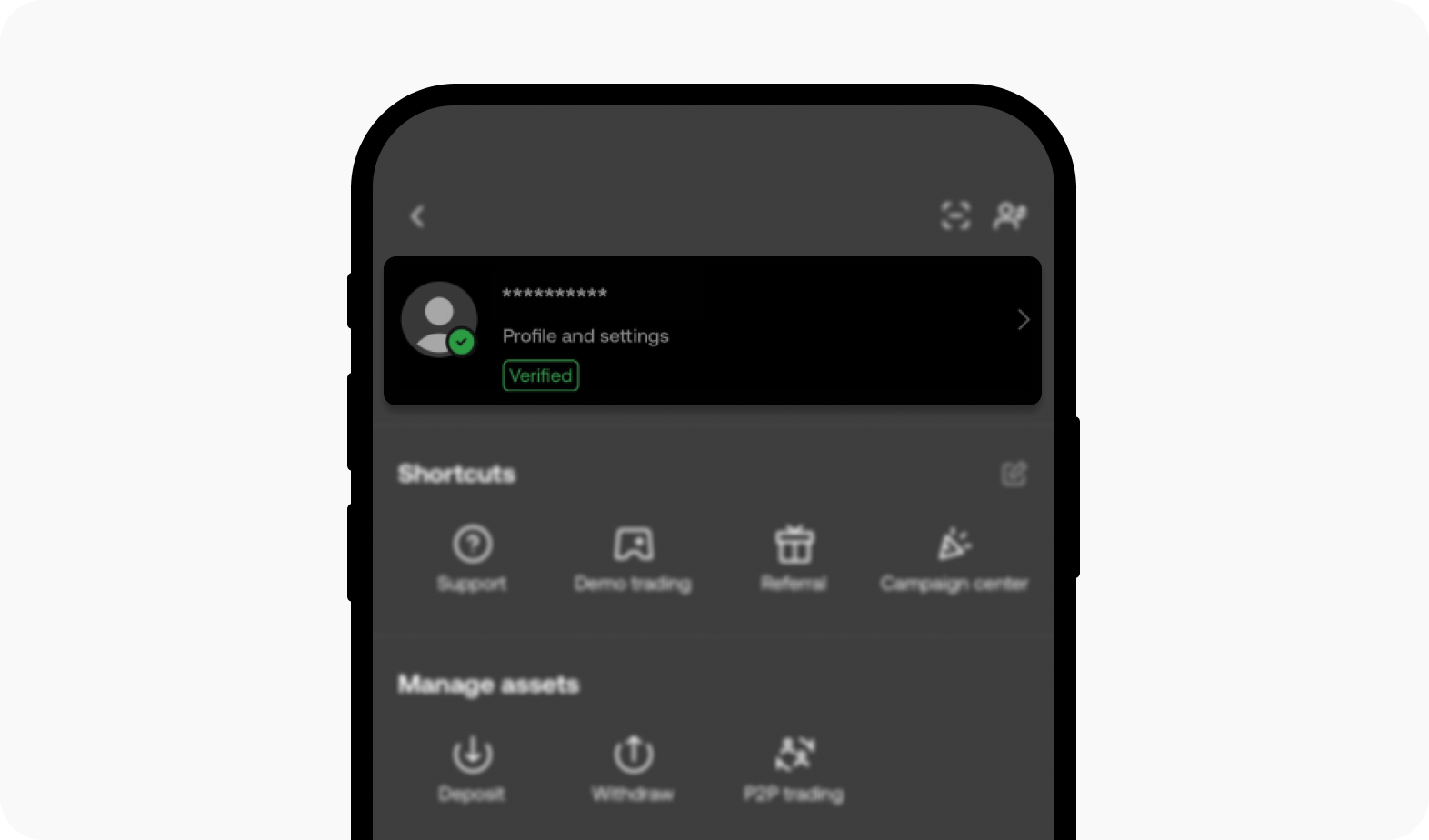
Double-checking this number before submitting your order ensures your coins arrive in the correct account without delay.
What Are Roka Live Coins and Credits Used For?
Coins on Roka Live power the entire interactive ecosystem of the app. Having an active coin balance allows you to participate fully in live streams and unlock visual and social benefits.
- Virtual Gifting: Send animated gifts, luxury items, flowers, and customized reactions to hosts during live video or audio rooms. Gifts help creators rank higher in live competitions and show your personal support.
- Entrance Effects: Equip special entrance banners, luxury vehicle animations, and spotlight effects when you enter popular broadcast rooms.
- Profile Frames and Badges: Gain distinctive avatar frames, chat bubble themes, and VIP status indicators that highlight your presence in community chats.
- Interactive Mini-Games and Events: Use coins to join in-app seasonal activities, lucky prize draws, and broadcaster challenge matches.
- Private Room Access: Access special voice chat seats or private interaction sessions hosted by top content creators.
| Feature | In-App Coin Utility | Benefit to User |
|---|---|---|
| Virtual Gifts | Send standard and luxury animated gifts | Supports creators and increases visibility in stream chats |
| Entrance Effects | Display custom entry animations | Catches host attention upon entering rooms |
| Profile Frames | Equip decorative avatar frames and badges | Distinguishes your status on global leaderboards |
| Room Interaction | Join multi-guest audio and video seats | Enables direct interaction with broadcasters and other fans |
Safe and Secure Roka Live Recharge Without Account Passwords
Account safety is essential when purchasing digital currencies online. XPTopup uses a UID-only delivery system, meaning you never need to reveal your account password, email login, phone verification codes, or third-party social credentials.
Because transactions are processed solely through your public User ID, your account security remains completely in your hands. This direct recharge method eliminates the risks associated with shared logins or unofficial account handovers. All order data processed through XPTopup is protected with standard encrypted checkout protocols to keep your payment details secure.
Available Roka Live Coin Packages and Pricing
XPTopup provides a wide selection of Roka Live coin package sizes designed to fit different needs. Whether you want a small coin pack to drop casual reactions or a larger bundle to back a broadcaster during high-stakes ranking battles, you can select the exact quantity you require.
All real-time prices, package options, and currency conversions are displayed directly in the live product selector above. Check the catalog options on this page before checkout to view the current rates and choose the package that fits your entertainment budget.
Delivery Time and Order Verification on XPTopup
Orders placed on XPTopup are processed automatically upon payment approval. Under normal network and server conditions, coins are credited directly to your Roka Live account shortly after the transaction is confirmed.
To verify that your order has arrived:
- Open Roka Live and navigate to the Me section.
- Tap on your Wallet or Coins balance.
- Check your transaction history or updated coin total.
- If your balance does not update immediately, close the app completely and reopen it to force a server refresh.
You can also monitor your order progress on XPTopup using your order number and transaction confirmation email.
Troubleshooting Common Roka Live Top-Up Issues
If you experience any difficulties during or after your recharge, review the following troubleshooting steps:
- Coins Not Showing in App: Close the Roka Live app from your device background processes and relaunch it. If the balance remains unchanged, log out of your account and log back in to refresh local profile data.
- Incorrect UID Entered: If you accidentally entered an incorrect UID during checkout, contact XPTopup customer support immediately with your order reference number. Please note that if the coins have already been dispatched to an active account matching the submitted ID, completed orders cannot be reversed.
- Payment Pending: Some payment providers require extra authorization time. Once your payment status updates to successful, the automated delivery system will dispatch your coins.
- Network Timeouts: If a connection error occurs during checkout, verify whether funds were deducted from your payment source before submitting a second order to avoid duplicate charges.
Frequently Asked Questions
How do I find my Roka Live UID for top-up?
Open the Roka Live app, tap the Profile or Me icon in the bottom-right corner, and locate the numeric ID displayed beneath your avatar and display name. Tap the copy icon next to it to copy your UID.
Do I need to share my Roka Live password to recharge coins?
No. XPTopup requires only your numeric Roka Live User ID (UID). You never have to share your account password, verification codes, or personal login information.
How long does it take for Roka Live coins to be credited to my account?
Coin orders are processed automatically once your payment is confirmed. In most cases, the coins reflect in your Roka Live in-app wallet shortly after checkout completion.
What should I do if I entered the wrong Roka Live UID?
Contact XPTopup customer support as soon as possible with your order number and the correct UID. If the order has not yet been processed by the system, our support team will assist in updating your details.
Can I buy Roka Live coins for a friend using their UID?
Yes. You can purchase coins for friends or favorite broadcasters by entering their Roka Live UID in the order field instead of your own. The coins will be delivered directly to their account.
What payment methods are available for Roka Live top-ups on XPTopup?
XPTopup supports a comprehensive range of international and localized payment options, including major credit/debit cards, e-wallets, and regional payment solutions. Available options for your location are displayed during checkout.
Current package prices
Current package prices are shown below. Prices exclude Tax. Tax, payment fees and applicable coupons are shown at checkout.
| Package | Price |
|---|---|
| Roka Live - Roka Live*500000 | USD 7.01 |
| Roka Live - Roka Live*1000000 | USD 14.01 |
| Roka Live - Roka Live*5000000 | USD 70.07 |
| Roka Live - Roka Live*10000000 | USD 140.13 |
| Roka Live - Roka Live*100000 | USD 1.40 |