Shila Chat Top Up: Direct Coin Recharge for Live Voice Rooms
Shila Chat, created by Velira, is an interactive social audio platform where users join live voice chatrooms, connect with creators, and share community experiences. Coins are the primary currency used inside the app to unlock interactive features, reward room hosts, and access exclusive profile enhancements.
Getting a Shila Chat top up on XPTopup gives you direct access to coins using your account user ID. Whether you want to send dynamic gifts during an audio party or unlock custom badges for your profile, topping up through XPTopup ensures a straightforward, password-free transaction process. Select your coin amount on our live checkout page to replenish your balance quickly.
How to Top Up Shila Chat Coins on XPTopup
Adding coins to your Shila Chat balance through XPTopup takes only a few quick steps:
- Select Your Package: Browse the live coin denominations available on XPTopup and choose the pack that fits your gifting and room interaction needs.
- Enter Your UID: Type your numeric Shila Chat User ID directly into the UID input field.
- Confirm Details: Double-check your entered UID to ensure the coins are sent to the correct account.
- Complete Payment: Choose your preferred payment option on the live checkout screen and finalize your order.
- Check Your In-App Balance: Open Shila Chat to confirm that your coin total has refreshed in your wallet.
Where to Find Your Shila Chat UID
To ensure your coins arrive without issue, you need to provide your exact numeric Shila Chat User ID. Follow these steps to find your ID inside the app:
- Open the Shila Chat application on your mobile device.
- Tap the Profile or Me icon located in the bottom right corner of the main screen.
- Look directly underneath your profile avatar and display name at the top of the profile screen.
- You will see a line labeled ID followed by a unique string of numbers.
- Tap the small copy icon next to the numbers to copy your UID directly to your clipboard.
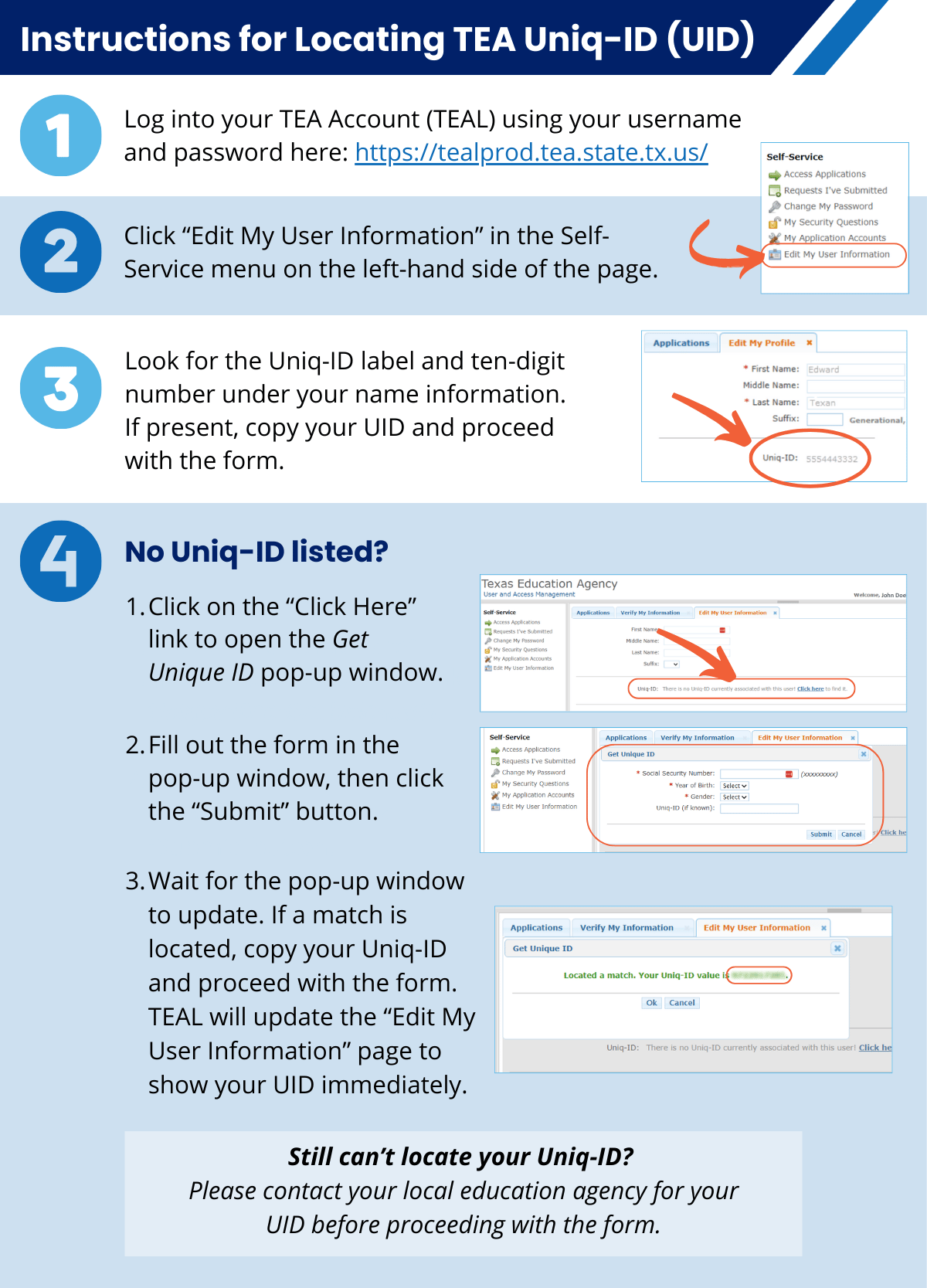
Always copy and paste the ID directly into the XPTopup checkout field rather than typing it manually to prevent typos.
App Identification: Shila Chat (Velira) vs Similar Social Apps
Several social audio applications share similar naming conventions or visual interfaces, such as Sala and other regional voice party platforms. Before submitting an order, verify that your account belongs to the official Shila Chat application developed by Velira.
| Attribute | Shila Chat (Velira) | Other Voice Chat Platforms |
|---|---|---|
| Primary Function | Multi-speaker audio party rooms & gifting | General live video streams or gaming channels |
| Account Identifier | Dedicated numeric UID under profile avatar | Alphanumeric usernames or email logins |
| In-App Currency | Shila Chat Coins | App-specific Diamonds, Gold, or Points |
| Developer Label | Velira | Distinct third-party developers |
Checking your app developer and account interface ensures you are ordering coins for the correct service.
What Are Shila Chat Coins Used For
Coins are the central component of the Shila Chat interactive ecosystem. Recharging your balance allows you to participate in several social activities:
- Animated Virtual Gifts: Send micro-gifts, luxury animations, and themed presents to room hosts and speakers to show appreciation.
- Room Ranking and PK Battles: Help your favorite broadcasters win competitive room battles by boosting their gift totals during live events.
- Profile Customization: Purchase limited-edition profile frames, custom chat speech bubbles, and exclusive room entrance effects.
- VIP Badges and Perks: Unlock special status indicators that highlight your presence whenever you enter public voice rooms.
Account Safety: Direct UID Top Up Without Passwords
Protecting your personal data is essential when purchasing digital items. XPTopup utilizes a direct UID delivery system that requires zero sensitive login credentials:
- No Passwords Needed: You never need to provide your account password, email access, or verification codes to recharge.
- Zero Third-Party Logins: We do not require linked social media logins (such as Google, Facebook, or Apple IDs).
- No Account Sharing: The entire transaction happens via public server delivery straight to your player ID, keeping your account completely secure.
By keeping your login information strictly private, you eliminate the risk of account compromise while purchasing coins.
Order Verification and Troubleshooting Balance Delays
Coin orders processed through XPTopup are sent directly to the designated Shila Chat server. If you complete an order and your balance does not update right away, follow these basic troubleshooting steps:
- Restart the Application: Close the Shila Chat app completely from your device's app switcher and reopen it. This forces the client to fetch updated balance data from the server.
- Verify the Network Connection: Switch between mobile data and Wi-Fi to ensure a weak connection is not preventing your wallet screen from refreshing.
- Verify Your UID: Check your XPTopup order confirmation receipt to make sure the submitted numeric ID matches the ID shown in your Shila Chat profile tab.
- Contact Customer Support: If your balance has not updated after restarting, reach out to XPTopup customer service with your order number and UID for fast assistance.
Frequently Asked Questions
How do I top up coins in Shila Chat?
Select your desired coin denomination on XPTopup, enter your Shila Chat numeric UID in the designated field, and proceed through the live checkout. Your coins will be credited directly to your in-app account.
Where can I find my Shila Chat UID?
Open the Shila Chat app, go to the profile section in the bottom right corner, and find the numeric ID displayed beneath your avatar and display name. Tap the copy icon next to the number to copy it.
Do I need to share my Shila Chat account password to recharge?
No. XPTopup only requires your public numeric UID to deliver your coins. Never share your password, verification codes, or login credentials with anyone.
What can Shila Chat coins be used for?
Shila Chat coins are used to send virtual gifts to room hosts, activate special entry animations, unlock profile frames, and support speakers during live audio room battles.
What should I do if I entered the wrong UID during checkout?
Coin deliveries are processed directly using the UID provided at checkout. If an incorrect but valid UID is entered, the coins are delivered to that account and cannot be reversed. If you notice an error before the order finishes processing, contact XPTopup support immediately.
How long does it take for Shila Chat coins to appear in-app?
Coins are usually credited shortly after your payment is confirmed on XPTopup. If you do not see them immediately, restart your Shila Chat app to refresh your wallet balance.
Current package prices
Current package prices are shown below. Prices exclude Tax. Tax, payment fees and applicable coupons are shown at checkout.
| Package | Price |
|---|---|
| Shila Chat - Shila Chat*20000 | USD 1.77 |
| Shila Chat - Shila Chat*25000 | USD 2.21 |
| Shila Chat - Shila Chat*50000 | USD 4.42 |
| Shila Chat - Shila Chat*100000 | USD 8.84 |
| Shila Chat - Shila Chat*500000 | USD 44.19 |
| Shila Chat - Shila Chat*1000000 | USD 88.39 |
| Shila Chat - Shila Chat*5000000 | USD 441.95 |
| Shila Chat - Shila Chat*15000 | USD 1.33 |