Vone Top Up: Fast Live Stream Coins and Credits
Vone is a global interactive live-streaming and video chat social application where users connect with broadcasters, participate in real-time PK challenges, and interact through vibrant virtual communities. To engage fully during broadcasts, users utilize Vone coins (also referred to as Vone credits), the primary in-app currency.
(Note on entity disambiguation: This page is dedicated exclusively to the digital currency used in the Vone live-streaming entertainment app. It is not affiliated with financial investment instruments such as the Vanguard Russell 1000 ETF ticker VONE or cryptocurrency tokens.)
What Are Vone Credits and How Are They Used in Vone Live?
Vone credits serve multiple core functions across the live broadcast ecosystem:
- Sending Virtual Gifts: Shower your favorite hosts with dynamic 2D and 3D animated gifts during live streams to show appreciation and boost their stream rankings.
- Interactive PK Battles: Support content creators during competitive host-versus-host PK matches by sending high-impact gift combos.
- Private Video Calls & Direct Interactions: Access one-on-one video chat sessions, send premium messages, and join private live chat rooms.
- VIP Badges and Profile Upgrades: Unlock unique entrance effects, exclusive chat bubbles, and prestige rank badges displayed on your public profile.
Recharging your balance through XPTopup ensures you never run out of coins in the middle of an exciting stream.
How to Top Up Vone Coins Using Player ID
Topping up your Vone account on XPTopup is direct, straightforward, and requires only your numeric Player ID. Follow these steps to complete your purchase:
- Select Your Coin Package: Choose the denomination of Vone coins you wish to purchase from the product catalog.
- Enter Your Vone Player ID: Type or paste your exact Vone Player ID into the designated input field.
- Review Real-Time Pricing: Check the live checkout screen for current package rates and select your preferred payment option.
- Complete Checkout: Finalize the transaction. Your Vone coins will be credited directly to your account balance via the server.
| Step Number | Action | Details |
|---|---|---|
| Step 1 | Choose Denomination | Pick the exact coin balance you require for your live sessions |
| Step 2 | Input Account Identifier | Enter your numeric Vone Player ID (found in your app profile) |
| Step 3 | Select Payment Method | Choose from available local and global payment solutions |
| Step 4 | Confirm & Receive | Finalize payment to receive direct server credit to your app |
How to Find Your Vone Player ID in the App
Your Vone Player ID is a unique numeric identifier tied directly to your user account. You do not need to share your phone number, email address, or social login credentials to recharge.
Follow these exact steps to copy your ID from within the app:
- Launch the Vone application on your mobile device.
- Tap the Profile / Me icon located in the bottom right corner of the navigation bar.
- Locate your profile avatar at the top of the screen.
- Directly beneath your display name, find the line labeled ID: followed by a sequence of numbers.
- Tap the small copy icon next to the number or record the digits carefully.
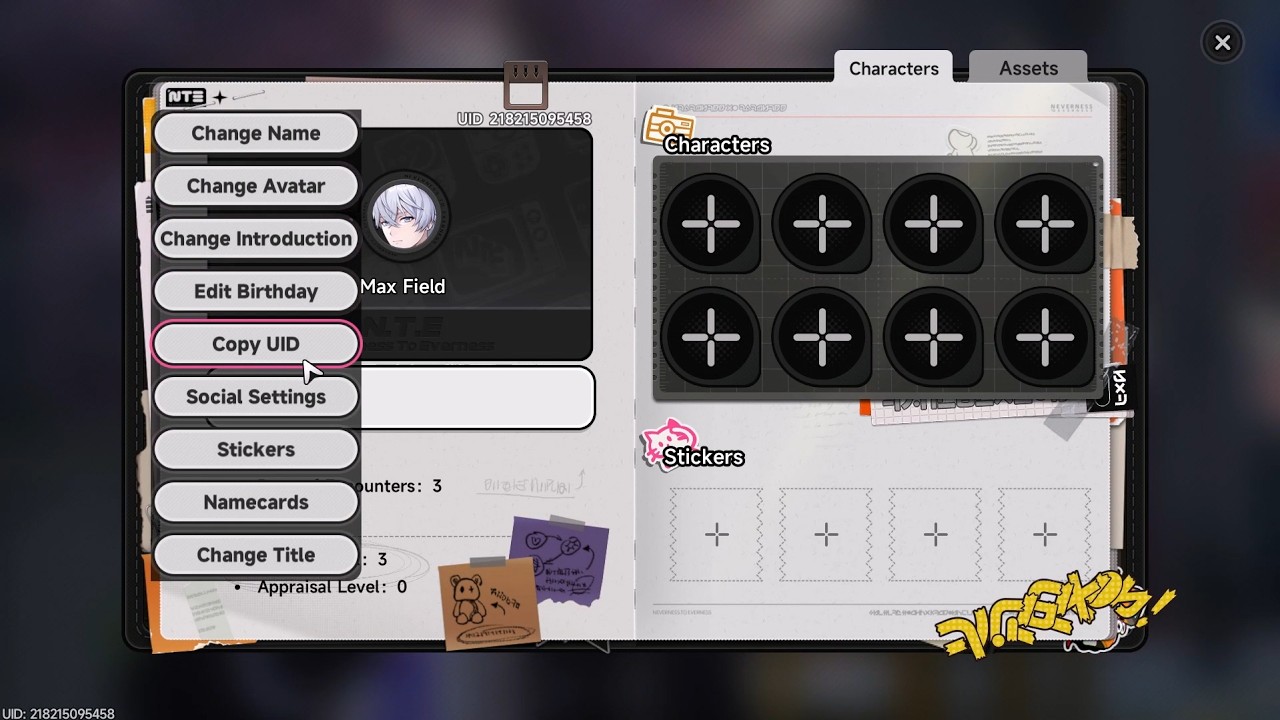
Double-check that you have copied all digits correctly before pasting the number into the order form on XPTopup.
Safe Top-Up Security: No Account Password Needed
Account safety is essential when purchasing digital entertainment currencies. XPTopup uses a direct Player ID fulfillment model, providing complete account security for every transaction:
- Zero Password Requirement: You will never be asked for your account password, security questions, or verification codes (OTP).
- No Third-Party Logins: You do not need to link or log in through your Google, Apple, or Facebook credentials.
- Direct System Delivery: Coins are transferred directly into your Vone account through official direct-credit routing.
- Data Privacy Protection: Your private conversations, friend lists, and personal settings remain entirely untouched.
Never share your login credentials or authentication codes with anyone claiming to provide manual top-ups or free coin generators.
Why Choose XPTopup for Your Vone Recharge
XPTopup provides a dependable, streamlined platform tailored for live-stream audiences across the globe:
- Dynamic Real-Time Pricing: All available coin bundles, unit rates, and regional currency options are displayed clearly on the checkout interface without hidden processing fees.
- Flexible Payment Methods: Checkout supports a wide selection of globally recognized payment solutions, digital wallets, credit/debit cards, and convenient local banking options depending on your location.
- International Multi-Language Support: The XPTopup platform is structured to serve global communities with localized navigation and clear transaction guidelines.
- Dedicated Customer Service: If you have questions regarding your Player ID entry or order status, the XPTopup support team is ready to assist you through resolution.
Troubleshooting Vone Top-Up Issues and Delivery Delays
While direct ID recharges process promptly, occasional network delays or entry errors can occur. If your balance does not update immediately, review the following troubleshooting steps:
1. Refresh the Vone Application
If you were actively in a live room when the recharge was completed, the local cache may not show the updated coin balance immediately. Fully close the Vone app from your recent apps switcher and reopen it. Check your balance under your profile page.
2. Verify the Submitted Player ID
Check your XPTopup order confirmation receipt. Ensure that the Player ID entered matches the digits shown in your Vone app profile. If you submitted an incorrect or mistyped ID belonging to another user, orders that have already been credited by the server cannot be reversed.
3. Check Payment Status
Confirm with your payment provider that your transaction went through successfully and that funds were cleared. If the transaction shows pending, the order will complete as soon as the provider confirms settlement.
4. Contact XPTopup Support
If your payment was completed, your Player ID was verified, and your coins have not arrived after refreshing, contact the XPTopup customer service team. Provide your Order Number, payment receipt, and a screenshot of your Vone profile ID for prompt verification.
Frequently Asked Questions About Vone Recharge
What is Vone and what are Vone coins used for?
Vone is a real-time social live-streaming and interactive video platform. Vone coins are the platform currency used to purchase virtual gifts for stream hosts, participate in interactive PK battles, unlock private video chats, and display VIP status badges.
How do I find my Vone Player ID?
Open the Vone app, tap the Profile (Me) tab in the bottom right corner, and look right below your avatar and username. Your unique numeric ID is displayed next to the "ID:" label. You can copy it directly with a single tap.
Do I need to share my Vone password to top up credits?
No. Recharging on XPTopup requires only your public Vone Player ID. You should never disclose your password, SMS verification codes, or social media login details.
Can I recharge Vone coins for free?
No legitimate method exists to generate free Vone coins. Websites or software advertising free coin hacks or generators are scams designed to compromise your personal data or devices. Always use secure, established recharge platforms like XPTopup.
What payment methods are available for Vone top up?
XPTopup offers a diverse selection of checkout methods, including major credit/debit cards, digital payment wallets, and regional bank transfers. View the live checkout page to see the exact payment channels supported in your country.
What should I do if my Vone recharge has not arrived?
First, restart the Vone application and check your profile coin balance. Next, verify that the Player ID on your order receipt matches your account. If the balance remains unchanged, reach out to XPTopup customer support with your order reference number for rapid assistance.
Current package prices
Current package prices are shown below. Prices exclude Tax. Tax, payment fees and applicable coupons are shown at checkout.
| Package | Price |
|---|---|
| VONE - VONE*10000 | USD 0.93 |
| VONE - VONE*30000 | USD 2.79 |
| VONE - VONE*50000 | USD 4.65 |
| VONE - VONE*70000 | USD 6.50 |
| VONE - VONE*100000 | USD 9.29 |
| VONE - VONE*200000 | USD 18.58 |
| VONE - VONE*500000 | USD 46.46 |
| VONE - VONE*700000 | USD 65.04 |
| VONE - VONE*1000000 | USD 92.92 |
| VONE - VONE*2000000 | USD 185.83 |