VOOLAA Top Up: Fast, Secure In-App Credits
VOOLAA is an interactive social and live entertainment platform where users connect through real-time audio rooms, community broadcasts, and digital gifting. In-app credits serve as the core virtual currency within VOOLAA, unlocking access to premium features, customized profile effects, and expressive digital gifts that support your favorite room hosts.
Completing a VOOLAA top up on XPTopup adds credits directly to your account using only your User ID (UID). This direct recharge method gives you instant access to platform services without requiring your login credentials, making the entire purchasing process smooth, direct, and secure.
How VOOLAA Credits Power In-App VIP Features
VOOLAA credits allow you to participate actively in social rooms and establish your presence across the platform. From sending animated gifts during live voice streams to purchasing premium membership tiers, credits provide access to a wide range of in-app utilities.
| Feature Category | In-App Utility | User Benefit |
|---|---|---|
| Virtual Gifting | Send digital presents and animated effects in voice rooms | Support streamers, interact with hosts, and climb fan leaderboards |
| VIP Memberships | Unlock exclusive badges, special name colors, and entry notices | Stand out in crowded rooms with premium visual indicators |
| Profile Customization | Acquire limited-edition avatar frames, chat bubbles, and vehicles | Personalize your public identity and profile showcase |
| Exclusive Seat Access | Reserve priority microphone seats in high-traffic audio channels | Join conversations without waiting in standard participant queues |
All credit denominations available on XPTopup are delivered straight to your in-app wallet balance. Current pricing, available bundles, and local currency conversions are displayed in real time on the live checkout screen.
Step-by-Step Guide to Top Up VOOLAA Credits on XPTopup
Recharging your VOOLAA account on XPTopup takes only a few straightforward steps:
- Select Your Credit Denomination: Review the available VOOLAA credit packages on the product page and choose the amount that fits your needs.
- Enter Your VOOLAA UID: Type your numeric VOOLAA User ID into the required UID field. Double-check the number to ensure accurate delivery to your profile.
- Proceed to Secure Checkout: Click to continue to the live checkout page, where you can view the final payment total and supported payment channels in your local currency.
- Select a Payment Method and Pay: Choose your preferred secure payment method and complete the payment process.
- Check Your In-App Balance: Once the payment is verified, the credits are credited directly to your VOOLAA account. Open the VOOLAA app to view your updated balance.
How to Locate Your VOOLAA User ID (UID)
Your VOOLAA UID is a permanent numeric identifier assigned specifically to your account. Because XPTopup delivers credits directly to this ID, entering the exact number ensures that your purchase reaches the right profile.
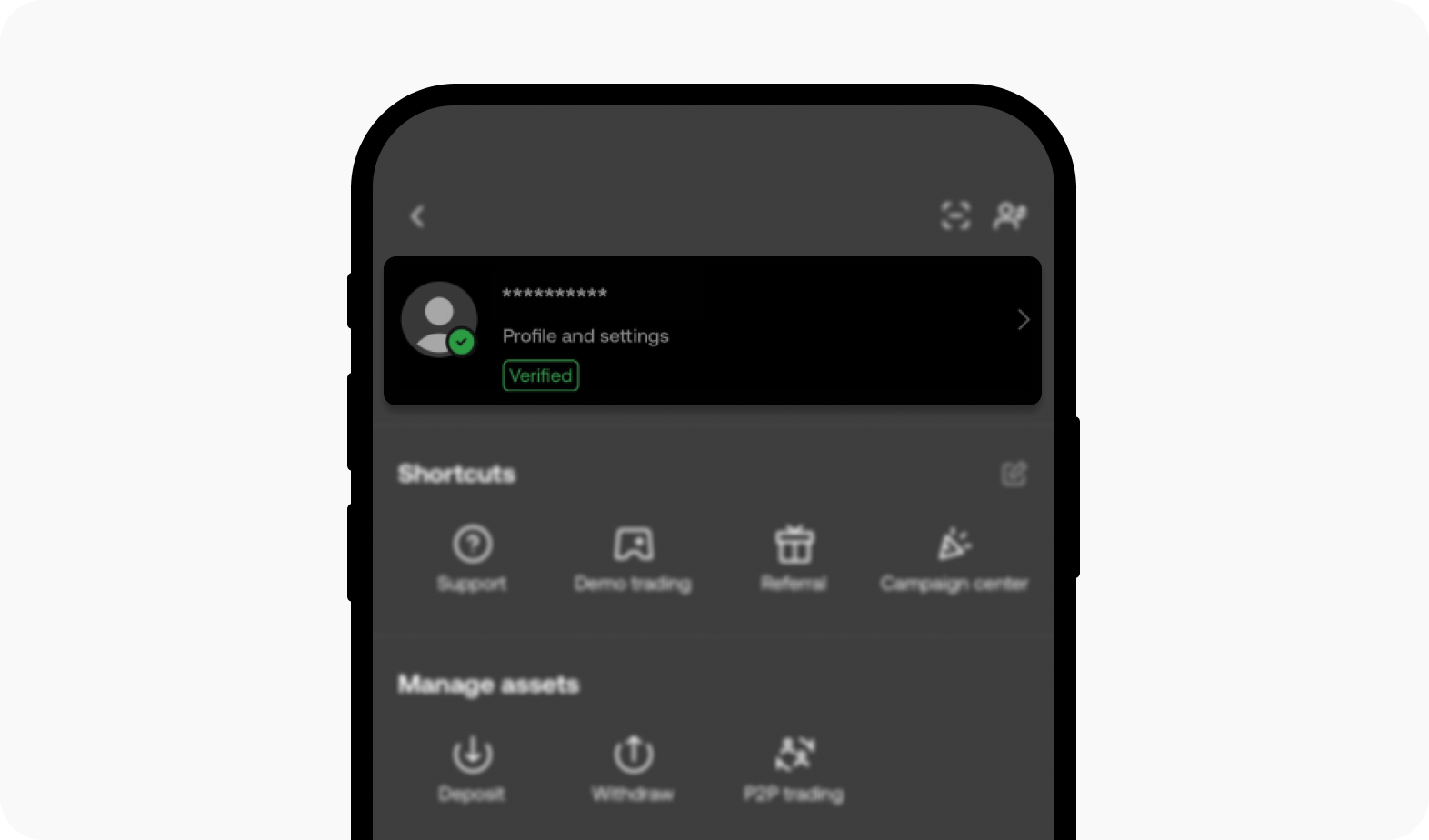
Follow these steps inside the VOOLAA app to find and copy your UID:
- Open the VOOLAA app on your smartphone or tablet.
- Tap the Profile or Me icon located in the bottom navigation bar.
- Look at the upper section of your profile screen near your avatar and nickname.
- Locate the line labeled ID or UID displaying a series of numbers.
- Tap the copy icon next to your UID, or carefully write down the exact sequence of numbers.
- Paste this ID into the player ID field on the XPTopup product page.
Account Security: Why UID-Only Recharge Protects You
Online account security is critical when purchasing digital currency. Some unauthorized third-party platforms ask buyers for login passwords, phone verification codes, or linked social media credentials. Sharing sensitive account credentials introduces unnecessary risks, including unauthorized access and potential account compromises.
At XPTopup, all VOOLAA transactions require only your public UID. This password-free delivery model provides complete safety for your personal data:
| Security Factor | Direct UID Recharge on XPTopup | Risky Account-Sharing Methods |
|---|---|---|
| Password Requirement | Never requested | Requires account passwords and login codes |
| Personal Privacy | Private messages and contacts stay private | Third parties gain full access to your account |
| Account Integrity | Zero risk of unauthorized settings modifications | High risk of profile changes or account lockouts |
| Compliance | Direct in-app credit transfer | Risk of service suspension from suspicious logins |
Because your password is never exposed, your account remains completely in your control throughout the entire top-up process.
Safe Payment Methods and Troubleshooting Delivery
XPTopup provides a protected checkout environment with encrypted payment processing. You can choose from various secure payment methods directly on the live checkout screen, allowing you to pay using major cards, digital wallets, or regional payment systems suited to your area.
Verifying Your Order Status
After finishing your payment on XPTopup, you can verify your transaction using the following steps:
- Check the order confirmation screen or your transaction receipt for a unique order ID.
- Open the VOOLAA app, navigate to your wallet or credit balance screen, and pull down to refresh the page.
- Verify that the purchased credits appear in your transaction history or total balance.
Troubleshooting Missing Credits
If your credits do not appear immediately after a successful payment, follow these troubleshooting recommendations:
- Force Restart the VOOLAA App: Close the VOOLAA app completely from your device app switcher and launch it again to trigger a fresh server synchronization.
- Verify the Submitted UID: Check the UID printed on your XPTopup order confirmation against the UID in your VOOLAA profile to ensure no digits were mistyped.
- Check Payment Authorization: Confirm with your payment provider that the charge was authorized and completed successfully.
- Contact 24/7 Support: If your balance does not update after several minutes, reach out to XPTopup customer support with your order ID and VOOLAA UID for prompt assistance.
Frequently Asked Questions
How do I top up VOOLAA credits online?
Select your preferred credit package on XPTopup, enter your numeric VOOLAA UID, choose a payment method at the live checkout, and finalize the payment. The credits are credited directly to your VOOLAA profile.
Where do I find my VOOLAA User ID (UID)?
Open the VOOLAA mobile app, tap the Profile icon in the bottom right corner of the screen, and locate the numeric ID displayed underneath your profile name and avatar.
Do I need to provide my VOOLAA login password to recharge?
No. You do not need to share your password, phone verification codes, or login details. XPTopup only requires your public VOOLAA UID to complete the credit delivery.
Can I recharge VOOLAA credits for a friend or another player?
Yes. You can purchase credits for friends, creators, or community members by entering their VOOLAA UID into the player ID field instead of your own. The credits will transfer directly into their account balance.
What should I do if my VOOLAA credits have not arrived after payment?
First, restart your VOOLAA app to refresh your wallet balance. Then verify that the UID on your order receipt matches your account. If the balance has not updated, contact XPTopup customer support with your order number for fast resolution.
What payment methods can I use to buy VOOLAA credits on XPTopup?
XPTopup supports multiple safe payment options, including major credit cards, debit cards, e-wallets, and localized payment options. Check the live checkout screen to view the complete list of available payment channels in your country.
Current package prices
Current package prices are shown below. Prices exclude Tax. Tax, payment fees and applicable coupons are shown at checkout.
| Package | Price |
|---|---|
| VOOLAA - VOOLAA*15000 | USD 2.64 |
| VOOLAA - VOOLAA*20000 | USD 3.53 |
| VOOLAA - VOOLAA*25000 | USD 4.41 |
| VOOLAA - VOOLAA*50000 | USD 8.81 |
| VOOLAA - VOOLAA*100000 | USD 17.63 |
| VOOLAA - VOOLAA*500000 | USD 88.13 |
| VOOLAA - VOOLAA*1000000 | USD 176.27 |
| VOOLAA - VOOLAA*10000 | USD 1.76 |