

Explore the StarMaker next update preview for late 2026, covering 3D Grab Mic rooms, AI vocal calibration, audio fixes, and upcoming party room tools.
Running a family room or queuing tracks for a live stream on StarMaker takes patience when bugs strike. Between audio latency and unexpected interface redesigns, tracking updates is the only way to avoid mid-session breakdowns. Builds across the 9.30 through 9.39 series have laid the groundwork for the next late 2026 client milestone.
This breakdown covers verified public rollouts, active beta tests, and the unresolved bugs still disrupting live rooms.
Late 2026 Roadmap: Tracked Rollouts vs Beta Additions
Tracking mobile karaoke updates requires separating live public builds from server-side experiments. Features frequently deploy to regional testing groups before reaching global app storefronts.
Recent patches have focused on basic stage utility, typography, and automated mixing tools. Patch 9.32.0 added Friendship Hiding to limit profile tracking, while the 9.33 branch overhauled scoring accuracy. Versions 9.34.0 and 9.35 rebuilt teleprompter scaling and lyric rendering, leading directly into the one-tap Sing List organizer in version 9.39.0.
The table below details verified live systems and features currently progressing through rollout pipelines.
| Feature System | Operational Scope | Build Tracking | Verification Status |
|---|---|---|---|
| One-Tap Sing List Organizer | Songbook catalog & bookmarks | Version 9.39.0 / 9.39.5 | Verified Live Release |
| Enhanced Lyric Video Captions | Cover upload visual styles | Version 9.35.5 / 9.35.6 | Verified Live Release |
| Scalable Teleprompter Font | Solo & duet recording UI | Version 9.34.0 | Verified Live Release |
| Dynamic Score & Sound Presets | Live feedback & track scoring | Version 9.33.0 / 9.33.2 | Verified Live Release |
| Friendship Hiding Privacy | Social profile & relationship graph | Version 9.32.0 | Verified Live Release |
| AI Timbre & Pitch Presets | Vocal processing engine | Client Pipeline 2026 | Active Rollout |
| 3D Grab the Mic Arena | Real-time party room competition | Client Pipeline 2026 | Active Rollout |
| Radar Chart Vocal Analytics | User performance statistics | Studio & Profile Review | Active Rollout |
| 1v1 Heartbeat Synchronized Duet | Live multiplayer matching | Social Stage Network | Active Rollout |
| Family Activity Scheduling | Community clan dashboard | Family Room Network | Active Rollout |
Every listed system reflects documented patch history and build records rather than unverified community speculation.

60 + 5 Bonus Coins
 60 + 5 Bonus CoinsUSD 0.63Buy Now
300 + 25 Bonus Coins
300 + 25 Bonus CoinsUSD 3.15Buy Now1,000 + 110 Bonus Coins
1,000 + 110 Bonus CoinsUSD 10.74Buy Now1,200 + 150 Bonus Coins
1,200 + 150 Bonus CoinsUSD 13.06Buy Now1,600 + 200 Bonus Coins
1,600 + 200 Bonus CoinsUSD 17.42Buy Now2,100 + 300 Bonus Coins
2,100 + 300 Bonus CoinsUSD 23.23Buy Now2,700 + 400 Bonus Coins
2,700 + 400 Bonus CoinsUSD 30.00Buy Now3,000 + 450 Bonus Coins
3,000 + 450 Bonus CoinsUSD 33.39Buy Now3,400 + 550 Bonus Coins
3,400 + 550 Bonus CoinsUSD 38.22Buy Now5,000 + 850 Bonus Coins
5,000 + 850 Bonus CoinsUSD 56.61Buy Now6,000 + 1,100 Bonus Coins
6,000 + 1,100 Bonus CoinsUSD 68.71Buy Now6,500 + 1,200 Bonus Coins
6,500 + 1,200 Bonus CoinsUSD 74.51Buy Now7,000 + 1,300 Bonus Coins
7,000 + 1,300 Bonus CoinsUSD 80.32Buy Now10,000 + 1,900 Bonus Coins
10,000 + 1,900 Bonus CoinsUSD 115.16Buy Now14,000 + 2,800 Bonus Coins
14,000 + 2,800 Bonus CoinsUSD 162.58Buy Now
Party Room Mechanics and the 3D Grab Mic Mode
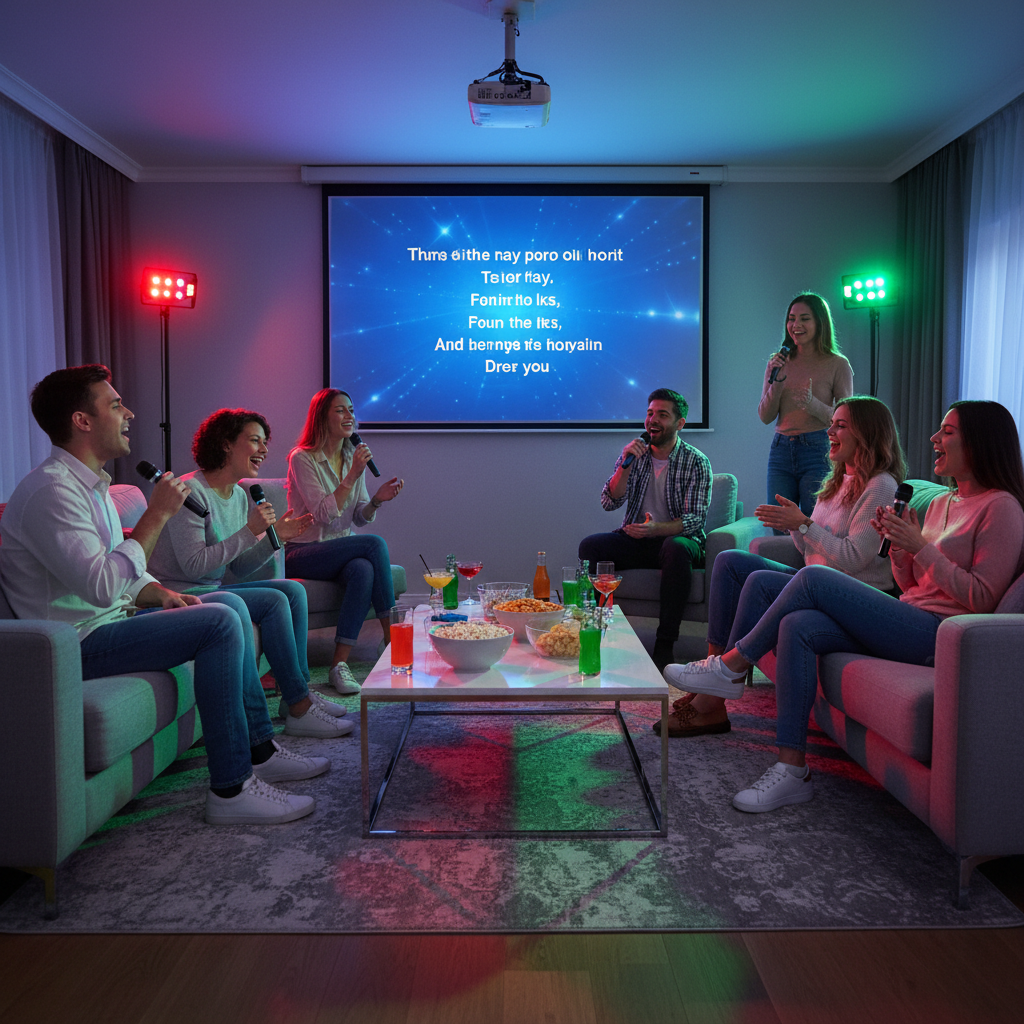
Party rooms host the bulk of daily activity in StarMaker. For family captains, maintaining a clean queue requires responsive stage controls. Recent updates improved lyric rendering speeds and added vertical swipe gestures, enabling users to switch open rooms instantly without returning to the main lobby.
The major addition to party rooms is the 3D Grab the Mic format. Six singers enter a shared competitive queue where rapid track prompts decide mic ownership instead of static turn lists. The engine scores pitch adherence and timing in real time, granting points to the singer who locks the mic and maintains key.
Stage gifting has also changed. Lucky Coin mechanics permit hosts and listeners to release broadcasted token drops during live performances. Singers funding family events or room leaderboards can process a StarMaker Coins Recharge before seasonal tournaments open.
The 3D format avoids the dead air common in open-mic rooms. When singers fail to take the mic or drop out, traditional queues stall; the six-slot grab format resolves this by continuously rotating turns to whoever reacts first.
Studio Overhaul: AI Timbre Analysis and Real-Time Calibration
Raw phone microphones deliver thin, dry vocal takes that usually demand manual equalization, reverb adjustment, and compression. The late 2026 audio pipeline introduces machine-learning models to automate this calibration.
The engine monitors vocal timbre, resonance, and pitch stability against the backing track's frequency range. Rather than applying uniform presets like "Studio" or "Hall," it calculates an equalization profile specific to the singer's input. The algorithm lifts mid-range presence on quiet takes and suppresses harsh high-frequency spikes on sensitive microphones.
This automatic layer sits on top of the sound presets introduced in patch 9.33.0. Manual sliders remain available in the studio menu, but the baseline profile significantly cuts post-take mixing adjustments.
Background noise disrupts this process. If ambient chatter or room echo bleeds into the mic, the analyzer mistakes the noise for vocal frequencies, creating phase artifacts and muddy mid-tones. Initial vocal calibration requires an isolated, quiet room.

Performance Scoring, Radar Charts, and Lyric Readability
Scoring feedback has shifted away from coarse pitch bars toward granular vocal analysis. The updated evaluation engine, released across patches 9.33.0 through 9.33.2, tracks pitch stability, cadence, and breath support with tighter tolerances.
Post-song summaries now display a multi-axis Radar Chart that scores five specific parameters:
- Pitch accuracy and pitch-lock consistency across dynamic key changes.
- Rhythm adherence relative to backing track tempo.
- Dynamic volume control and vocal projection.
- Register transitions across low and high octaves.
- Note stability and breath control during sustained measures.
For tracking lyrics while singing, patch 9.34.0 introduced scalable teleprompter typography. Users can enlarge scrolling text within the recording interface to maintain clear visibility at phone-stand distances.
Patches 9.35.5 and 9.35.6 extended this typography overhaul to cover uploads. Static lyric banners have been replaced by animated lyric overlays that sync to the vocal track, matching the output format of dedicated video editors.
Family Calendar Sync and 1v1 Heartbeat Duets
Clan management historically relied on outside chat applications to organize member appearances across differing time zones. The native Family Activity Calendar embeds scheduling tools straight into the squad management tab.
Captains can schedule room matches, battles, and communal Sing Together sessions on the shared calendar. Clan members receive automated in-app alerts when events open, eliminating manual member pinging.
For two-player sessions, the 1v1 Heartbeat Duet mode matches singers in real time. Rather than recording isolated stems and waiting days for a partner to complete a track, Heartbeat Duets align both singers in a shared audio session with split-screen vocal playback.
Captains organizing community room battles often need balances on hand for event rewards and custom stage themes. You can get StarMaker coins at xptopup to maintain account balances for scheduled clan fixtures.
Known Bugs: Room Desync and Account Overload Errors
Interface updates have moved faster than core audio repairs. Two bugs continue to disrupt live sessions and require manual workarounds.
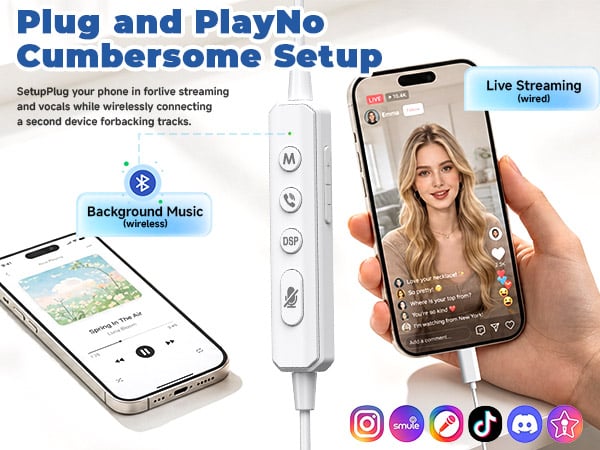
The primary defect is party room vocal desync. Performers hear audio properly synchronized in their monitor headphones, but the broadcast output reaches listeners delayed by up to 500 milliseconds and at lower volume levels. This delay stems from hardware buffer issues and Bluetooth processing latency. Wired headphones remove the delay on live stages. For solo recordings that slip out of time, adjust the millisecond offset slider on the post-recording review screen.
The second bug triggers a sudden security lockout reading "due to account overload or risk." The automated fraud filter triggers when singers swap devices frequently, sing across shifting public Wi-Fi access points, or share IP addresses. Restoring stage access requires emailing appsupport@starmakerinteractive.com, as no self-service recovery button exists in the client.
| Technical Issue | Root Cause | Impacted Feature | Recommended Workaround |
|---|---|---|---|
| Live Audio Desync | Bluetooth delay / buffer lag | Party Rooms & Stage Queues | Use wired monitors; adjust manual sync slider |
| Low Microphone Output | Audio gain mismatches | Live Party Rooms | Turn off phone noise suppression; toggle mic boost |
| "Account Overload or Risk" | Aggressive fraud security filter | Party Room Entry & Live Stream | Contact appsupport@starmakerinteractive.com |
| Lyric Display Stalling | Network packet loss | Live Sing Rooms | Clear app memory cache; reconnect to stable Wi-Fi |
Checking these settings prior to room matches prevents forced restarts in the middle of live tournaments.
VIP and Pro Membership Pricing Structures
Subscription plans vary depending on whether you run the primary client or StarMaker Lite. Storefronts also list different publisher entities by region—including StarMaker Interactive Inc., SKYWORK AI PTE LTD, and New Potato Technologies Inc.—which alters subscription tiers and naming conventions.
StarMaker Pro on the core app removes ads, provides specialized stage banners, enables advanced mixing tools, and issues monthly coin allotments. StarMaker Lite runs an independent VIP model with weekly, monthly, quarterly, and annual billing terms.
The table below lists documented prices across both application builds.
| Membership Package | Platform App Edition | Billing Frequency | Documented Price |
|---|---|---|---|
| StarMaker Pro Weekly | Core Application | 1 Week (Auto-Renew) | $7.99 |
| StarMaker Pro Monthly | Core Application | 1 Month (Auto-Renew) | $14.99 |
| StarMaker Pro Annual | Core Application | 1 Year (Auto-Renew) | $59.99 |
| StarMaker Lite VIP Weekly | Lite Edition | 1 Week (Auto-Renew) | $6.99 |
| StarMaker Lite VIP Monthly | Lite Edition | 1 Month (Auto-Renew) | $16.99 |
| StarMaker Lite VIP Quarterly | Lite Edition | 3 Months (Auto-Renew) | $39.99 |
| StarMaker Lite VIP Annual | Lite Edition | 1 Year (Auto-Renew) | $129.99 |
The annual prices show an extreme spread: the standard app Pro package costs $59.99 per year, while Lite VIP charges $129.99 per year. Check your installed application variant before committing to an annual recurring tier.
If you prefer to avoid recurring subscriptions entirely, you can purchase StarMaker coins online as needed to fund party room events without recurring monthly fees.
How to Prepare Your Account Before the Next Patch Drops
Unchecked updates can overwrite audio preferences and disrupt custom queues. Before installing upcoming 2026 builds, run through this configuration checklist.
First, organize your catalog with the Sing List manager from version 9.39.0. Tap the bookmark icon in the songbook to populate your list, which makes selected tracks instantly accessible inside recording and stage interfaces without search delays.
Second, check your profile visibility. To rehearse or run mic tests without sending notifications to mutual followers, enable Friendship Hiding under profile settings (added in patch 9.32.0).
| Step | Configuration Area | Target Setting | Desired Result |
|---|---|---|---|
| 1 | Songbook Directory | Tap Bookmark Icon | Build custom Sing List queue (v9.39) |
| 2 | Account Privacy | Friendship Hiding | Restrict social graph visibility (v9.32) |
| 3 | Recording Studio | Lyrics Font Size | Increase text size for clear reading (v9.34) |
| 4 | Vocal Settings | AI Timbre Calibration | Generate personalized vocal EQ curve |
| 5 | Family Management | Activity Calendar | Schedule upcoming room battles and duets |
Configuring these options in advance prevents updates from interrupting room battles or solo sessions.
The Verdict on StarMaker's Late 2026 Direction
StarMaker's recent patches signal a definitive shift away from isolated karaoke tracking and toward live broadcast battles. The 3D Grab the Mic mechanic and automated EQ engines target singers participating in active, competitive rooms.
Core audio stability still lags behind social additions. Dynamic lyric animations and 3D stages cannot compensate for persistent live monitor latency. Until the developers address party room delay and soften overzealous fraud lockouts, live rooms will remain unreliable for serious vocalists.
For casual stage battles and social singing, the late 2026 additions supply substantial entertainment. For serious vocal covers, prioritize wired audio setups, calibrate EQ presets manually, and manage song selections through the Sing List hub.
Frequently Asked Questions
What new Party Room features are available in the latest StarMaker update?
Party Rooms now support optimized lyric displays, advanced sound effects, and 3D Grab the Mic rooms for up to six singers. Users can also swipe up and down to jump directly between active rooms without opening the directory.
How does the AI audio effect feature work?
The AI tool analyzes your vocal timbre and pitch alongside the backing track to generate personalized audio effect settings. This automatic calibration balances vocal frequencies and reverb without requiring manual slider adjustments.
What is the new Sing List feature in version 9.39?
The Sing List feature lets singers bookmark songs with a single tap directly from music catalogs. Users can curate, save, and reorder their custom singing queue at any time for quick access inside rooms.
How can users fix audio delay and desync during live room singing?
Audio delay is commonly caused by Bluetooth processing lag or buffering, making wired headphones the best preventive solution. For solo covers, singers can also re-sync audio tracks on the post-recording screen using the manual sync adjustment slider.
What causes the "account overload or risk" error when entering Party Rooms?
This error occurs when automated moderation flags an account for multiple logins, device sharing, or unusual network activity. Affected users must contact customer support via appsupport@starmakerinteractive.com to clear the flag.
How much does a StarMaker Pro subscription cost?
StarMaker Pro subscriptions cost $7.99 for one week, $14.99 for one month, or $59.99 for a full year. Subscriptions renew automatically through your account settings unless cancelled at least 24 hours before the period ends.






Comments