Haki Top Up: Fast Credits and Coins via Player ID
Haki is a popular interactive voice chat, live social streaming, and group entertainment app where users join dynamic audio rooms, interact with creators, and build online communities. To fully engage in voice rooms, support favorite broadcasters, and participate in community activities, having an active balance of Haki coins and credits is essential.
XPTopup provides a direct, secure Haki top up service tailored for active voice room participants and hosts. Instead of navigating confusing voucher systems or dealing with complicated redemption links, your order is credited directly to your in-app wallet using only your unique Haki Player ID. Select your preferred credit package, complete your payment on the checkout page, and enjoy instant balance updates inside the app.
What Are Haki Credits and In-App Voice Room Uses
Haki credits function as the primary in-app currency across all audio chat rooms, party spaces, and entertainment channels. When you recharge your Haki wallet, you unlock multiple social features:
- Virtual Gifting in Voice Rooms: Send animated 2D and 3D gifts to room hosts, guest speakers, and performers to show appreciation and boost your social standing.
- Room Entry and Chat Effects: Stand out when joining active audio rooms with exclusive entry animations, glowing microphone borders, and customizable text bubble styles.
- VIP Badges and Tier Status: Accumulating and spending credits increases your wealth tier, displaying premium badges next to your nickname on global leaderboards.
- Community Events and Room PK Battles: Support your favorite audio rooms during competitive host battles and seasonal ranking tournaments to push your team to the top of the charts.
How to Locate Your Haki Player ID in the Profile Menu
To ensure your credits arrive in the correct account, you only need to provide your numeric Haki Player ID. You do not need to share your phone number, password, or login credentials.
Follow these quick steps to copy your ID directly from the app:
- Open the Haki app on your mobile device.
- Tap the Me or Profile icon located in the bottom navigation menu.
- Look directly beneath your profile avatar and display name to view your numeric Player ID.
- Tap the Copy icon next to your ID number to copy it to your clipboard.
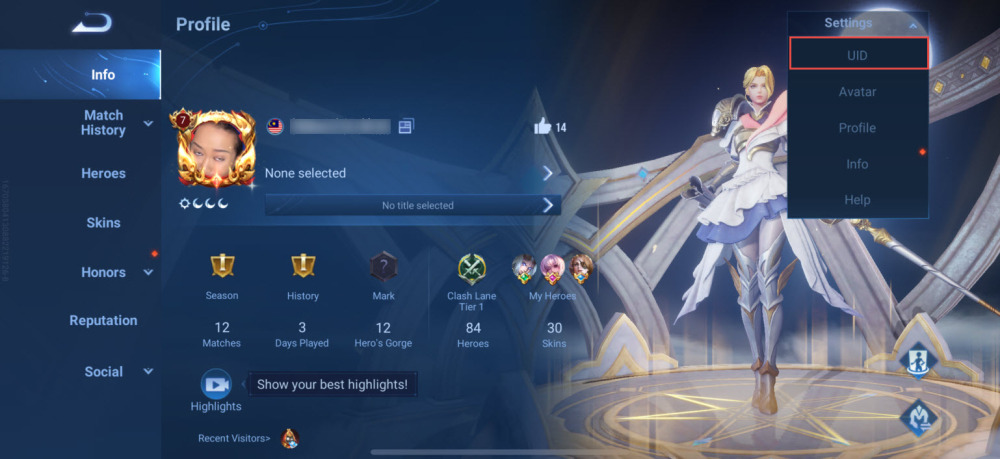
Double-check that the copied number matches your profile exactly before pasting it into the checkout field on XPTopup. Because direct ID top-ups process automatically, submitting an accurate Player ID ensures prompt delivery without delays.
Step-by-Step Guide to Top Up Haki on XPTopup
Reloading your Haki balance on XPTopup takes just a few moments. Follow this straightforward guide to complete your recharge:
- Select Your Credit Amount: Choose the credit denomination that fits your gifting and room participation plans, from starter packs up to large high-tier bundles.
- Enter Your Haki Player ID: Paste your numeric ID into the required account input field on this page.
- Proceed to Checkout: Click the buy button to move to the secure checkout screen, where you can view live pricing and select your payment method.
- Complete Your Payment: Follow the on-screen prompts to finalize the transaction.
- Check Your In-App Balance: Once payment confirmation is complete, open the Haki app to see your updated credit balance ready for use.
Available Haki Credit Denominations (10,000 to 700,000 Packs)
XPTopup offers a complete range of Haki credit tiers to match different spending needs. Whether you want a quick refill for a single party room or a substantial balance for extended broadcasting events, you can find the right pack below.
| Credit Pack Tier | Recommended In-App Use Case | Delivery Method |
|---|---|---|
| 10,000 Credits | Quick tipping, basic animated stickers, testing recharge | Direct Player ID reload |
| 25,000 Credits | Standard room interactions, short voice room sessions | Direct Player ID reload |
| 50,000 Credits | Mid-tier room gifts, custom profile frames | Direct Player ID reload |
| 100,000 Credits | Extended party room support, room badge upgrades | Direct Player ID reload |
| 250,000 Credits | Competitive room PK battles, premium gift series | Direct Player ID reload |
| 500,000 Credits | High-level room hosting, leaderboard climbing | Direct Player ID reload |
| 700,000 Credits | Maximum gifting power, major tournament sponsorship | Direct Player ID reload |
Note: Exact regional pricing and active currency rates are displayed live during the checkout process.
Safe and Secure Player ID-Only Recharge Process
Security is paramount when purchasing virtual currencies online. XPTopup uses a direct-to-account loading system designed around user safety:
- No Passwords or Account Access Required: You never have to provide your account password, email access, or verification SMS codes. We only require your public numeric Player ID.
- Direct Delivery Without Third-Party Codes: Unlike platforms that sell third-party SMS voucher codes or external redemption pins—which can expire, fail, or require complex manual input—XPTopup routes credits straight into your Haki wallet.
- Encrypted Checkout: Every transaction is processed through encrypted protocols to protect your personal and payment details at all times.
How to Check Your Updated Balance in the Haki Wallet
After completing your purchase on XPTopup, verifying your updated balance inside the Haki app is simple:
- Launch the Haki app on your phone.
- Tap your Profile tab in the bottom right corner.
- Tap on Wallet or Coins to view your total available balance.
- If you had the app open during payment, perform a quick pull-to-refresh on the profile screen or close and restart the app to sync the newest server balance.
Troubleshooting Common Haki Top Up and Payment Questions
Where can I buy Haki credits and coins safely?
You can purchase Haki credits safely directly on XPTopup by entering your numeric Player ID. Our direct delivery infrastructure ensures credits are sent straight to your in-app wallet without requiring passwords or sensitive account details.
How do I find my Haki Player ID for recharge?
Open the Haki application, tap the Profile (Me) tab at the bottom right of the screen, and locate the numeric ID displayed underneath your avatar and display name. Tap the copy icon next to the digits to copy your ID accurately.
Do I need to provide my Haki account password to top up?
No. XPTopup only requires your numeric Haki Player ID to process your credit order. We will never ask for your account password, SMS verification codes, or linked social media logins.
How long does it take for Haki credits to arrive in my account?
Orders placed on XPTopup are processed directly upon successful payment confirmation. In most cases, your credits appear in your Haki wallet almost immediately after the transaction is finalized.
What should I do if my Haki credit balance does not update immediately?
If your balance does not update right away, close the Haki app completely and restart it, or pull down on your profile screen to refresh the wallet data. If you still do not see your credits after a few minutes, check your order confirmation details on XPTopup and contact customer support with your order number and Player ID for assistance.
What can Haki credits and coins be used for in the app?
Haki credits are used to send animated virtual gifts to voice room hosts and friends, purchase custom room entry effects, unlock special avatar frames, participate in host ranking battles, and increase your overall VIP profile status across the platform.
Current package prices
Current package prices are shown below. Prices exclude Tax. Tax, payment fees and applicable coupons are shown at checkout.
| Package | Price |
|---|---|
| Haki - Haki*30000 | USD 15.38 |
| Haki - Haki*50000 | USD 25.63 |
| Haki - Haki*70000 | USD 35.89 |
| Haki - Haki*100000 | USD 51.27 |
| Haki - Haki*200000 | USD 102.53 |
| Haki - Haki*500000 | USD 256.33 |
| Haki - Haki*700000 | USD 358.87 |
| Haki - Haki*10000 | USD 5.13 |