Wyak Top Up: What Is Wyak and What Are Wyak Coins Used For?
Wyak is a popular social voice chat and live entertainment platform designed for real-time audio interaction, casual gaming, and community socializing. Users from across the world gather in themed voice rooms to talk, listen to music, host interactive talent broadcasts, and participate in lively group discussions.
Wyak coins represent the primary virtual currency within the ecosystem. When you top up Wyak coins, you open access to the full spectrum of interactive features across voice rooms and personal profiles. Coins enable you to:
- Send Animated Virtual Gifts: Express appreciation to room hosts, broadcasters, and active mic speakers with dynamic visual effects.
- Acquire Custom Entrance Effects: Arrive in chat rooms with custom vehicle animations, glowing entry banners, and sound effects that make an immediate impression.
- Unlock Avatar Decorations: Personalize your account with animated profile frames, speech bubble themes, and exclusive community badges.
- Level Up VIP Status: Regular coin usage boosts your user growth level and VIP rank, conferring special privileges, priority room placement, and distinct profile flair.
- Fund In-Room Interactive Mini-Games: Join community activities, lucky draws, and competitive room events alongside other members.
Recharging your coin balance ensures you never miss an opportunity to support your favorite hosts or stand out during peak room events.
How to Locate Your Wyak UID in the App
To complete a direct top-up, you only need your Wyak User ID (UID). Finding your UID is straightforward and takes just a few seconds inside the mobile application.
- Launch the Wyak app on your mobile device.
- Tap the Profile or Me tab located in the lower-right corner of the bottom navigation bar.
- Your personal profile screen will display your avatar, nickname, and your numeric UID directly beneath your display name.
- Tap the Copy icon next to the number or record the exact digits accurately.
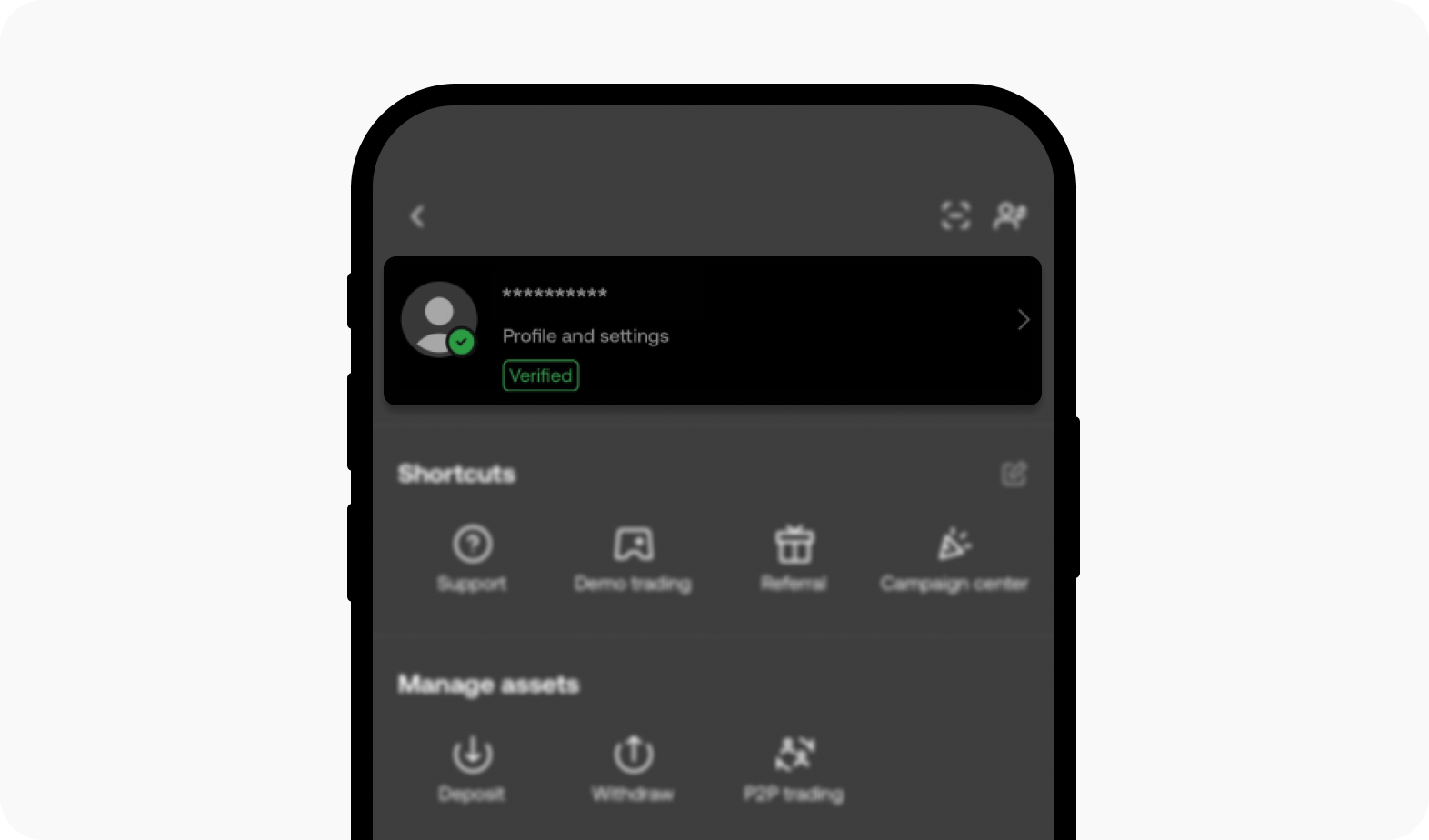
Always double-check your UID before proceeding to checkout. Because coin deliveries are processed automatically by the system, ensuring the numeric string is exact prevents accidental transfers to another user's wallet.
Step-by-Step Guide to Wyak Top Up on XPTopup
Ordering Wyak coins on XPTopup requires only your UID and takes just a few simple steps:
- Select Your Coin Package: Browse the available Wyak coin denominations on the product page and choose the amount that fits your entertainment needs.
- Enter Your Wyak UID: Type or paste your numeric UID into the designated account field.
- Review Your Order Details: Check that your UID and selected coin package are correct on the live checkout screen.
- Select a Payment Method: Choose from the available regional payment options and complete the transaction.
- Receive Your Coins: Once your payment is confirmed, the coins credit directly to your linked Wyak account balance.
Prices and available coin packages are displayed in real time on the order selection module. You can check the exact amounts before completing your payment.
Top In-App Gifts, Party Perks, and Profile Customizations
Wyak coins serve multiple functions within the app, allowing you to tailor your social presence and support other community members.
| Item Category | In-App Function | User Benefits |
|---|---|---|
| Virtual Gifts | Sent to mic speakers and room creators | Increases host popularity rank and displays room-wide animations |
| Entrance Vehicles | Triggers automated vehicle animation on room entry | Highlights presence with luxury cars, aircraft, or fantasy mounts |
| Profile Frames | Border artwork placed around your avatar | Distinguishes your profile in chat lists, mic spots, and rankings |
| Mic Glow & Rings | Visual rings encircling your avatar while speaking | Signals active speaking status with exclusive visual colors |
| VIP Badges | Displayed next to your username across all rooms | Demonstrates community standing and unlocks VIP service perks |
Using your coins strategically during special events or talent competitions helps boost room excitement and strengthens your standing within the Wyak community.
Safe UID-Only Recharge: No Password Needed
Account safety is a core priority when topping up digital entertainment currencies. Recharging Wyak on XPTopup uses a direct UID delivery system, meaning you never need to share your password, login credentials, or phone verification codes.
- Zero Password Exposure: Your login details remain private on your device at all times.
- No Third-Party Access: System-direct crediting delivers coins directly to your wallet without requiring any outside login to your app profile.
- Universal Cross-Platform Support: Whether you registered Wyak on Android or iOS in 2026, the UID system connects directly to your cloud profile without platform restrictions.
- Gift Coins to Friends: Because only the UID is required, you can surprise friends, guild members, or voice room hosts by topping up their accounts directly using their numeric UID.
Troubleshooting Common Wyak Recharge and Balance Refresh Issues
If you have completed your top-up order and your updated balance does not show right away, use the following troubleshooting steps:
- Refresh the Wyak App: Completely close the Wyak application from your phone's recent apps menu and relaunch it. This forces the app to sync with the central server and refresh your wallet balance.
- Check Your Internet Connection: A weak Wi-Fi or mobile data connection can cause local display delays. Switch network connections or toggle airplane mode to restore real-time data sync.
- Verify Your App Transaction Log: In Wyak, open your Wallet or Coins tab and check your transaction history to see if the recent deposit has posted.
- Review the Submitted UID: Check your order confirmation on XPTopup to verify that the entered UID matches your profile number exactly.
- Contact Support with Your Order ID: If the coin balance has not updated after restarting the app, reach out to XPTopup customer support with your transaction reference number and UID for prompt assistance.
Frequently Asked Questions
How do I find my Wyak UID for top-up?
Open the Wyak app, tap the Me or Profile icon in the bottom-right corner, and locate the numeric UID displayed beneath your profile picture and nickname. Tap the copy icon next to it to copy the numbers accurately.
Do I need to provide my Wyak account password to buy coins?
No. XPTopup only requires your numeric Wyak UID to credit coins to your account. You will never be asked for your account password, email login, or SMS verification codes.
How long does it take to receive Wyak coins after completing payment?
Coins are credited directly through the system as soon as your payment transaction is successfully processed. In most instances, your balance updates immediately after restarting your app.
How much does a Wyak coin top up cost?
Coin package pricing varies based on the denomination you select and the localized payment method you use. View the live product selector on XPTopup to check current rates for each coin bundle.
Can I top up Wyak coins for a friend using their UID?
Yes. You can purchase coins for any user by entering their specific Wyak UID into the UID field at checkout. The coins will credit directly to their profile upon payment confirmation.
Is Wyak top up supported for both Android and iOS devices?
Yes. Wyak user IDs are tied to the platform's central account database. Coins recharged through your UID are accessible regardless of whether you log in on an Android or iOS device in 2026.
What should I do if my Wyak balance does not update immediately?
First, force-close the Wyak application and open it again to refresh your account data. If your new balance still does not show, verify the UID on your order receipt and contact XPTopup support with your order details for assistance.
Current package prices
Current package prices are shown below. Prices exclude Tax. Tax, payment fees and applicable coupons are shown at checkout.
| Package | Price |
|---|---|
| Wyak - Wyak*5000000 | USD 9.40 |
| Wyak - Wyak*10000000 | USD 18.81 |
| Wyak - Wyak*50000000 | USD 94.05 |
| Wyak - Wyak*100000000 | USD 188.10 |
| Wyak - Wyak*1000000 | USD 1.88 |