What Are FLAI Coins and How to Use Them for AI Features
FLAI Coins serve as the primary balance currency within the FLAI interactive AI platform. Users spend Coins to access advanced conversational AI models, generate custom character personalities, run high-context dialogues, and produce real-time voice messages.
While standard access provides baseline interaction, premium conversational features and accelerated processing require an active coin balance. By purchasing FLAI Coins, you gain complete freedom to explore unconstrained character interactions without message queues or feature limitations.
| FLAI Feature | Standard Account | With FLAI Coins Balance |
|---|---|---|
| Advanced AI Models | Restricted / Daily limits | Direct high-speed access |
| Custom Character Creation | Basic personality templates | Full prompt and context customization |
| Voice Generation | Limited samples | High-fidelity voice synthesis |
| Context Memory | Short session retention | Extended multi-turn dialogue memory |
| Interaction Speed | Standard server priority | Priority processing tier |
Keeping your coin balance topped up ensures uninterrupted sessions with your favorite AI characters, whether you use the platform for creative storytelling, language practice, roleplay, or productivity tasks.
How to Locate Your FLAI Player ID
To process your FLAI Coins top up correctly, XPTopup requires only your unique FLAI Player ID. You do not need to share your login credentials, password, or third-party social auth details.
Follow these simple steps to retrieve your Player ID directly from the FLAI application:
- Launch the FLAI app on your mobile device or open the web interface in your browser.
- Tap the Profile or My Account icon located in the bottom navigation bar.
- Locate the profile banner at the top of the settings page.
- Your Player ID (a series of numbers or alphanumeric characters) is displayed beneath your profile nickname.
- Tap the copy icon next to your Player ID to copy it to your clipboard.
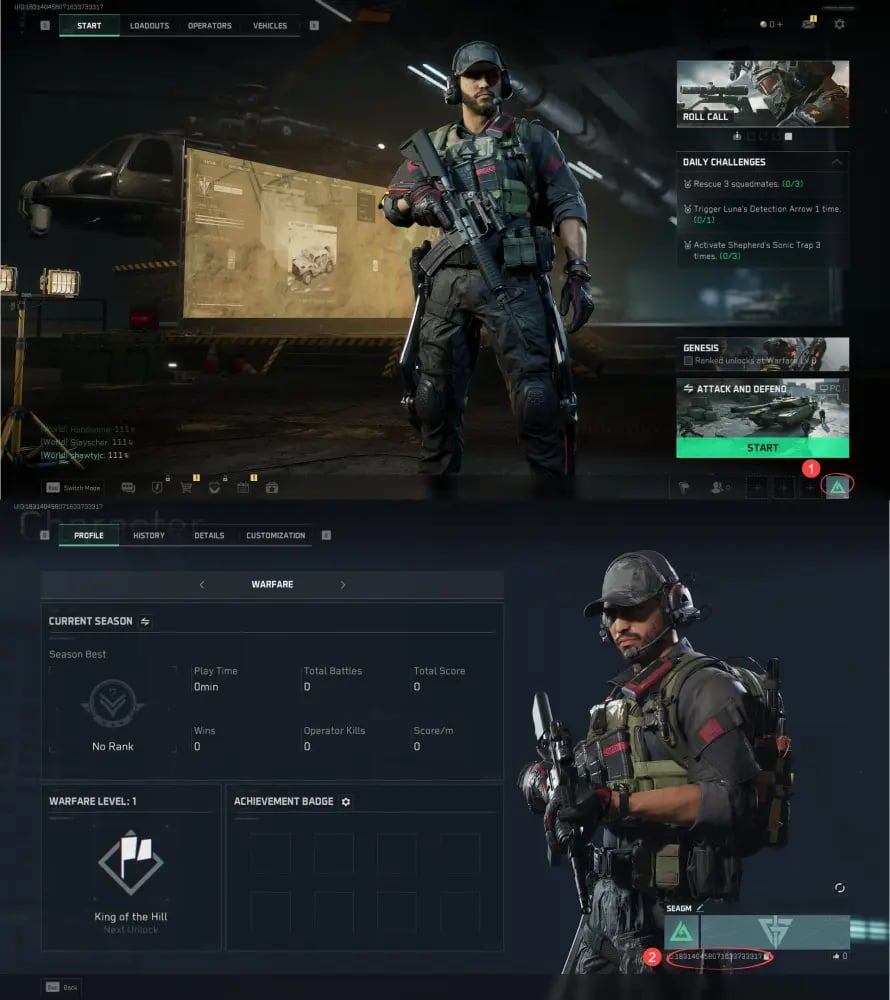
Double-check that the copied ID matches your profile before pasting it into the checkout field on XPTopup to avoid delivery delays.
Step-by-Step Guide to FLAI Coins Top Up on XPTopup
Recharging your account balance on XPTopup takes only a couple of minutes. Follow this walkthrough to complete your order:
- Select Your Coin Package: Browse the available FLAI Coins denominations on the product page and choose the amount that fits your current usage needs.
- Enter Your Account Details: Paste your FLAI Player ID into the designated input field. Make sure there are no accidental spaces before or after the numbers.
- Choose Your Preferred Payment Channel: Select from the available regional and international payment methods shown on the checkout screen.
- Review and Pay: Verify your Player ID and selected package, then complete the transaction through the secure payment gateway.
- Receive Your Coins: Once payment verification clears, your FLAI Coins are credited directly to your in-app account balance.
Account Security: Why Player ID-Only Recharges Keep You Safe
Account safety is a major priority when purchasing digital currencies online. XPTopup uses a direct Player ID delivery system, eliminating the risks associated with account sharing.
- Zero Password Sharing: You will never be asked for your account password, email login, or authentication codes. Your private chat logs and account settings remain completely confidential.
- No Account Takeover Risks: Because transactions only require your public Player ID, malicious third parties cannot intercept your credentials or alter your security settings.
- Encrypted Payment Processing: Every transaction on XPTopup is processed through industry-standard encrypted gateways, ensuring your financial data is fully protected.
- Safe for Gifting: Because only the Player ID is needed, you can top up coins for friends or team members safely by entering their UID.
Supported Payment Options and Live Checkout Pricing in 2026
XPTopup provides a variety of payment methods to accommodate users globally in 2026. Available options include major credit cards, debit cards, localized e-wallets, and regional online banking channels.
All exchange rates, dynamic currency conversions, and final costs are calculated in real time on the live checkout screen. XPTopup displays exact pricing upfront without hidden processing fees at the final payment step. Choose your local currency from the site selector to view the most competitive rates available for your region.
Troubleshooting Common Top Up Delays and Verification Checks
Most FLAI Coins orders process immediately after payment confirmation. If you experience a slight delay, run through these quick verification steps:
- Restart the FLAI App: Completely close the FLAI application and reopen it. In many cases, the app interface needs a fresh connection to the server to update your displayed coin counter.
- Check Transaction Status: Review your order history on XPTopup to confirm that payment status shows as completed rather than pending by your bank.
- Verify Your Player ID: Check your order confirmation receipt to confirm the Player ID submitted matches your in-app profile. If you notice a typo, reach out to support immediately.
- Contact Support with Your Order ID: If your coins do not reflect after a short waiting window, contact the 24/7 XPTopup customer assistance team with your Order ID and Player ID for rapid resolution.